Player
Icons
- Play/Pause

Starts or pauses video playback.
- Mute/Unmute

Turns player audio on or off.
- Sphere AI

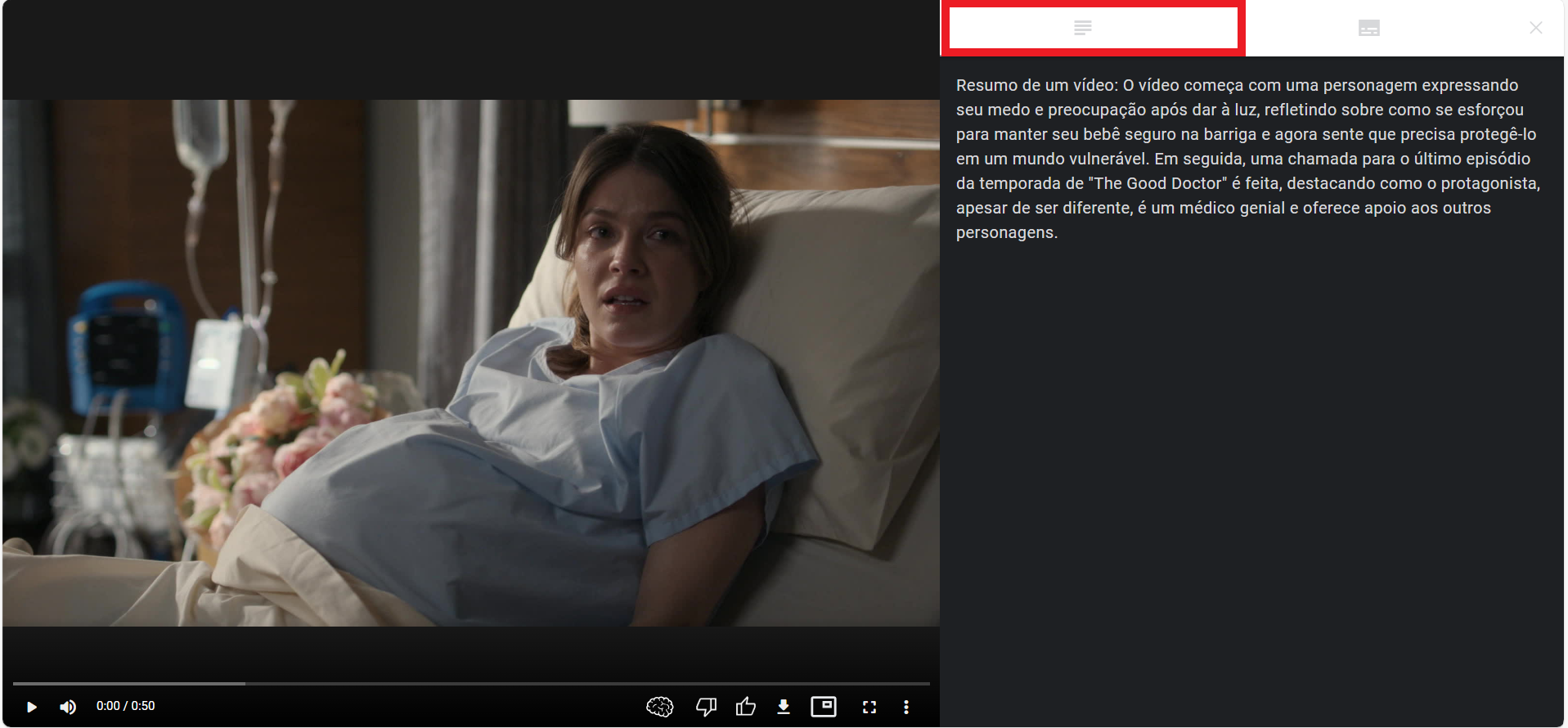
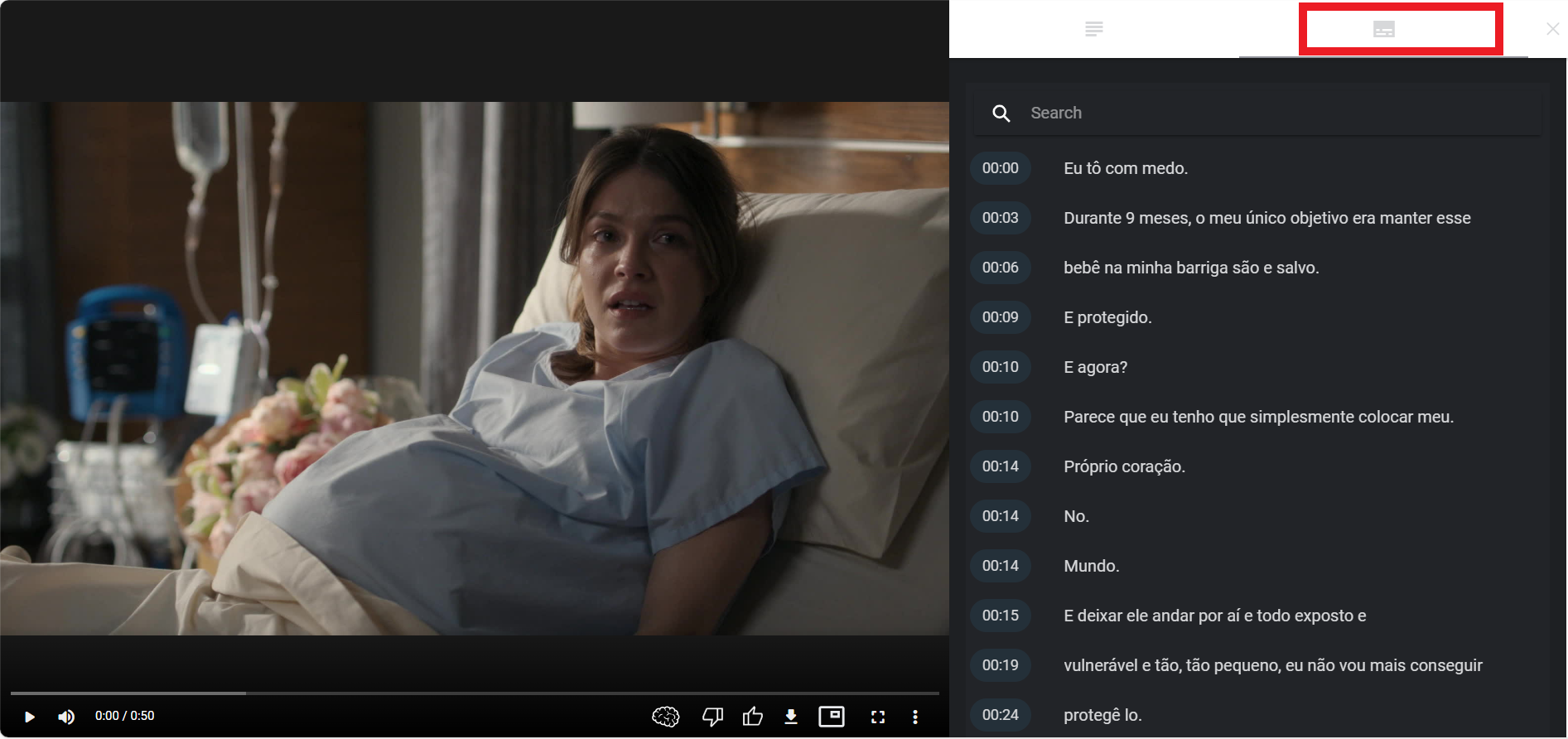
Opens a page with video summary and captions.
- Summary
- Captions
- Dislike

Marks that you did not like the video.
- Like

Marks that you liked the video.
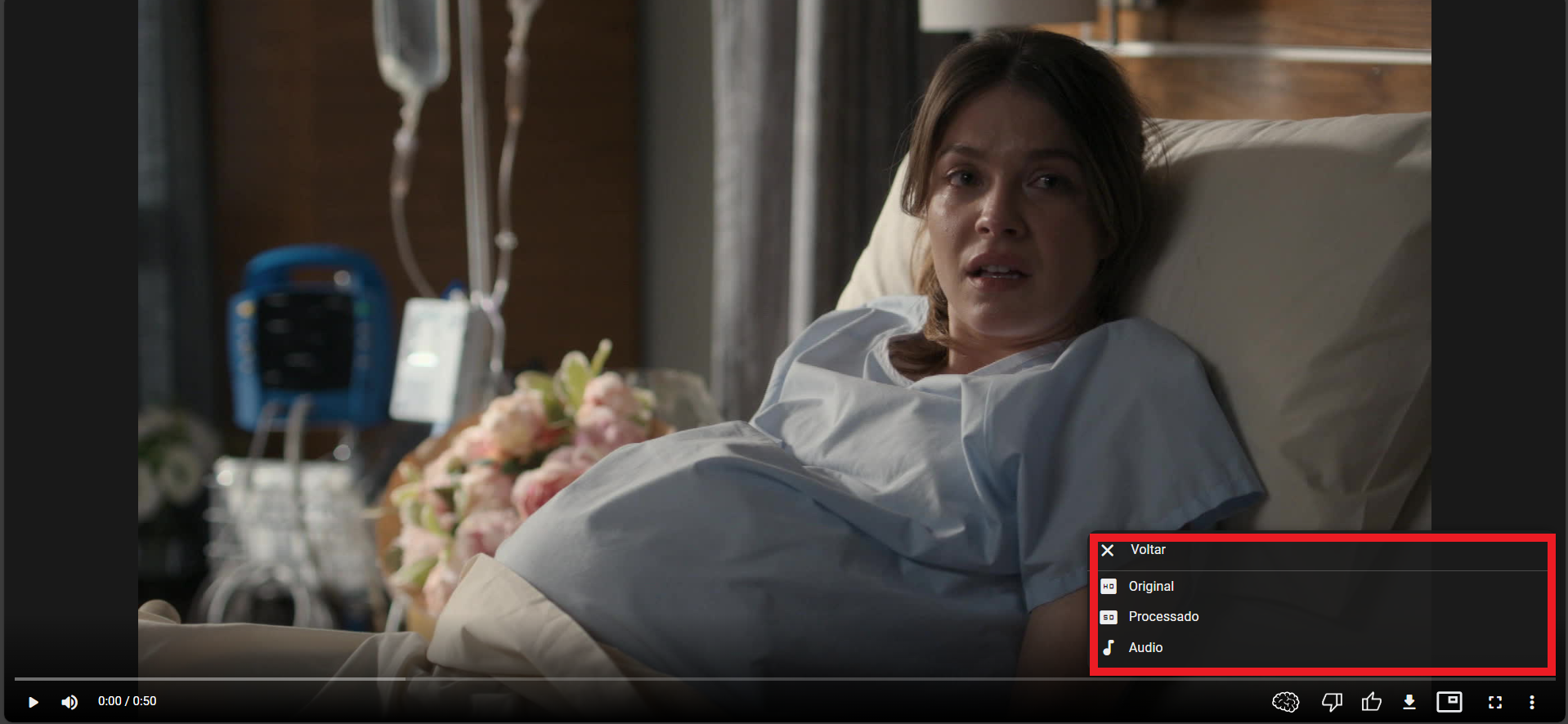
- Download

Download original, processed, or audio-only versions.
- Picture-in-Picture (PiP)

Displays video in a floating window while you navigate elsewhere.
- Full Screen

Expands the player to full-screen mode.
- More Settings

- Resolution
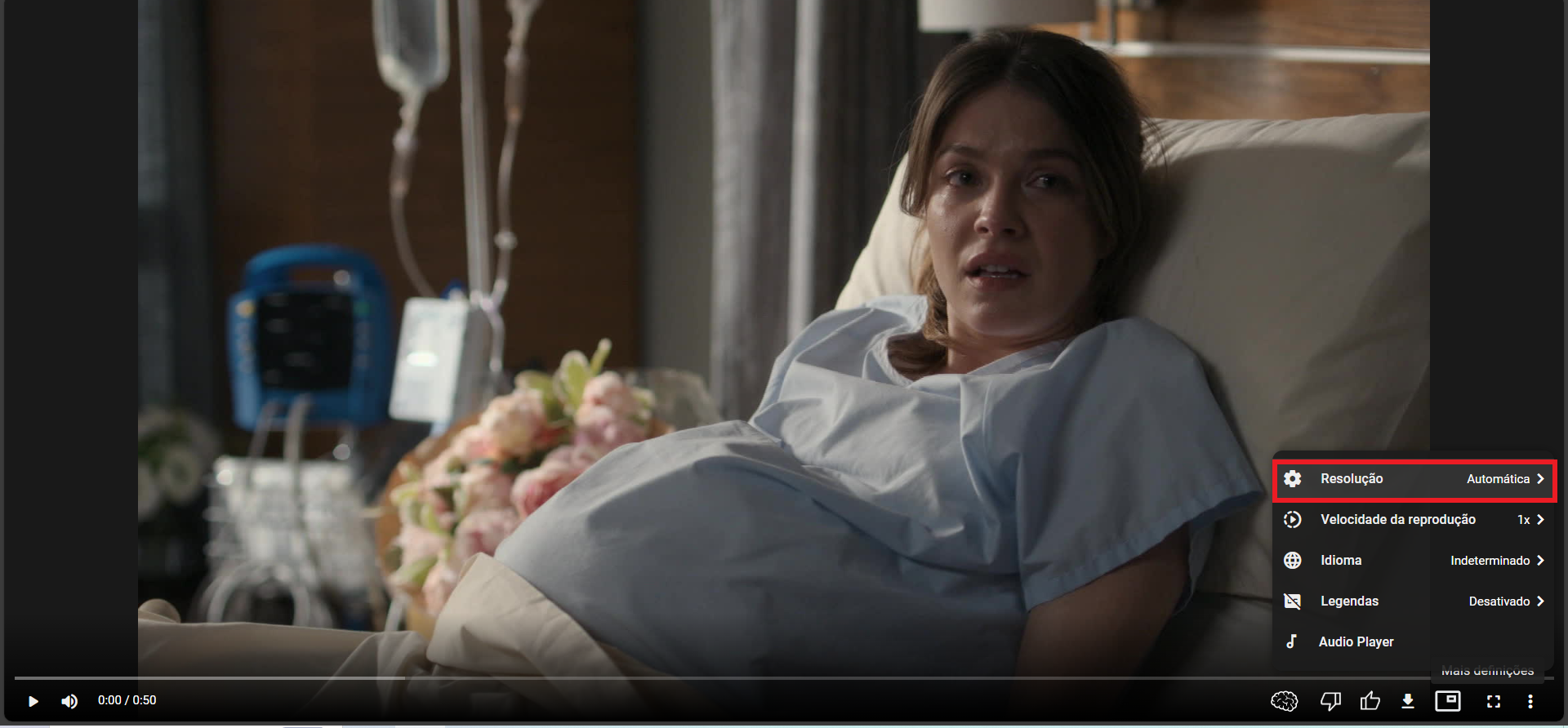
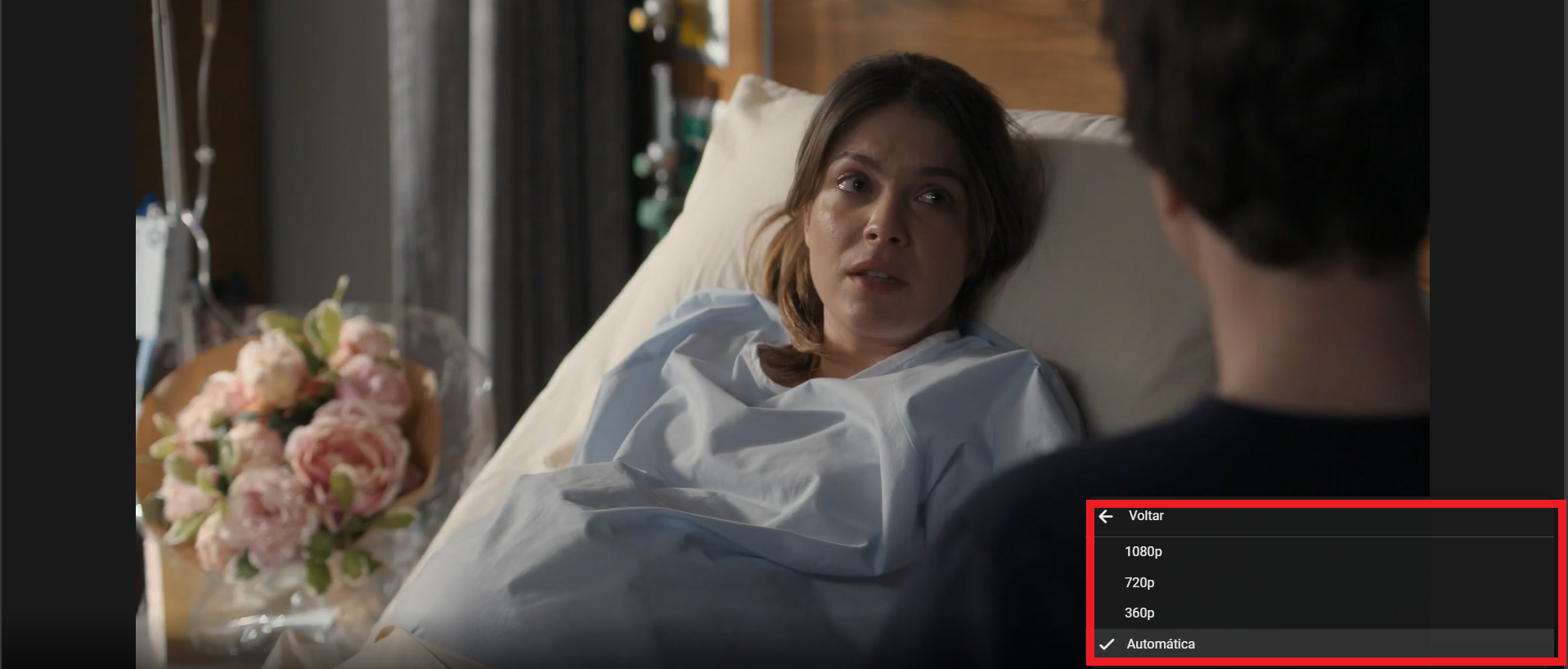
- Playback Speed
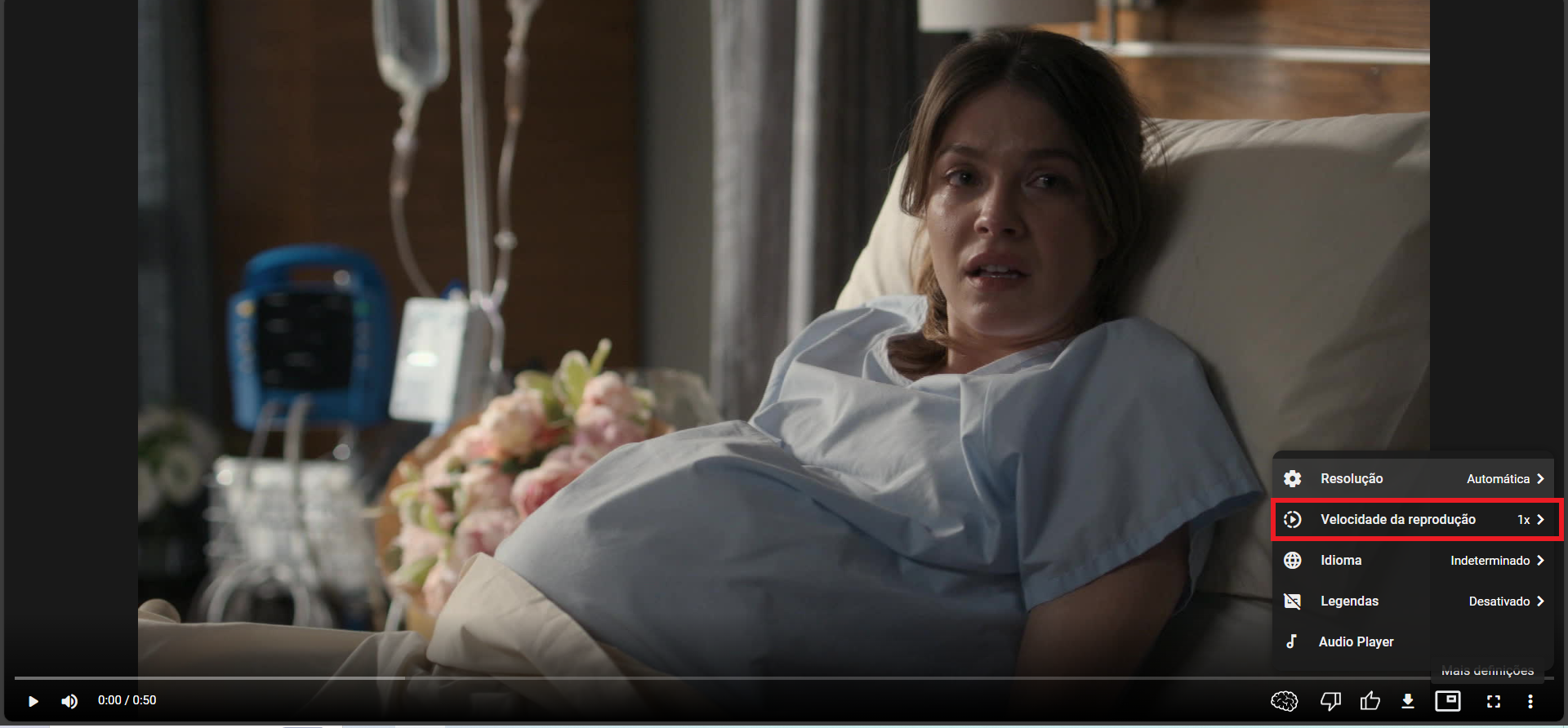
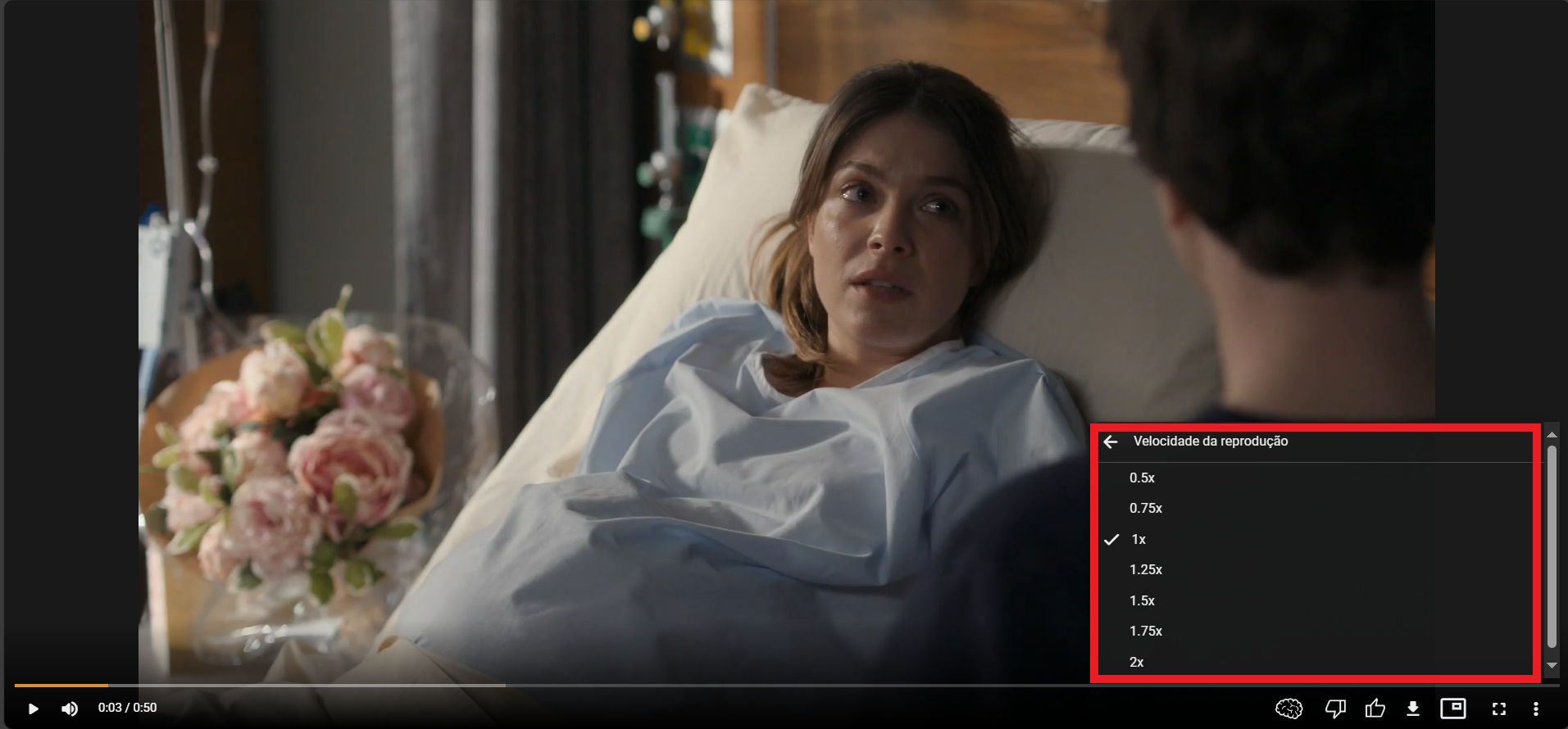
Available speeds: 0.5x, 0.75x, 1.0x, 1.25x, 1.5x, 1.75x, 2.0x.
- Language
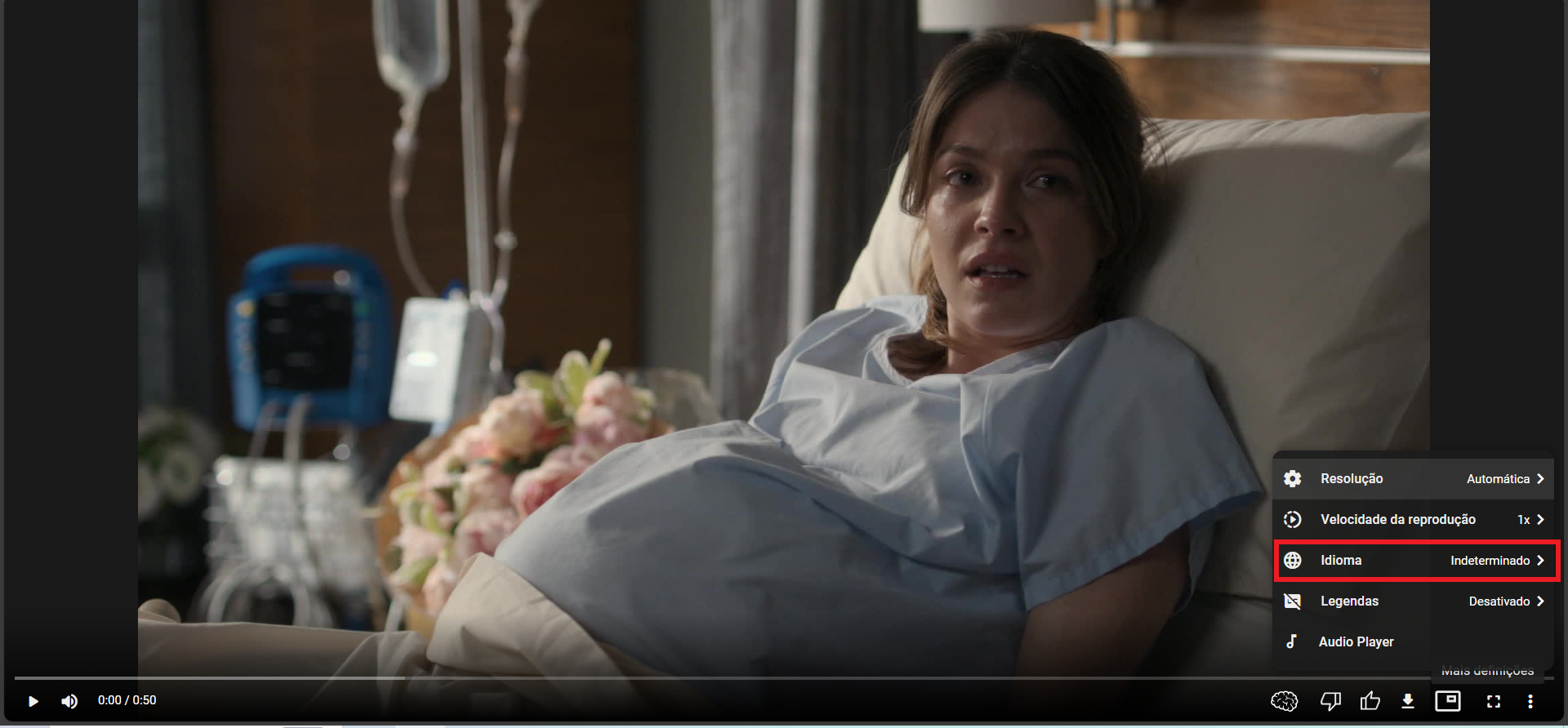
Shows available language tracks.
- Subtitles
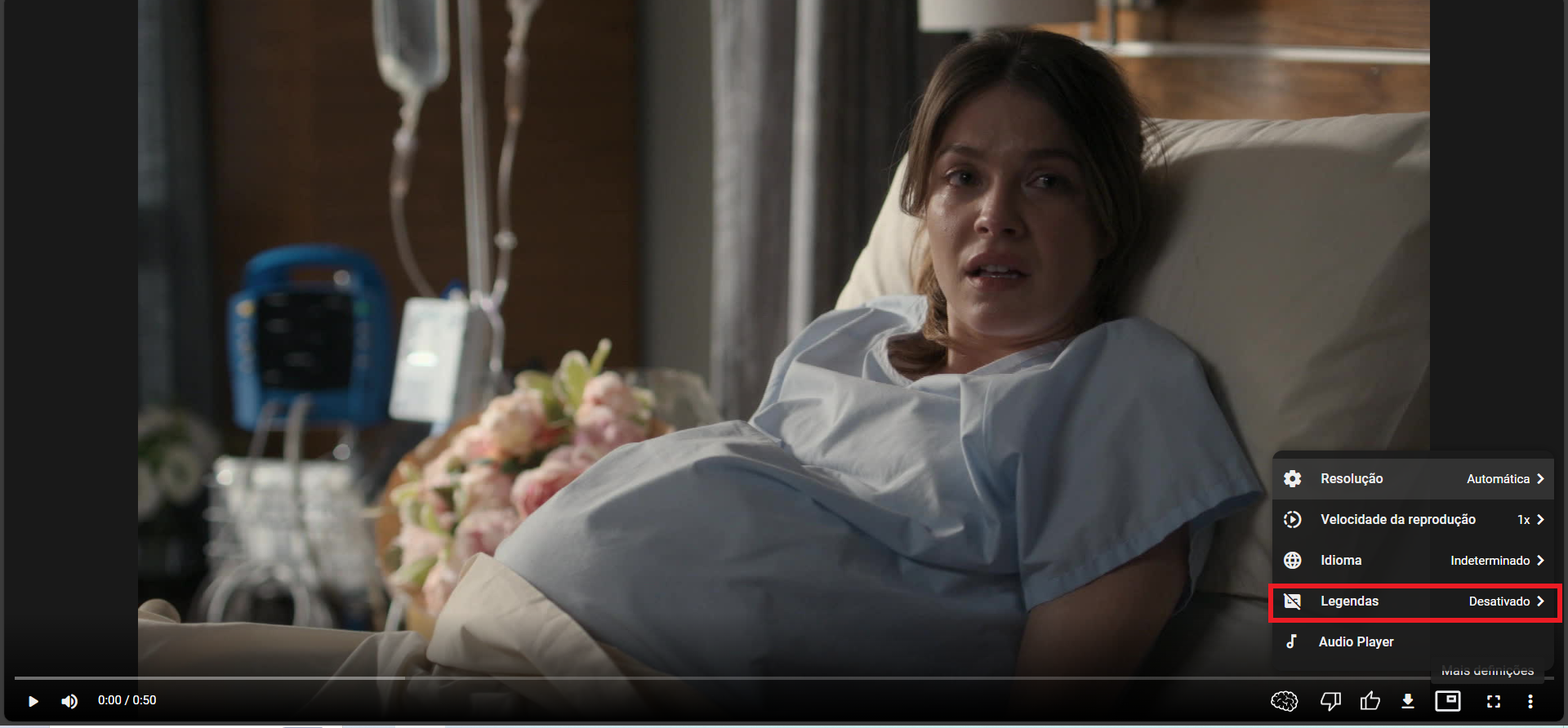
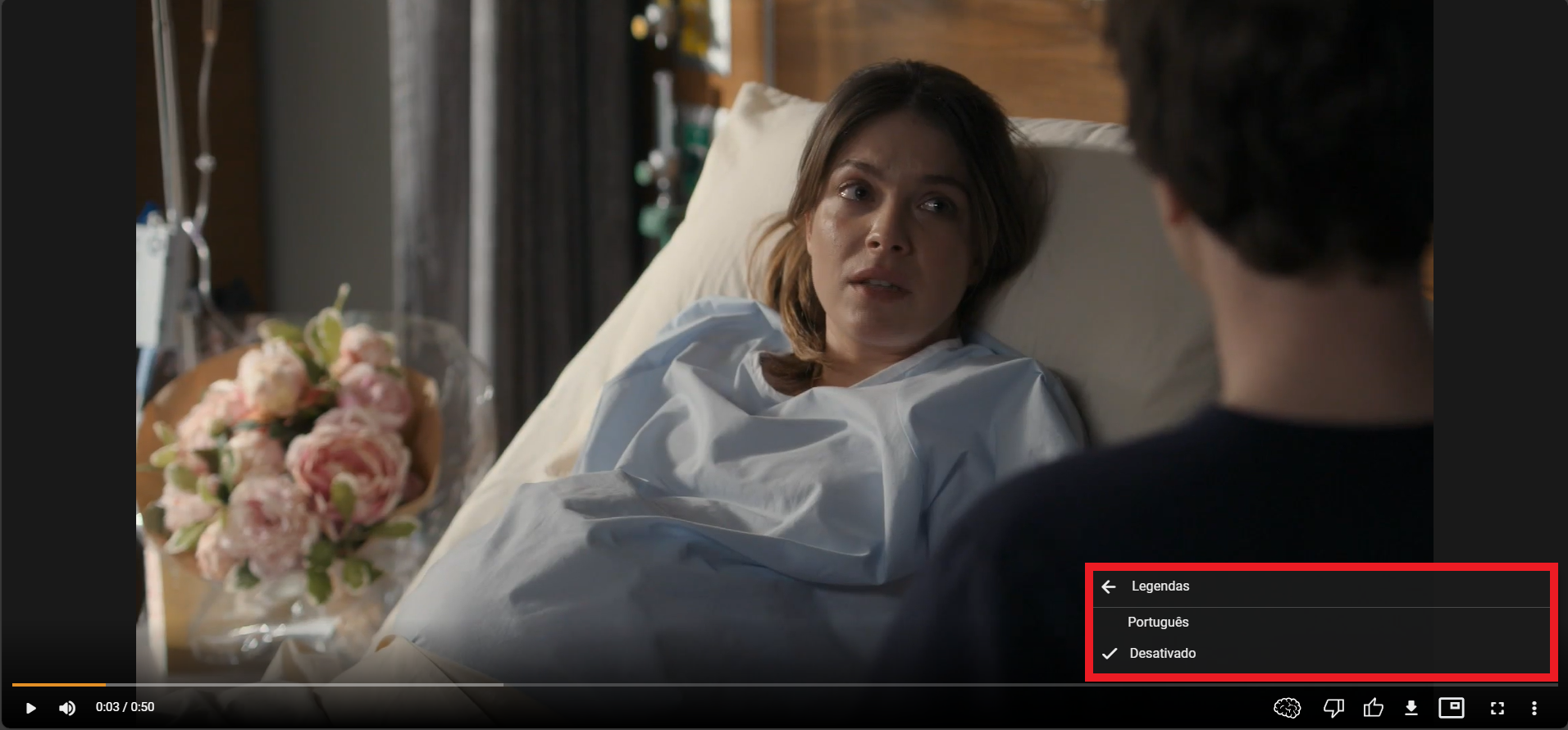
Choose subtitle tracks or disable subtitles.
- Audio Player
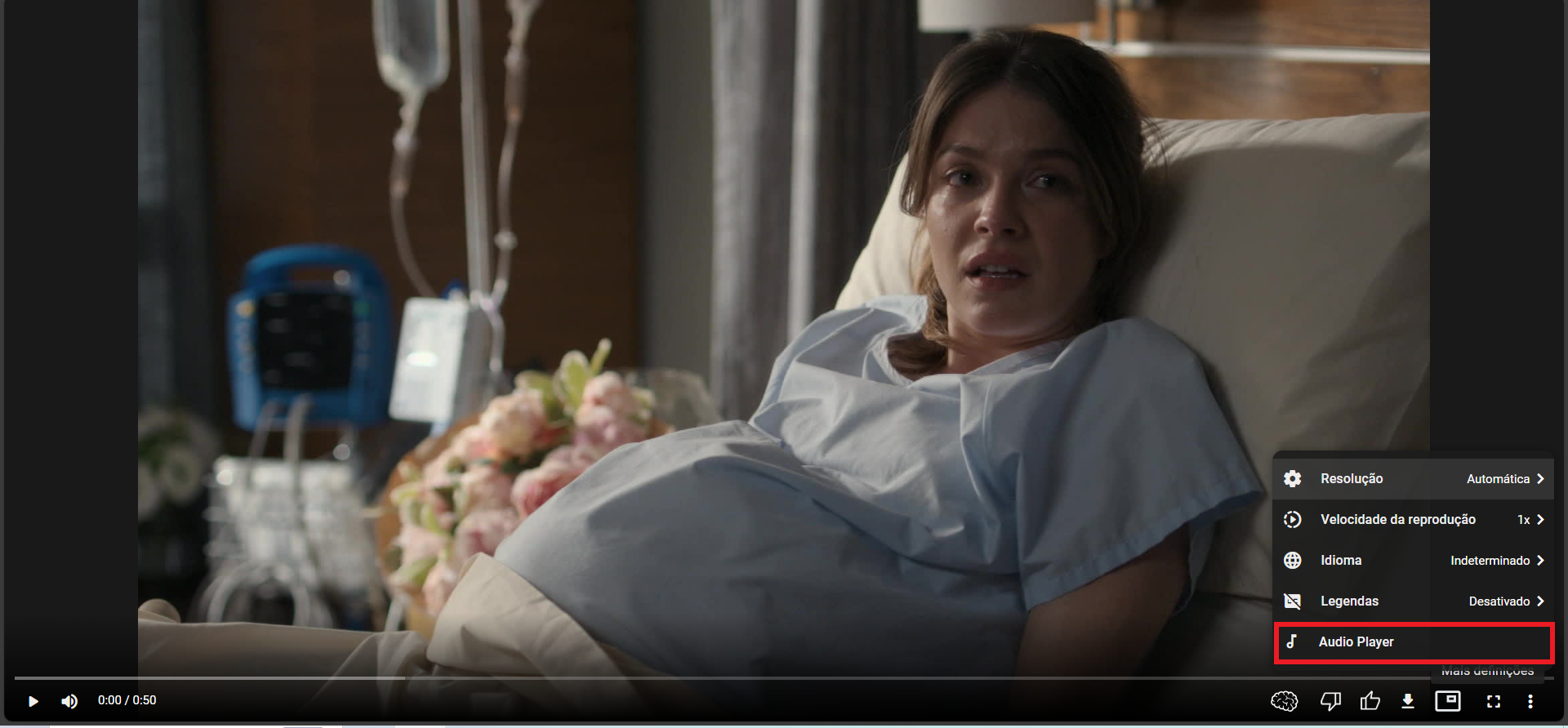

Opens an audio-only player mode.