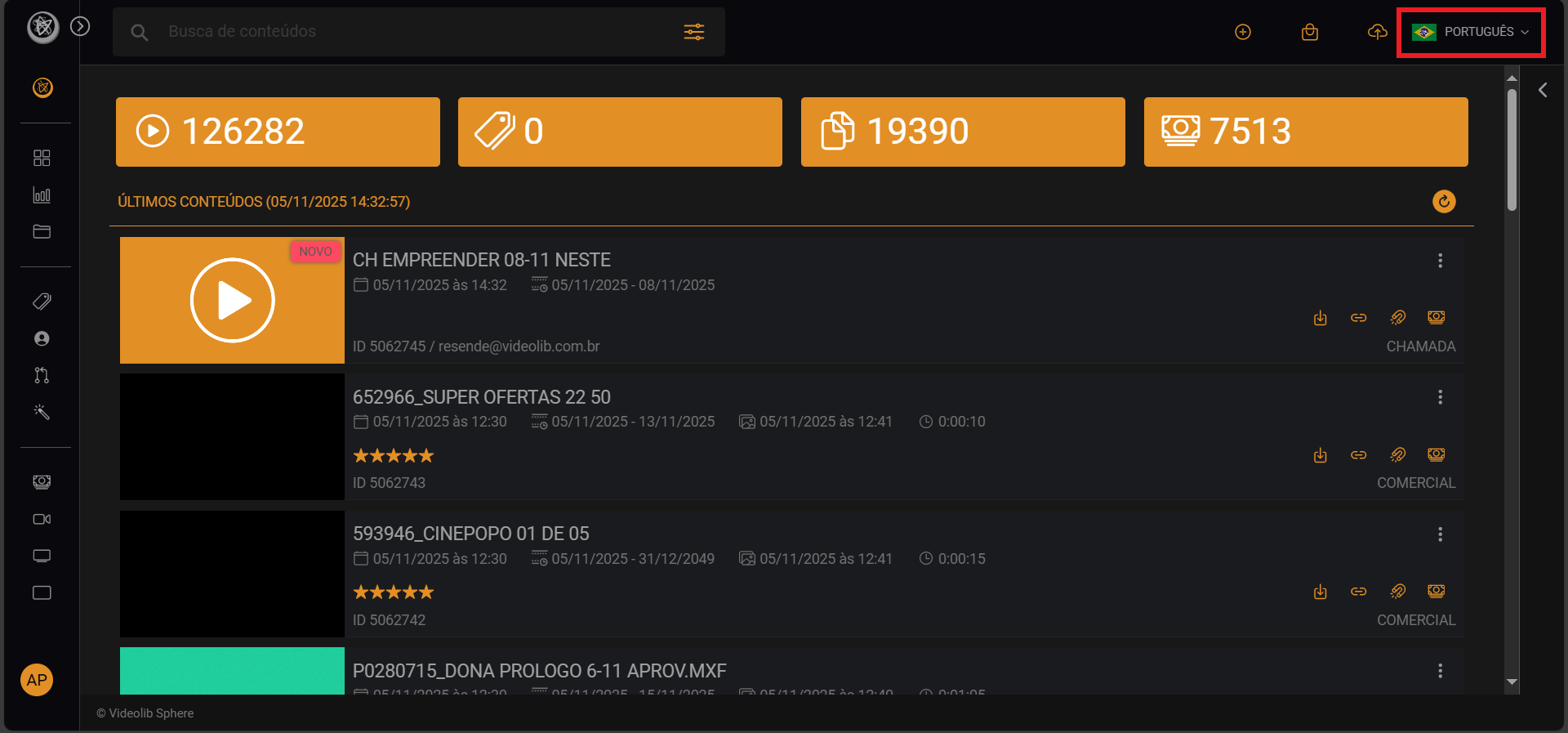
Dashboard
This is where your VideoLib journey starts.
The Dashboard is the home page from which you can access most VideoLib features.
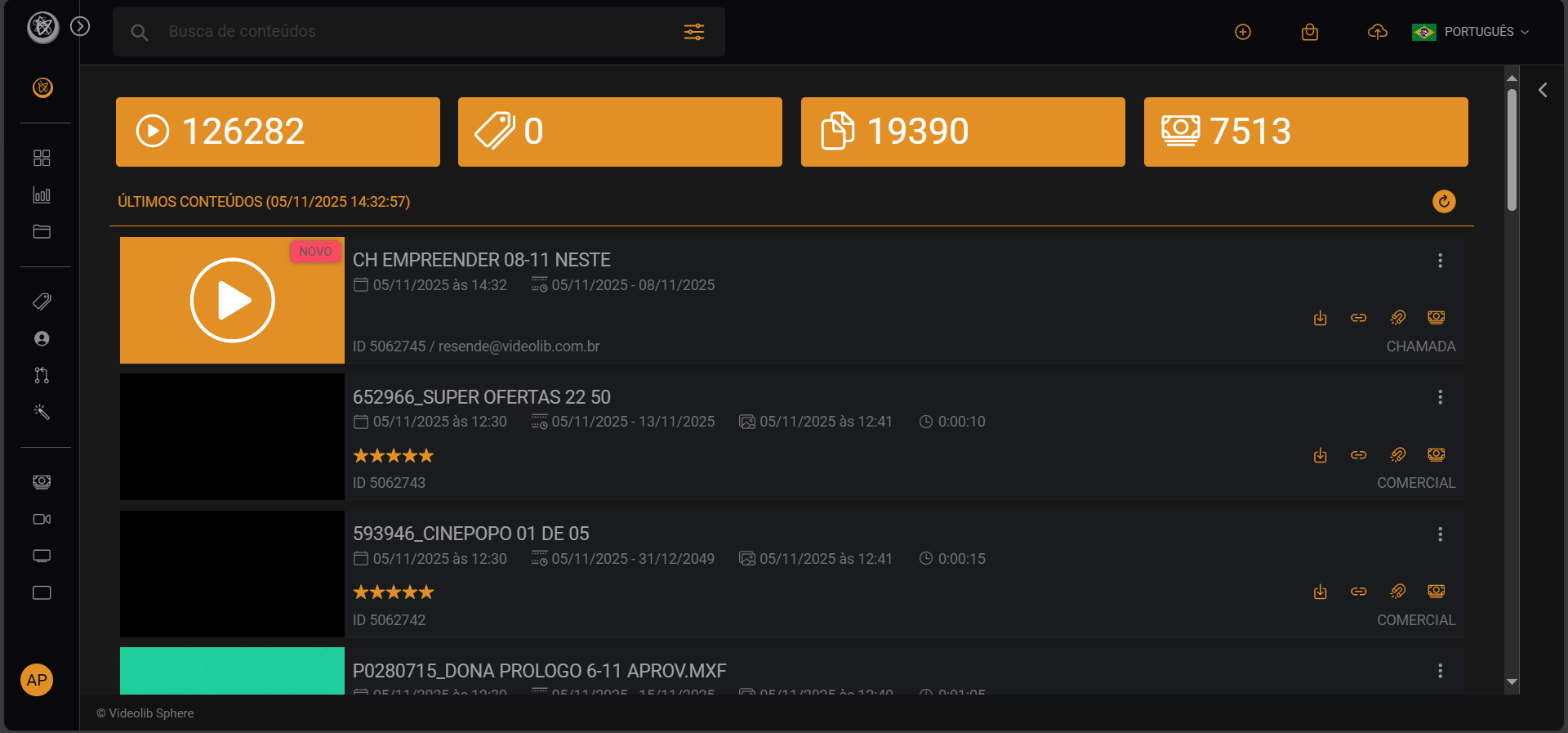
Below is a quick guide to the main actions available:
Watch Video
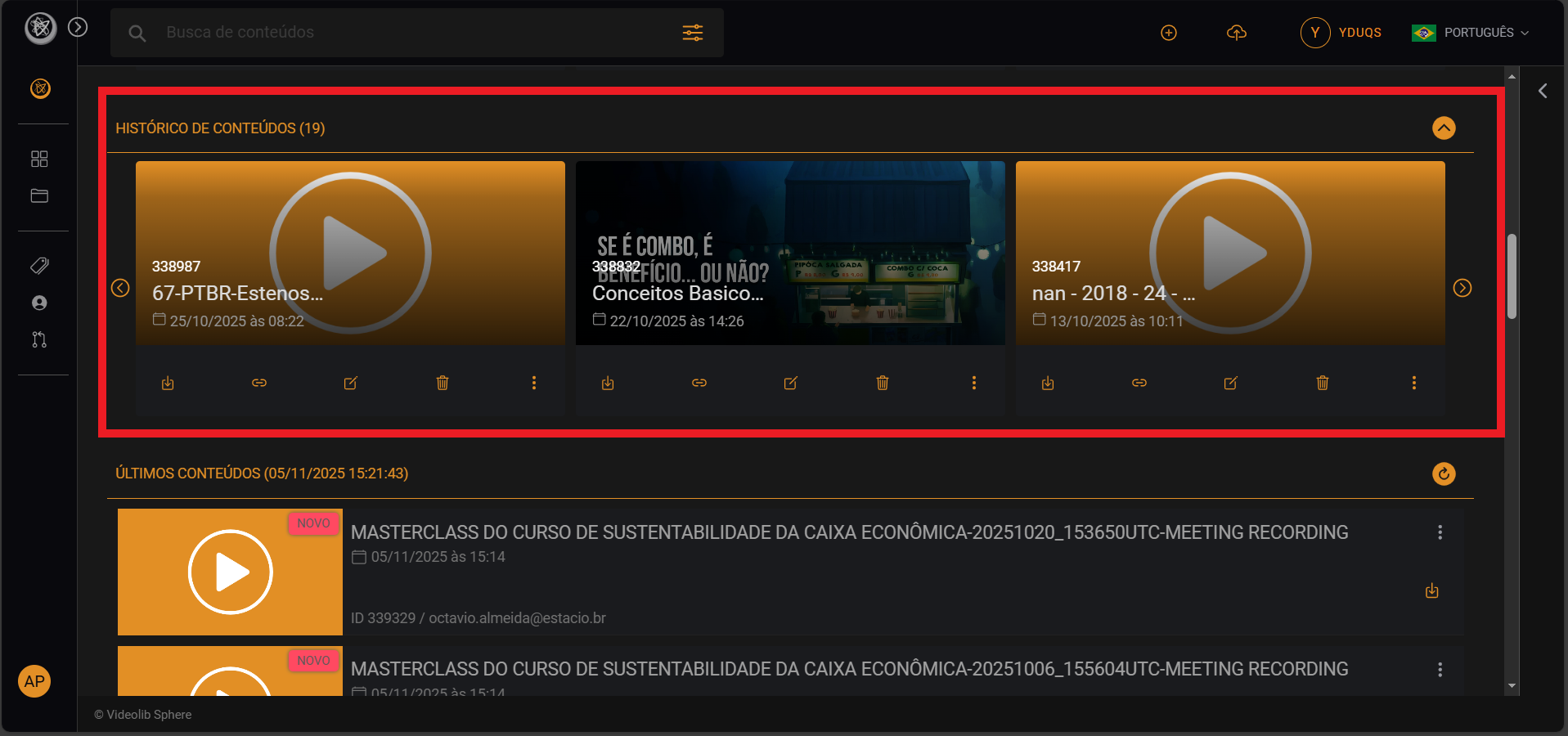
Opens a small player with the selected video.
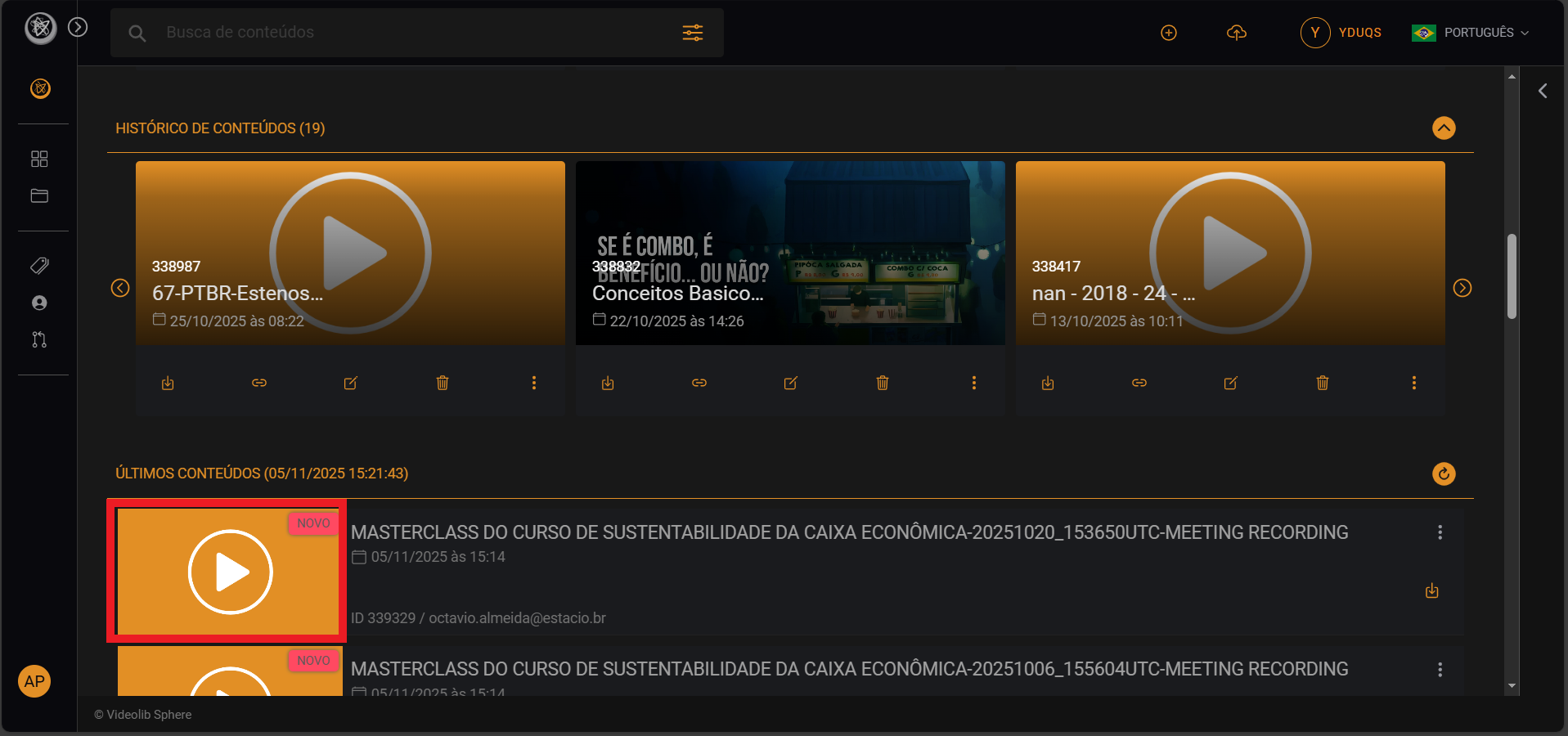
After you watch your first video, a recent history area appears.
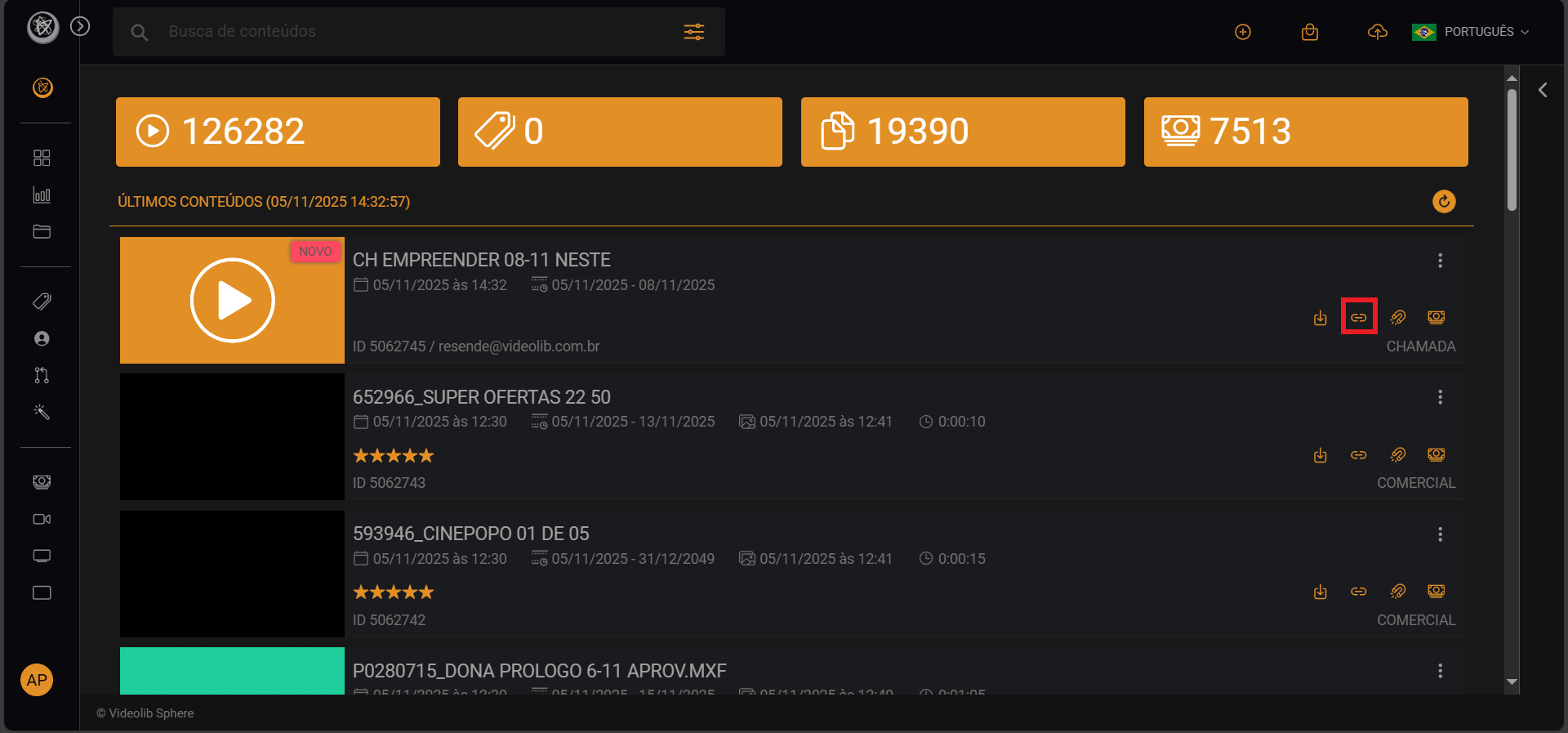
Player Link
Located on the right side. Use it to access and share modules.
Edit
Edit Video
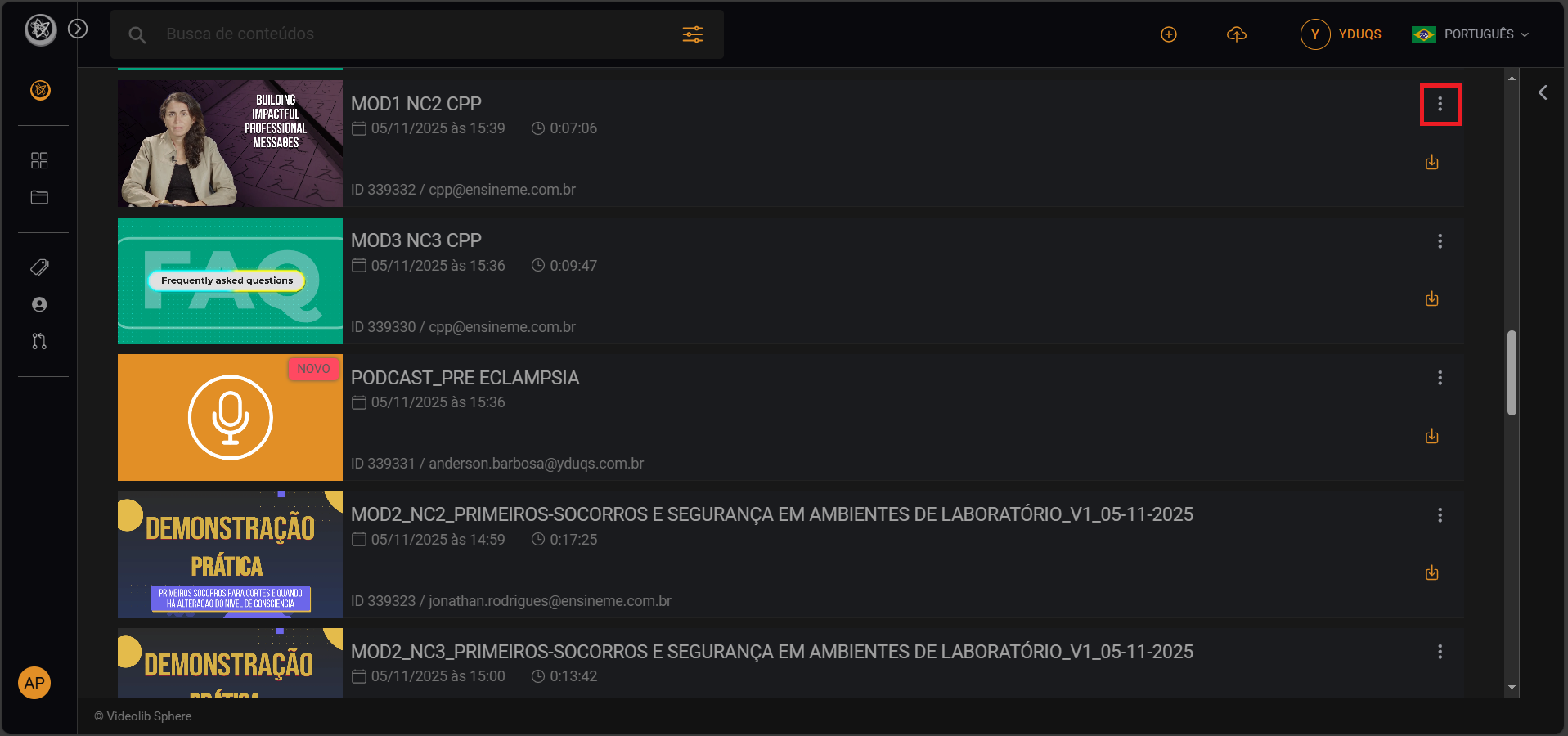
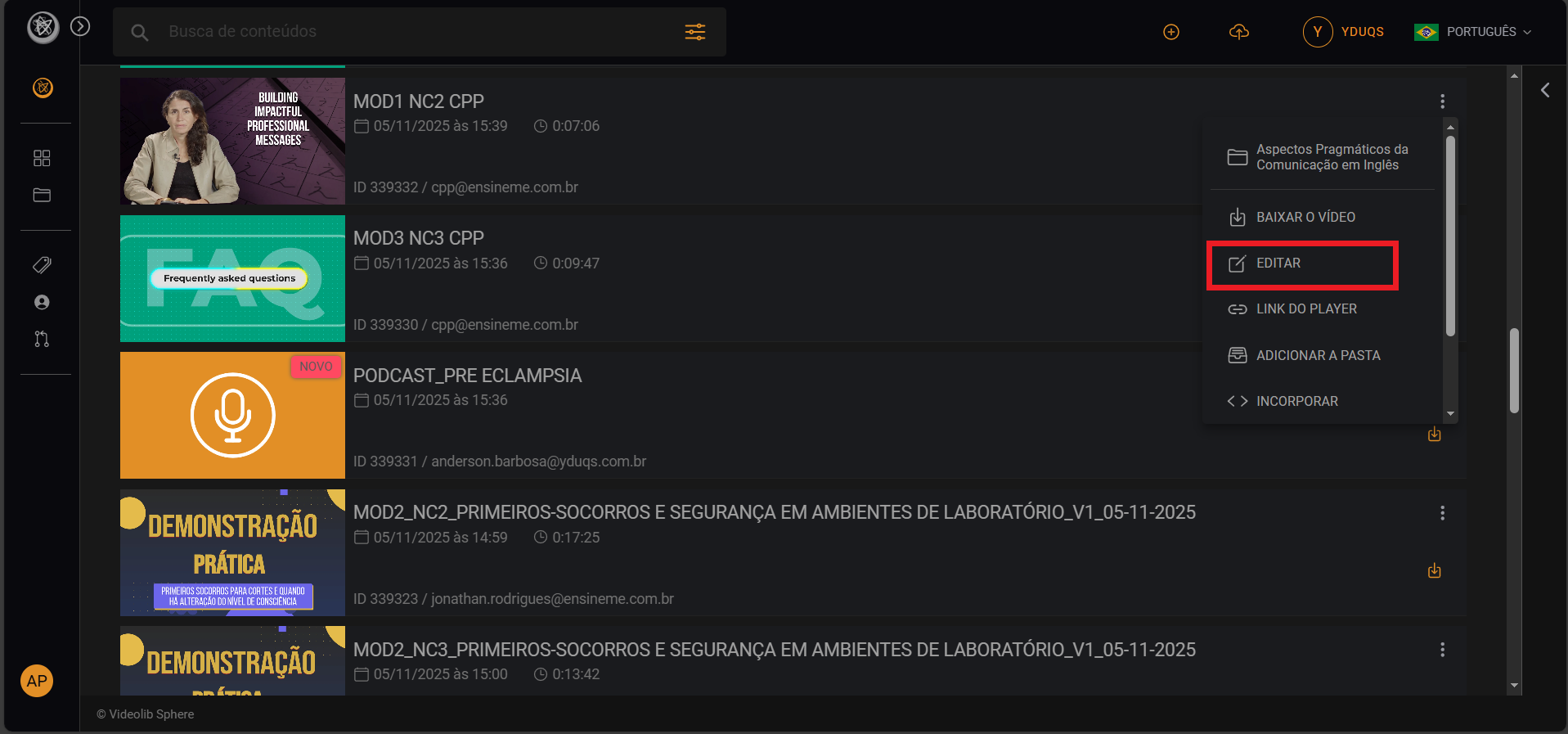
Opens a popup with detailed video info (statistics, thumbnails, tags, and more).
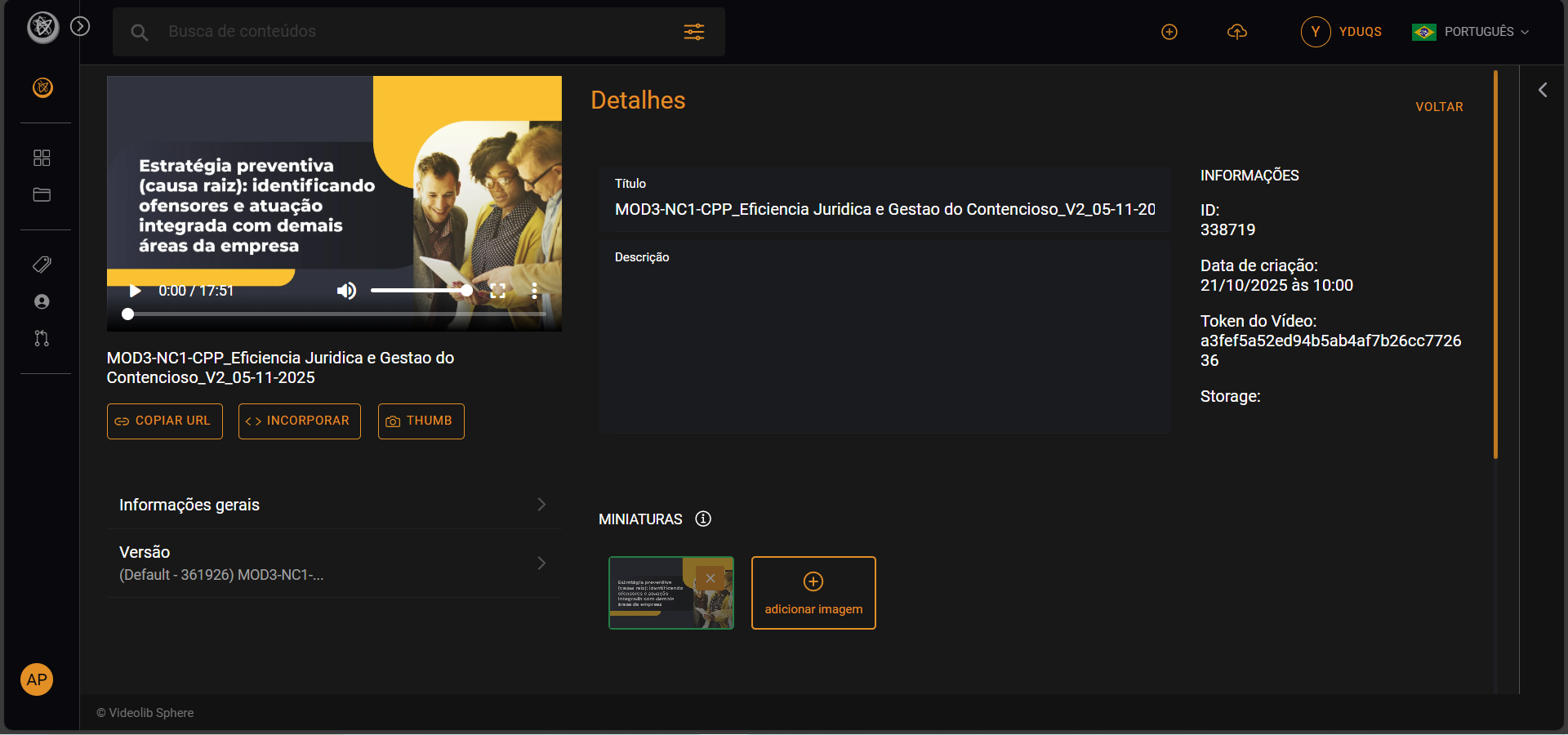
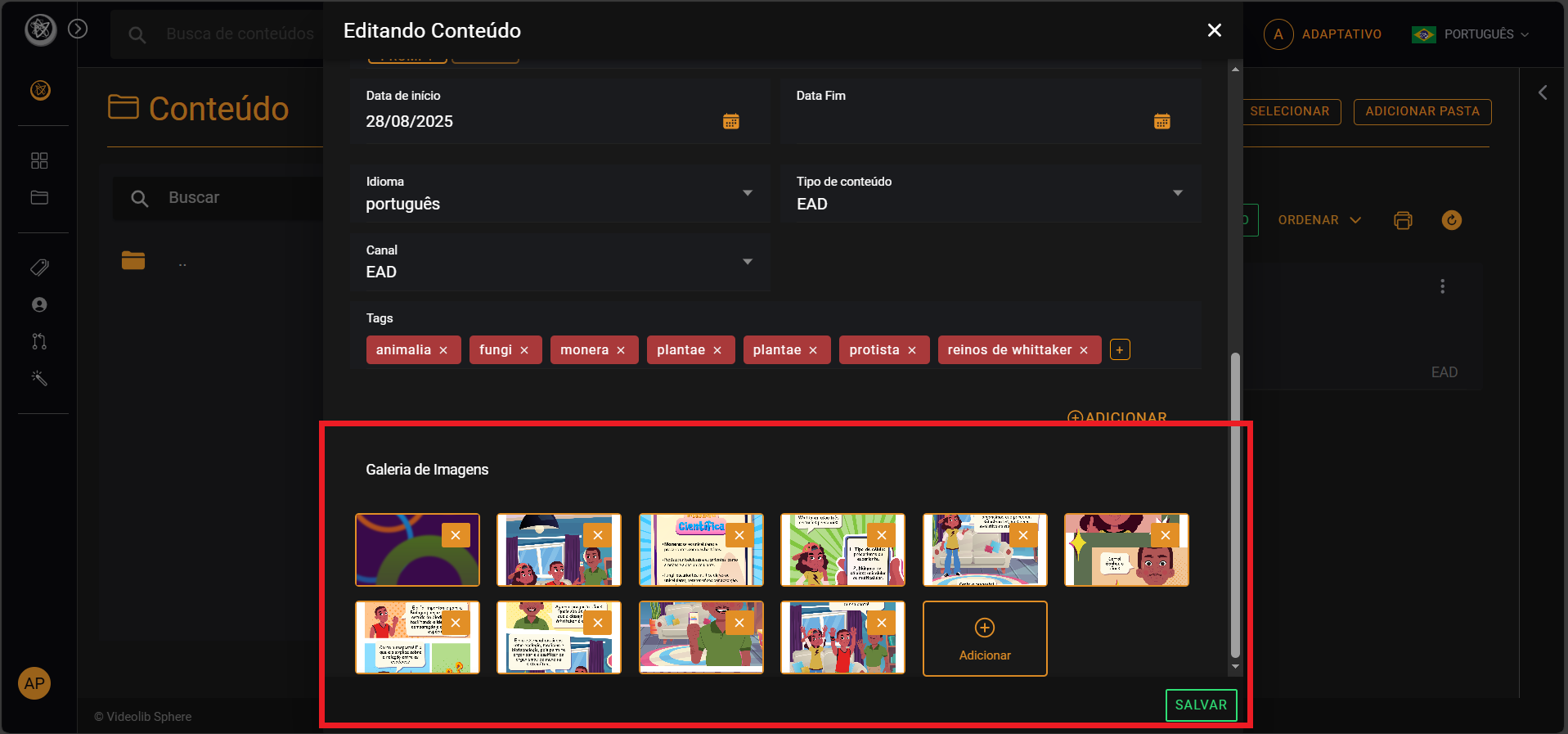
Edit Document
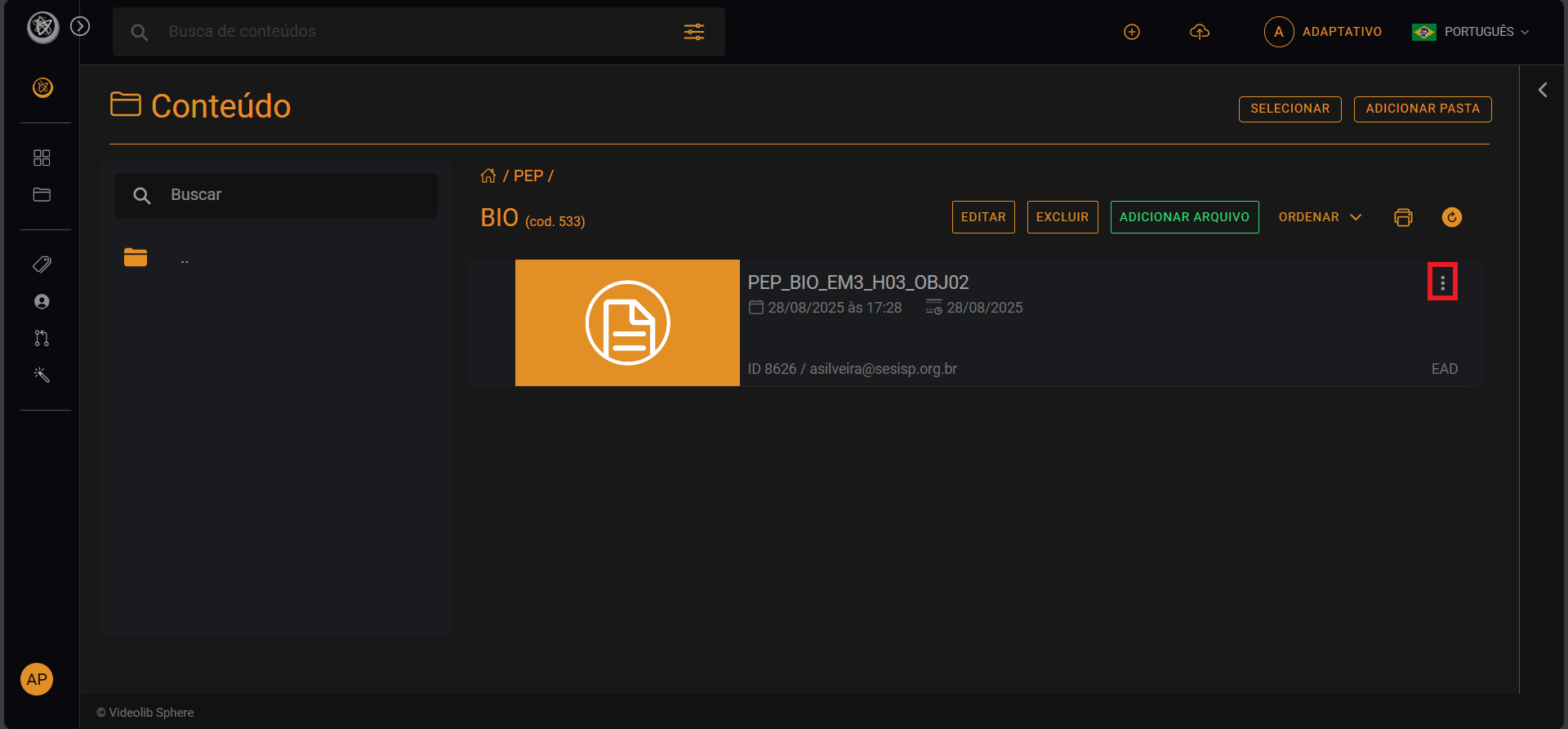
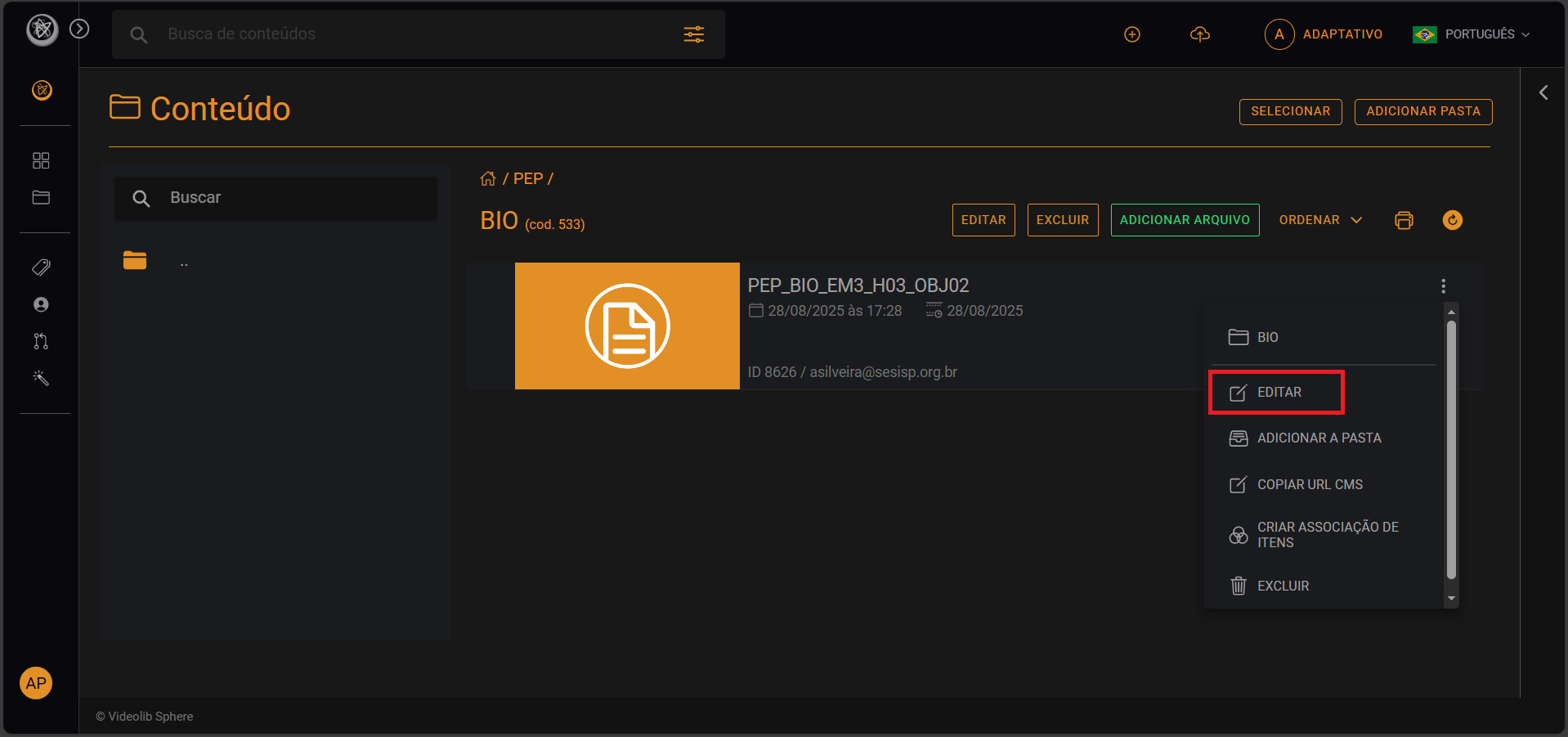
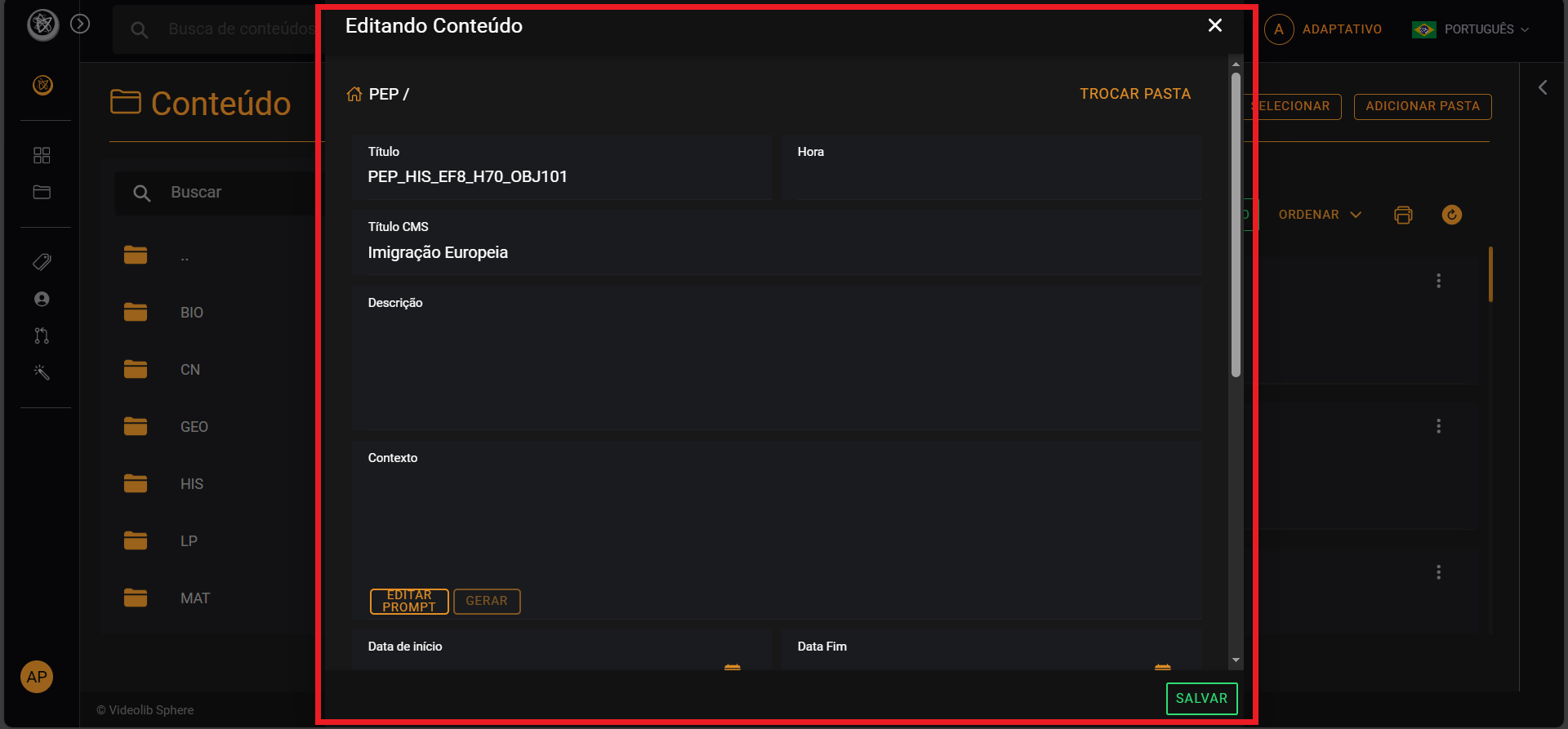
Opens document details, tags, and image gallery options.
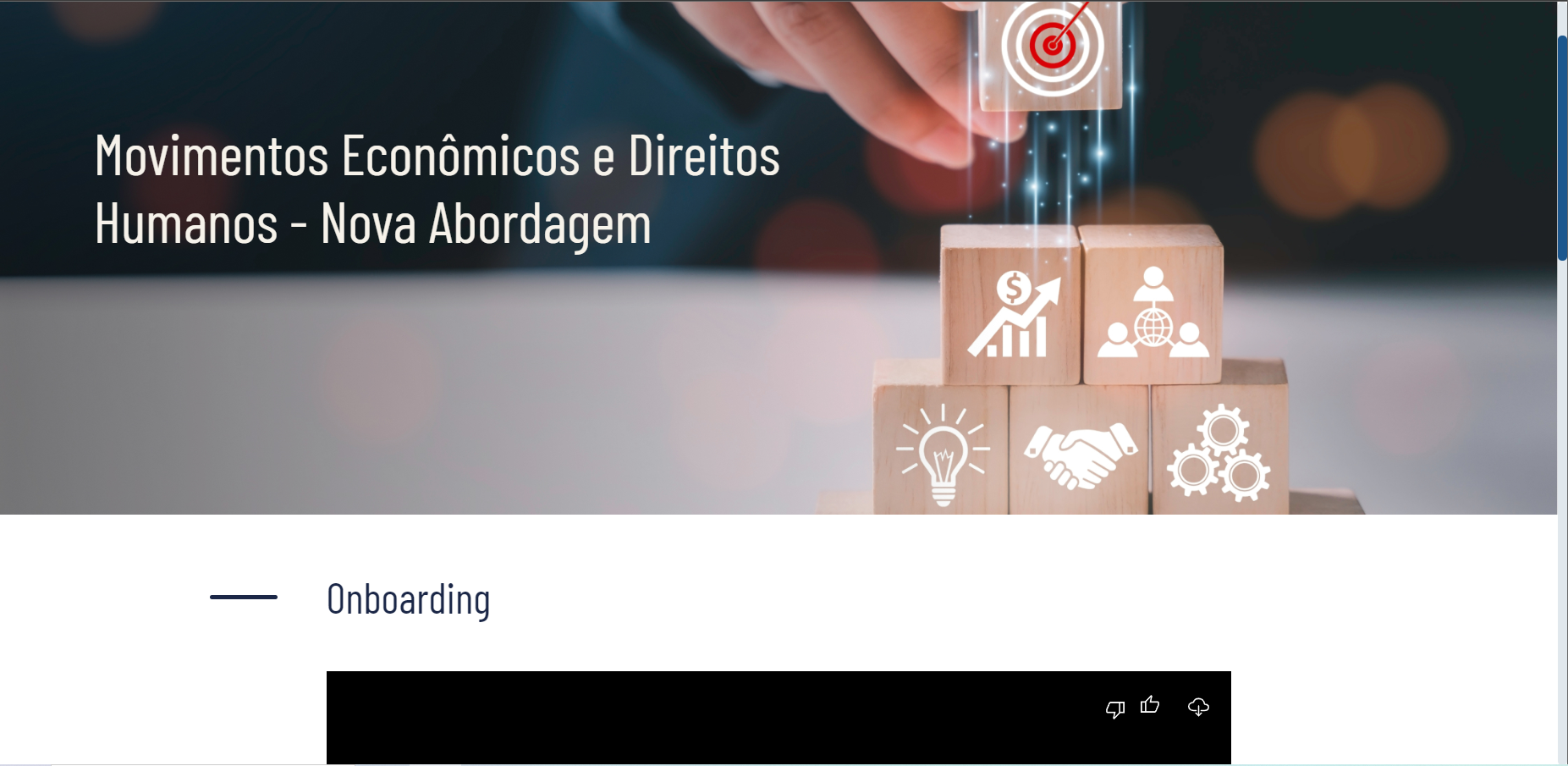
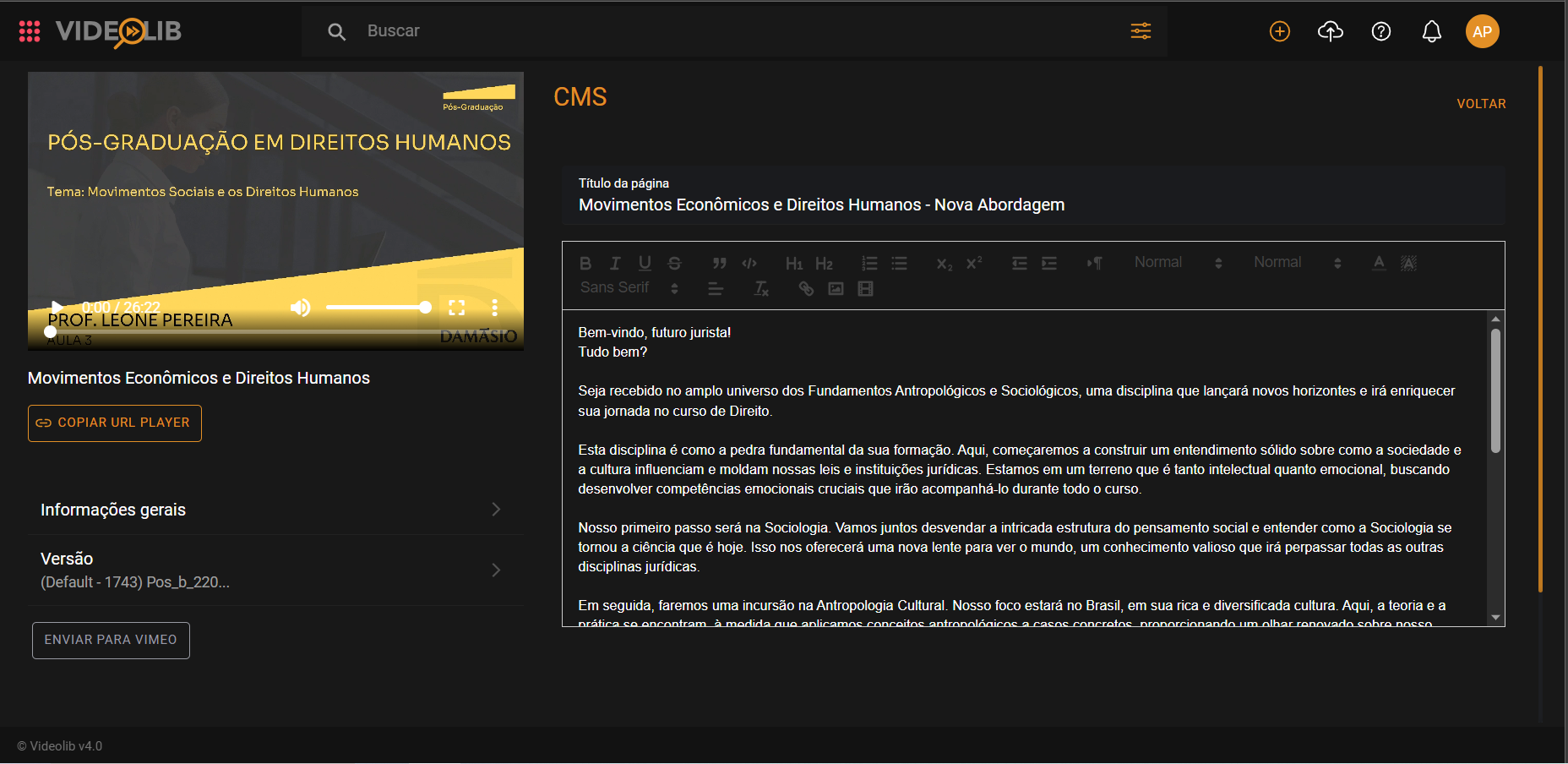
CMS
The CMS page is automatically generated by VideoLib from your video content.
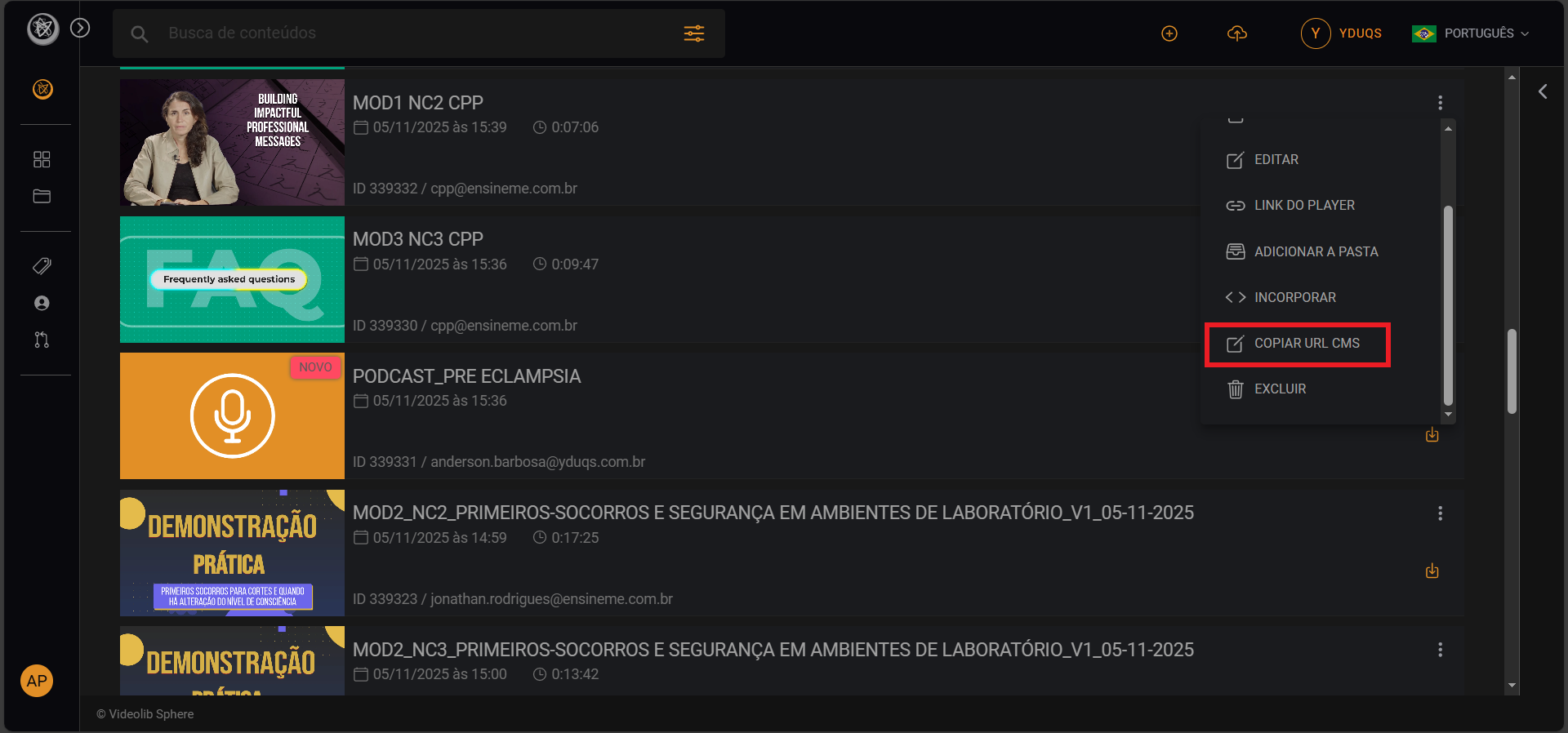
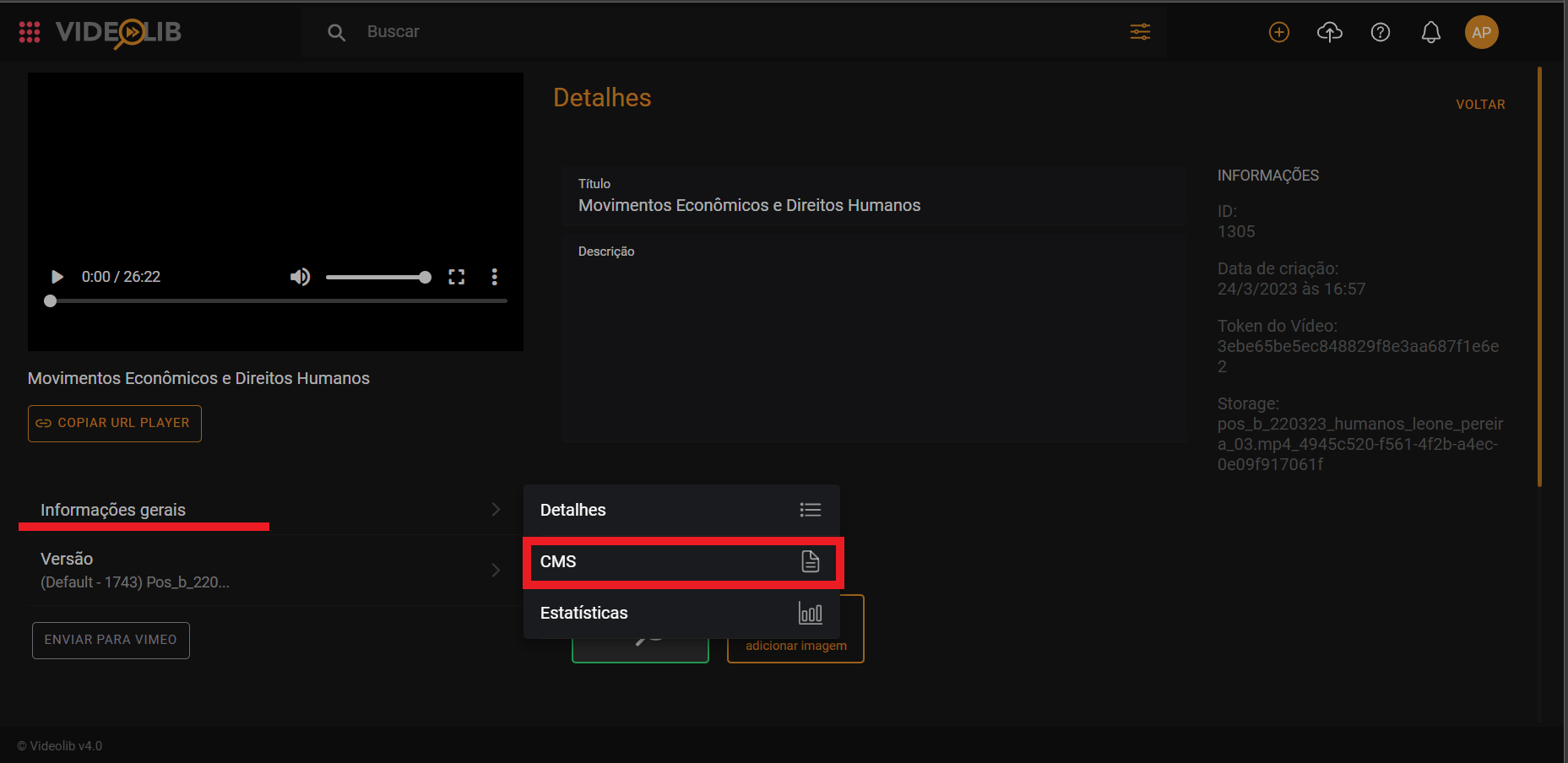
You can also open CMS through Edit > General Information > CMS.
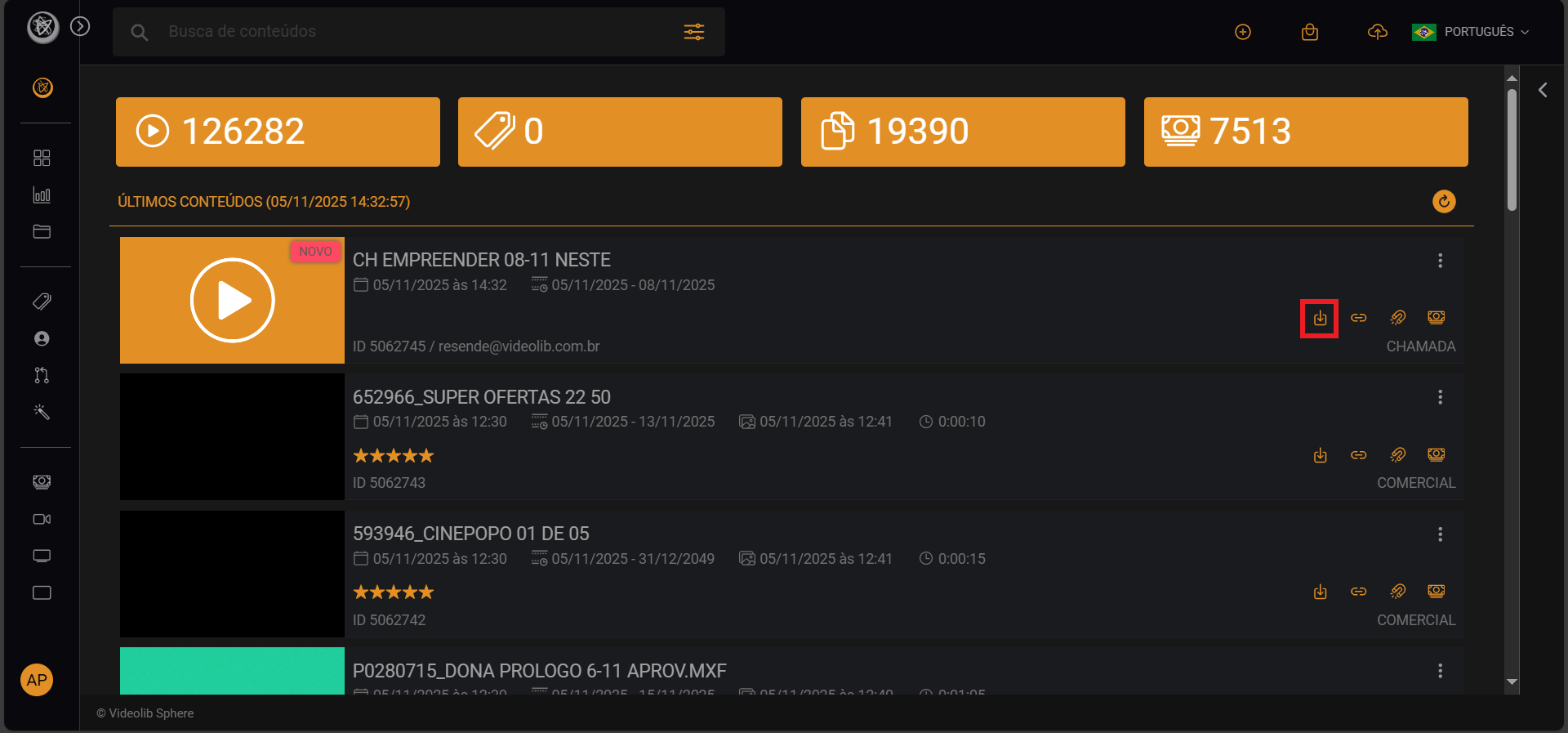
Download Video
Click "Download" to start download and track progress.
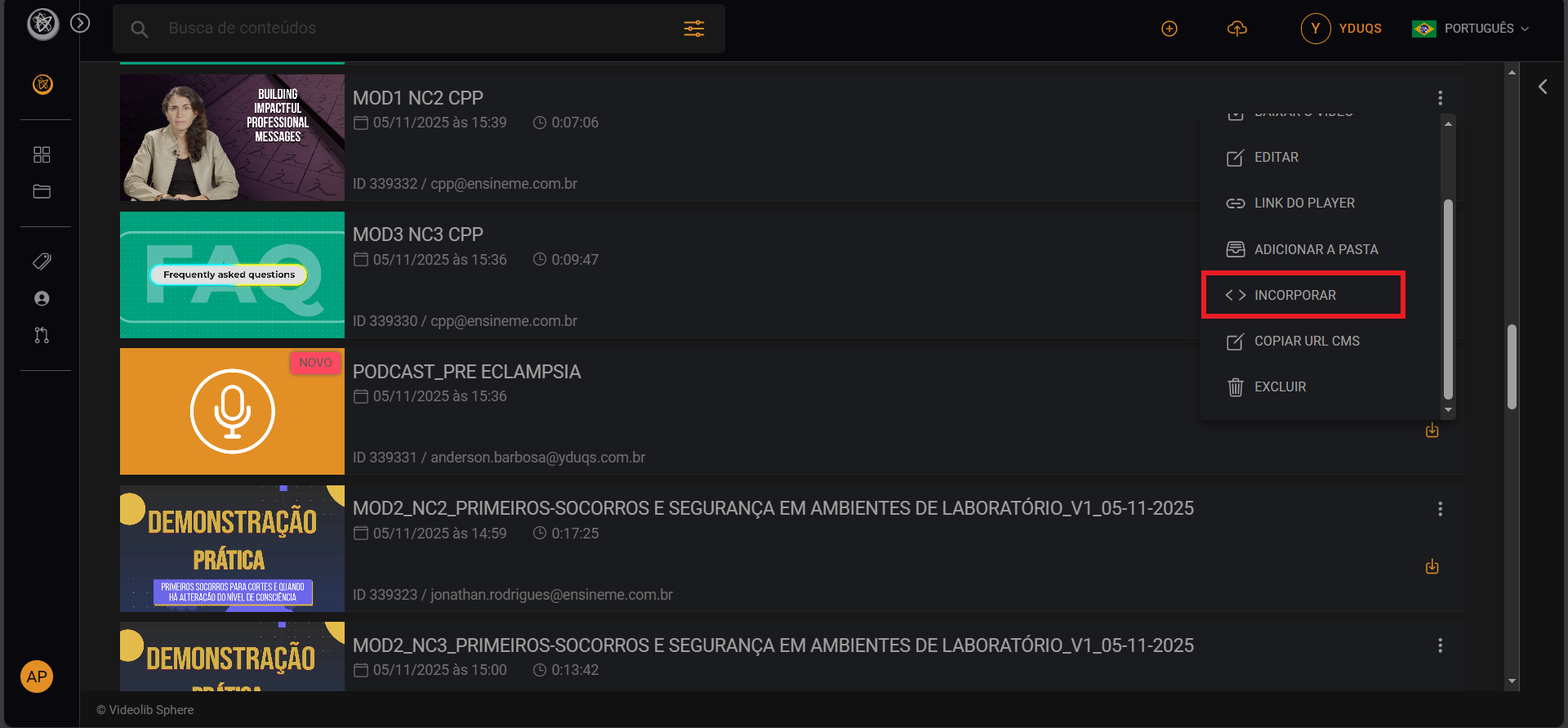
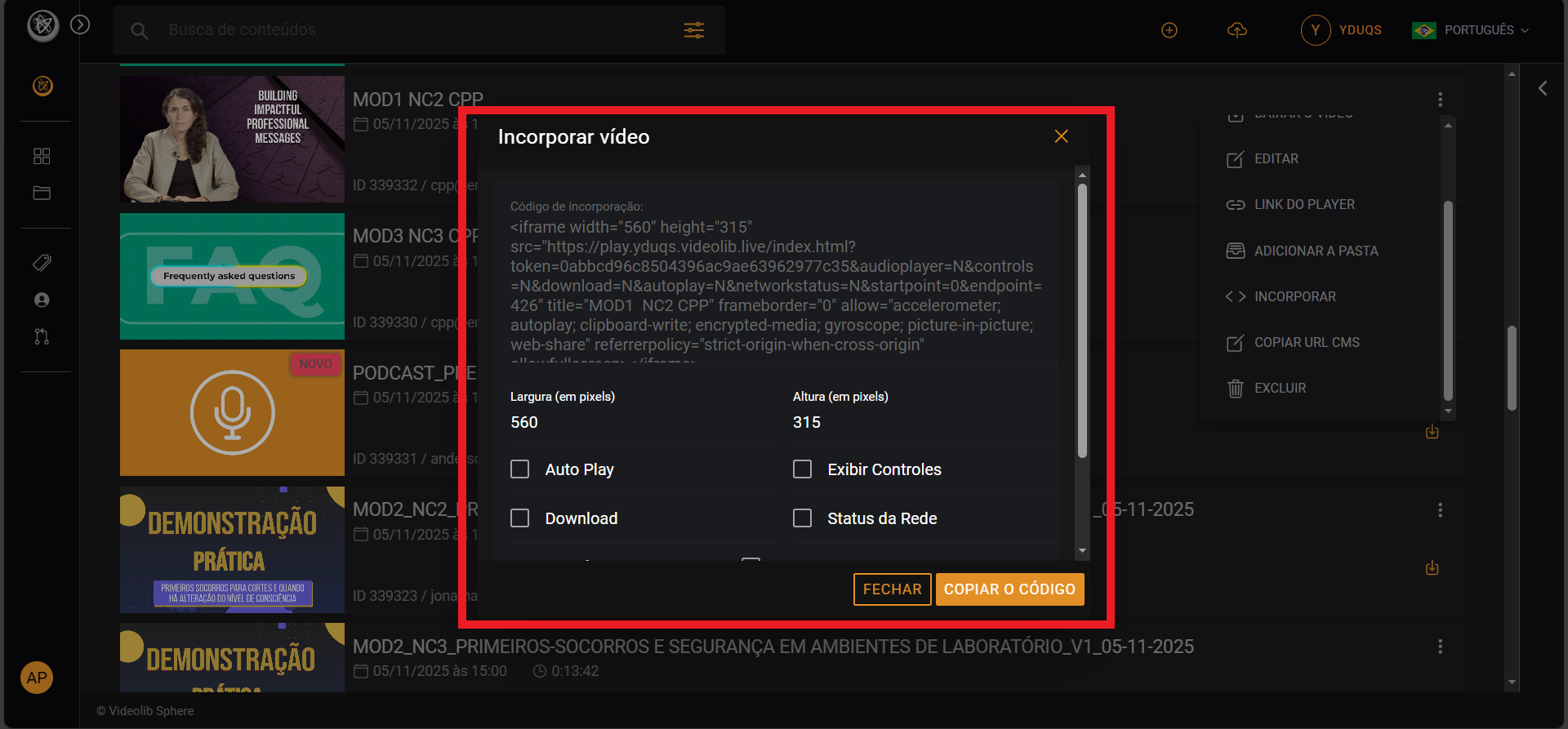
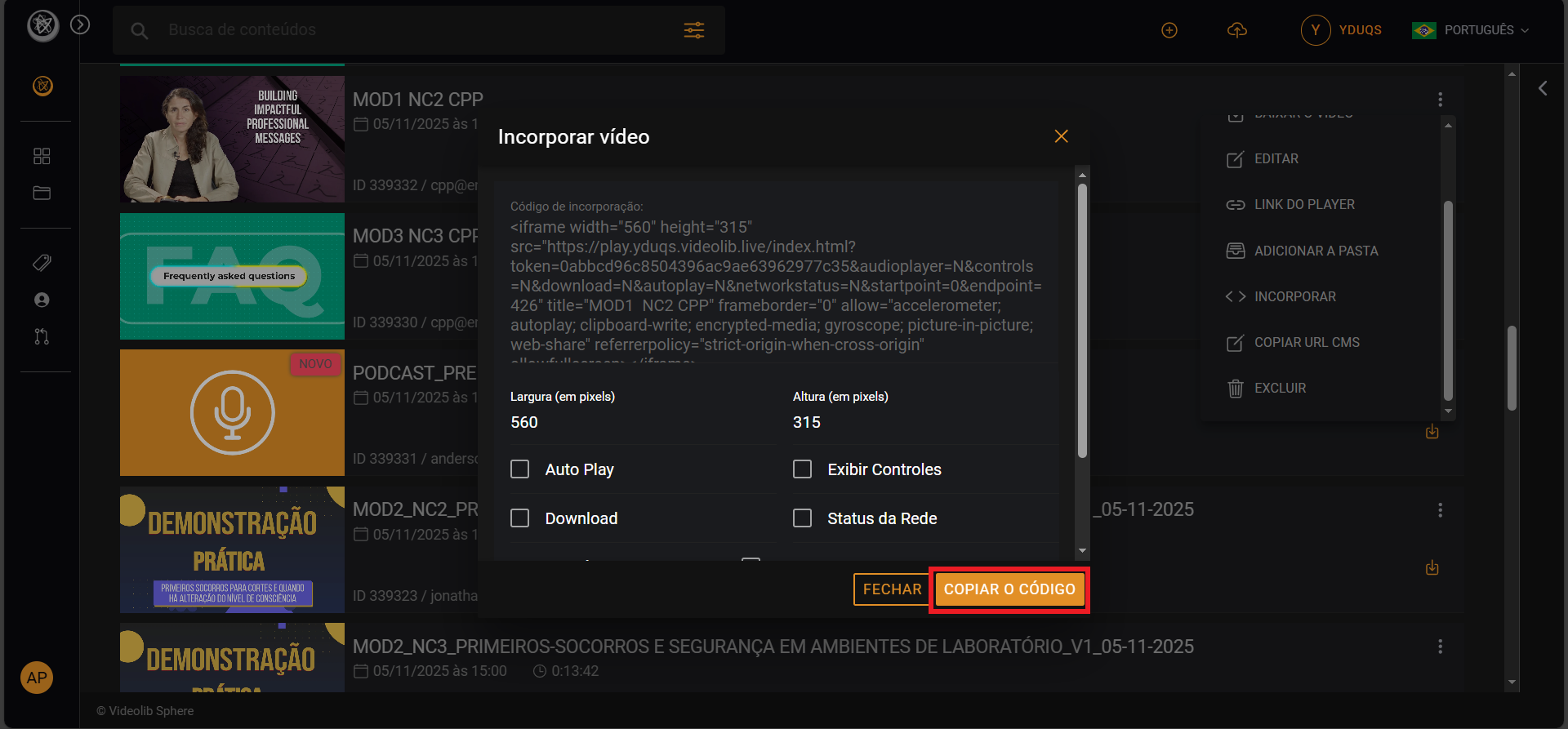
Embed
Use Embed to configure player size, autoplay, controls, network status, download option, and start/end cuts.
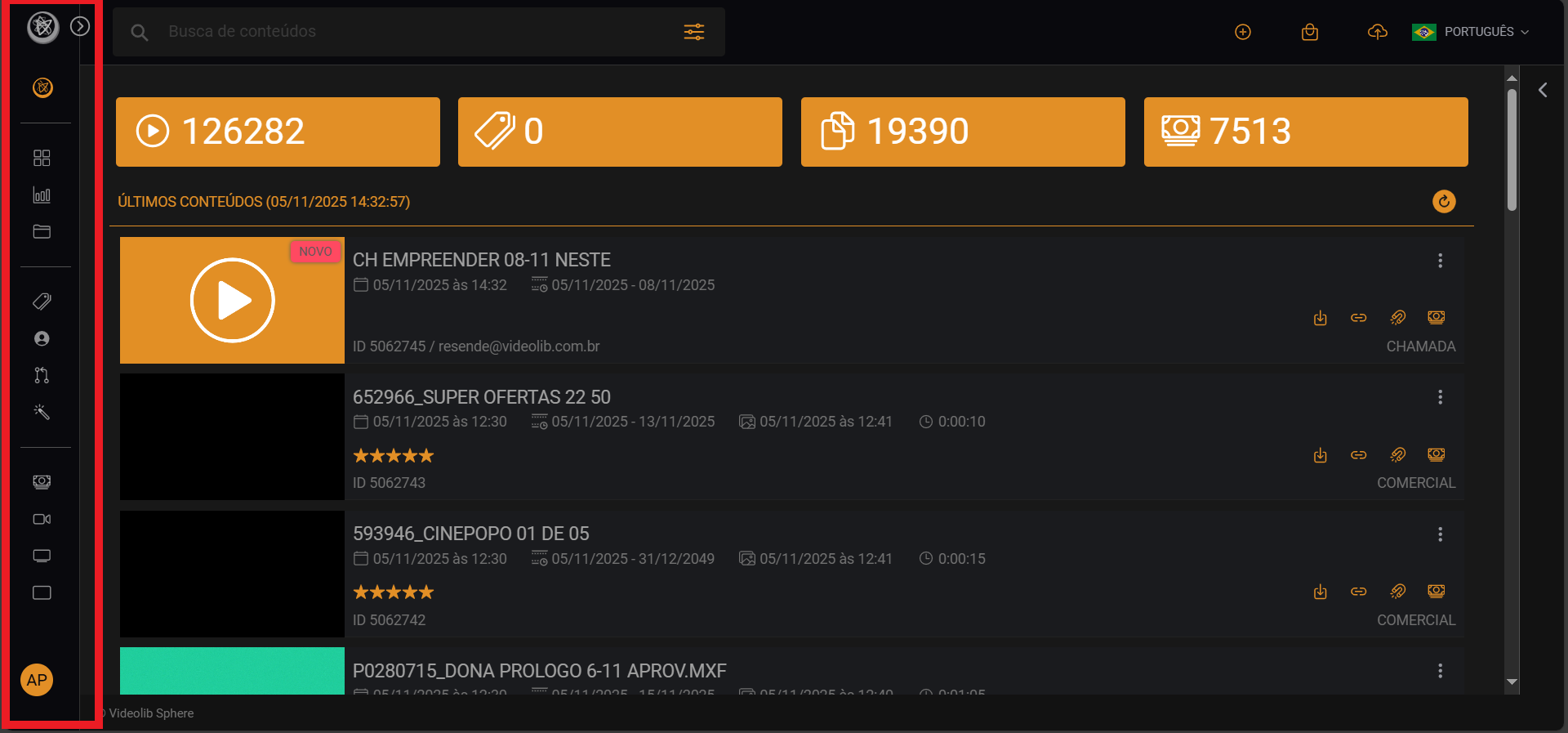
Menu
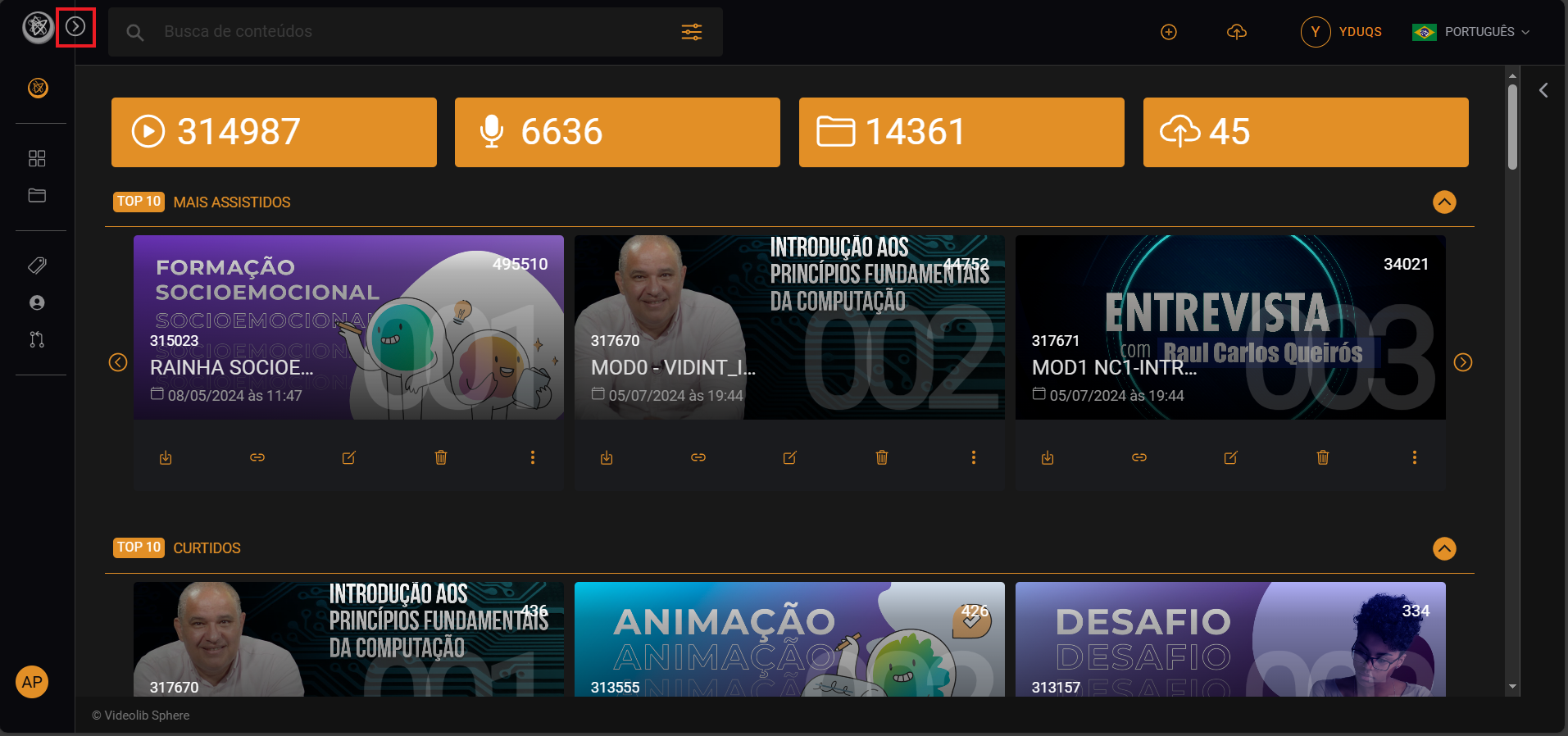
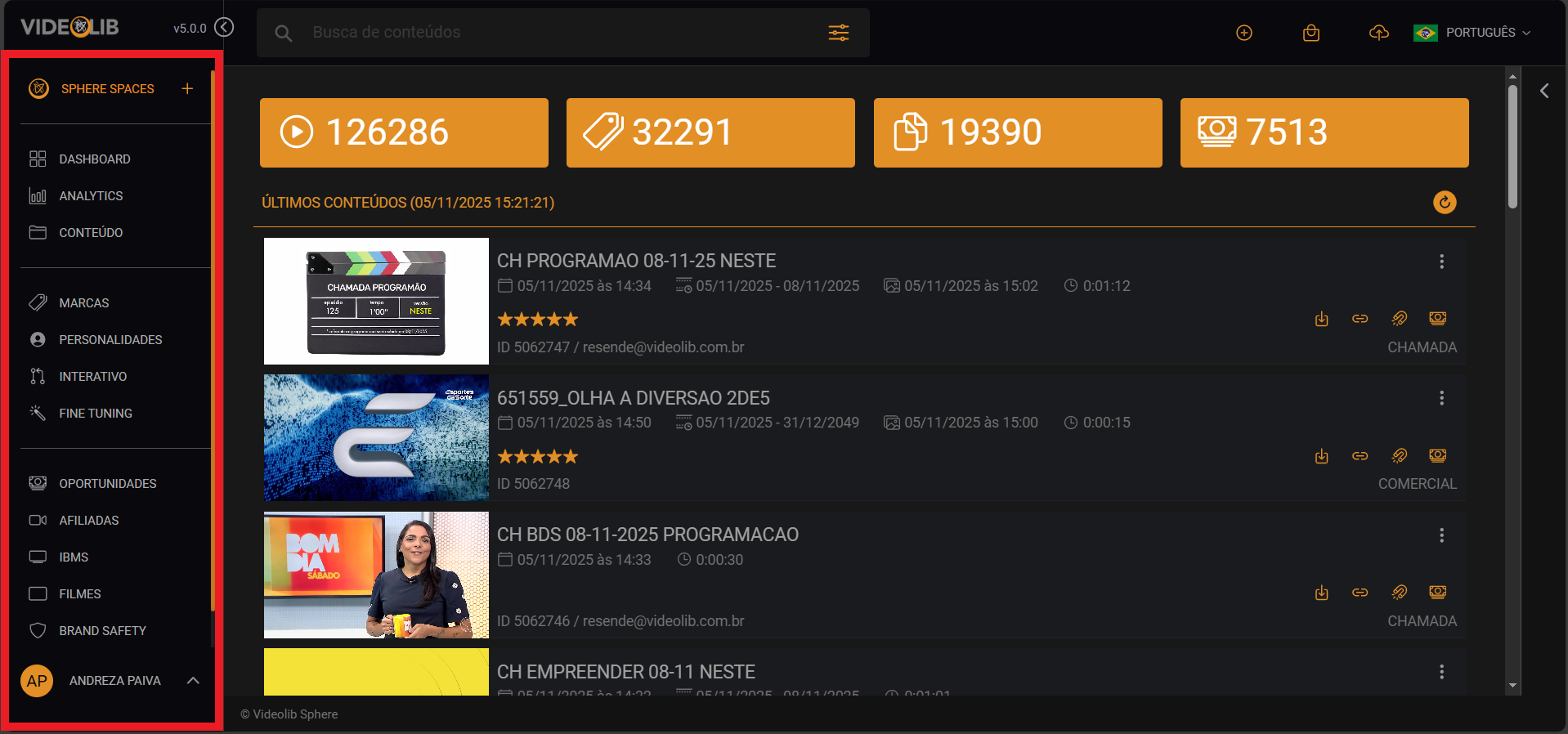
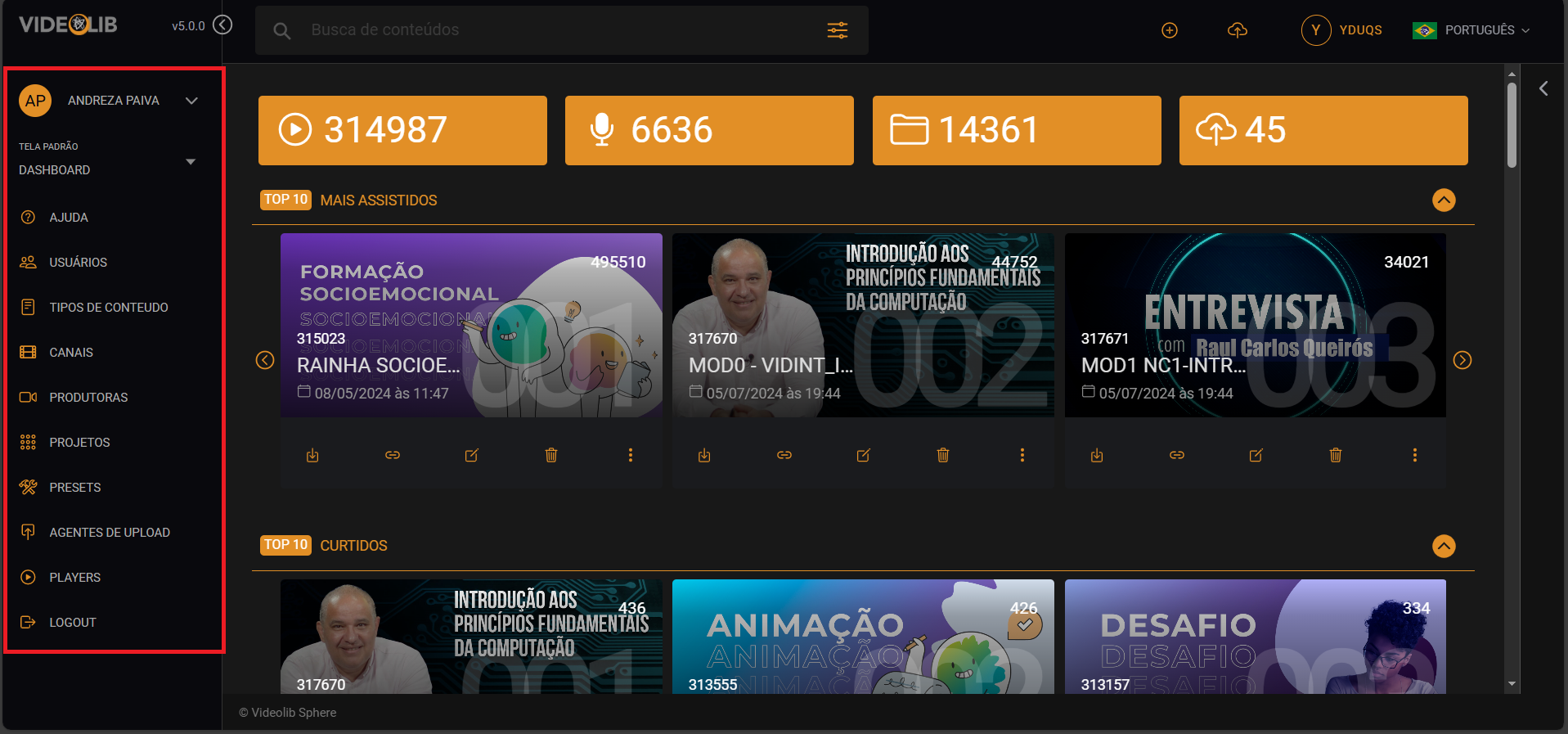
The left-side menu lets you navigate through the platform.
Filters
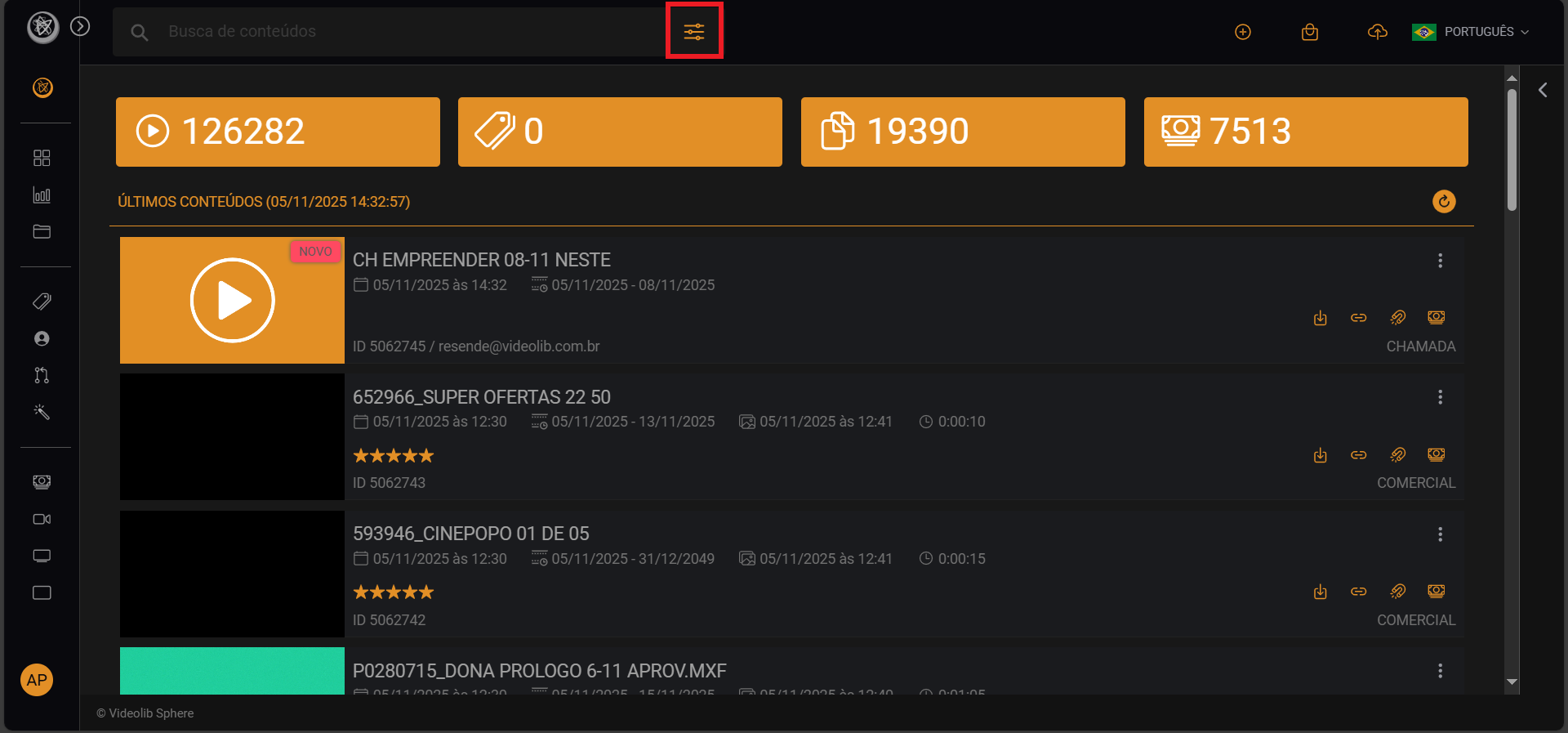
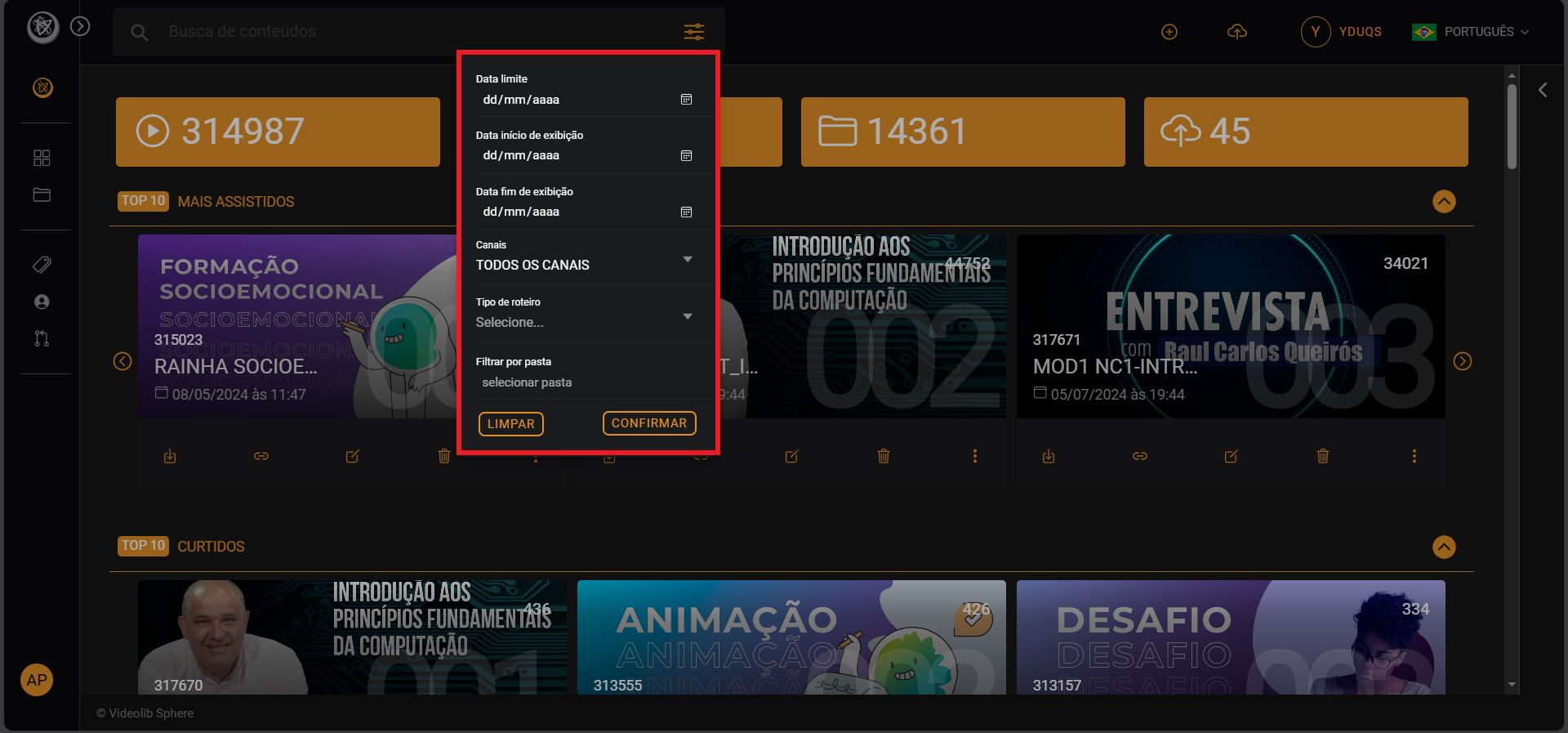
Use filters with search to narrow videos by date and script type.
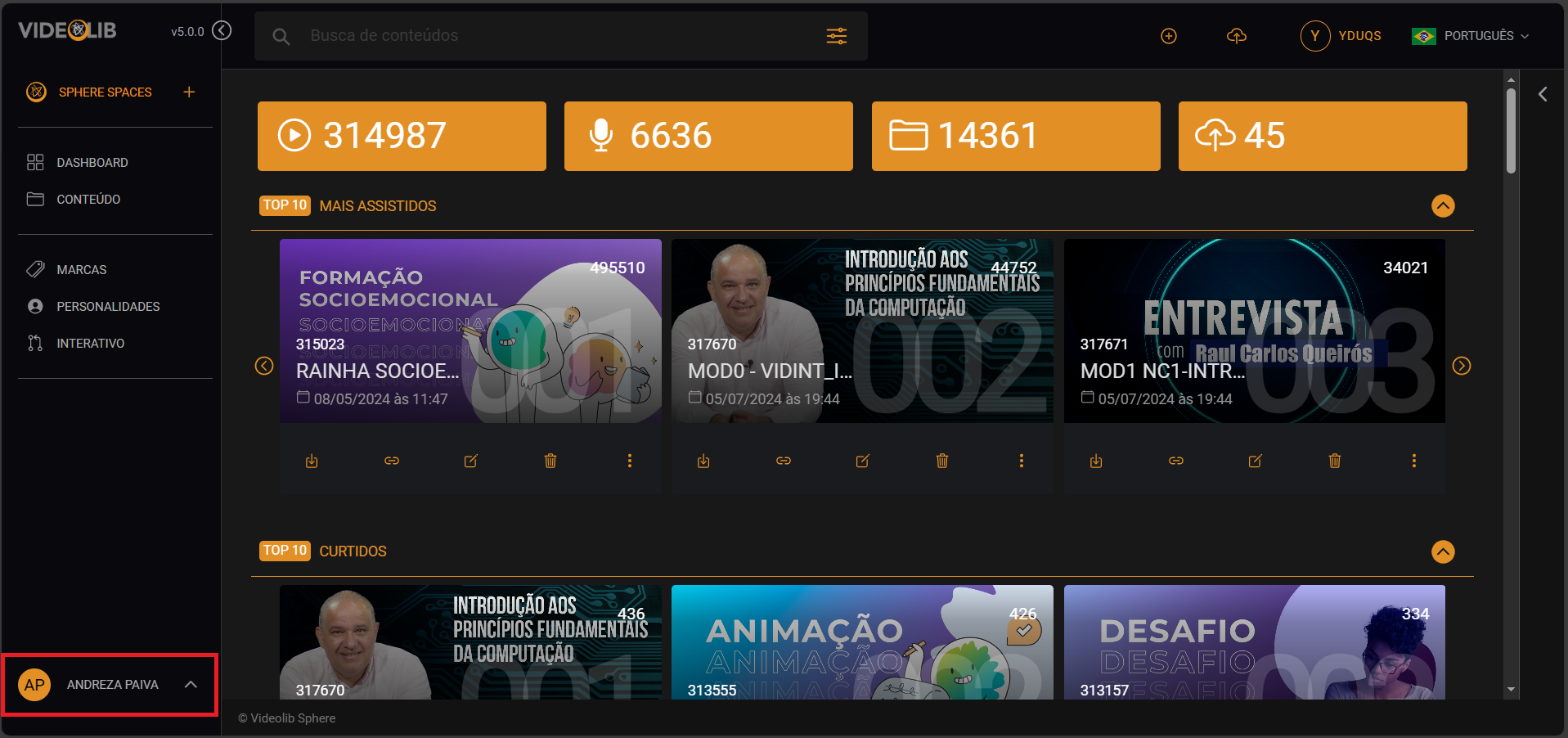
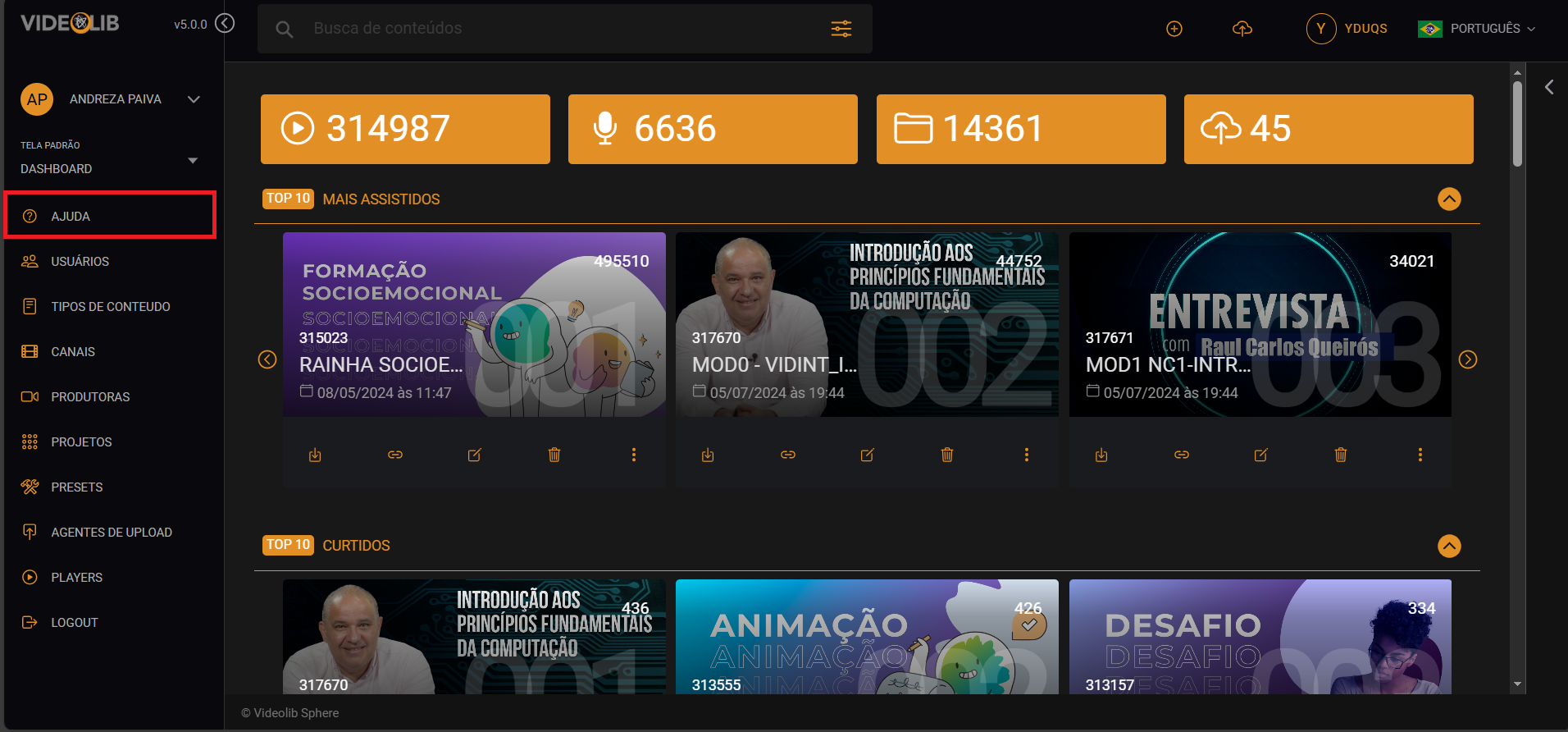
Help
Open the side menu, then your Profile, and access Help options: Wiki, email support, and direct support channels.
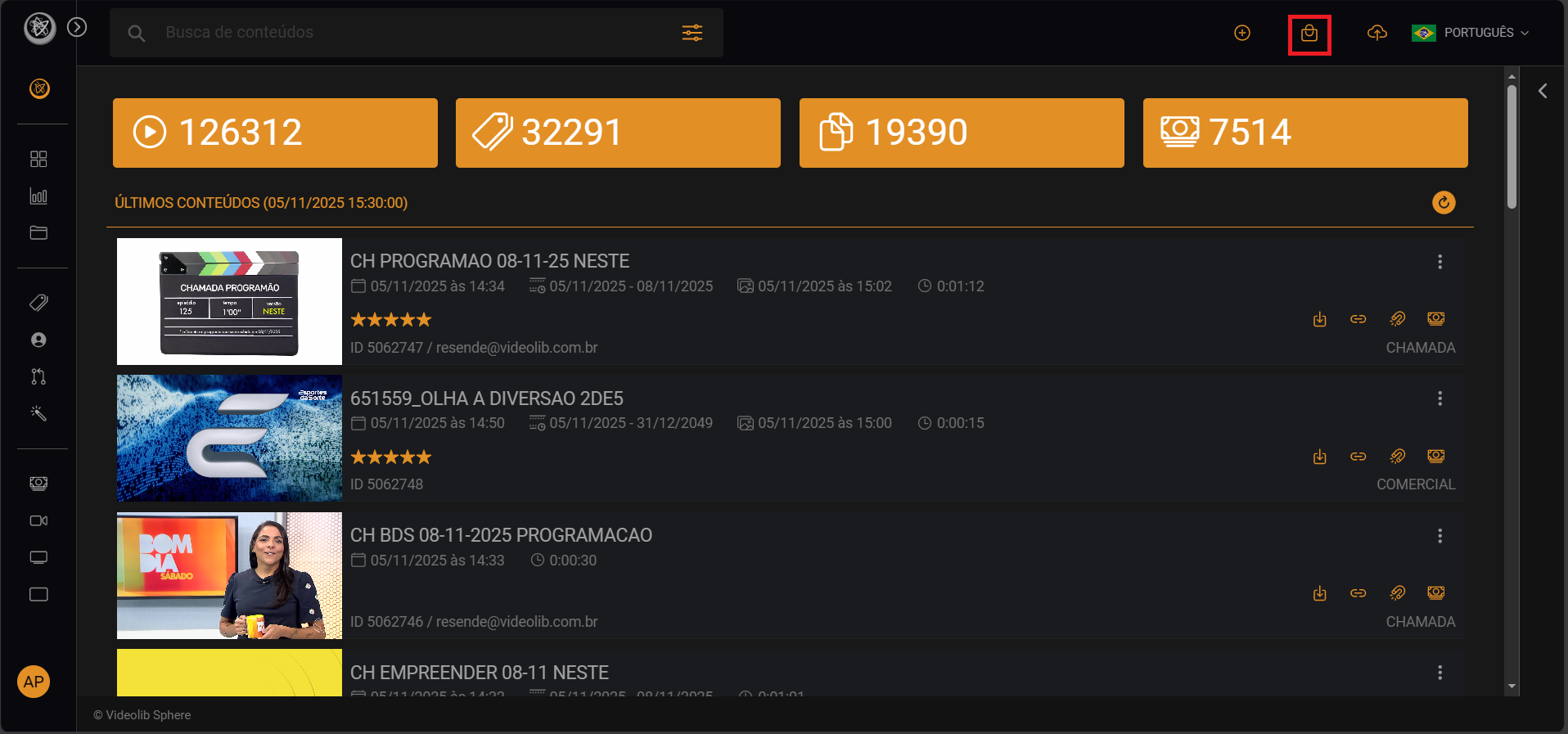
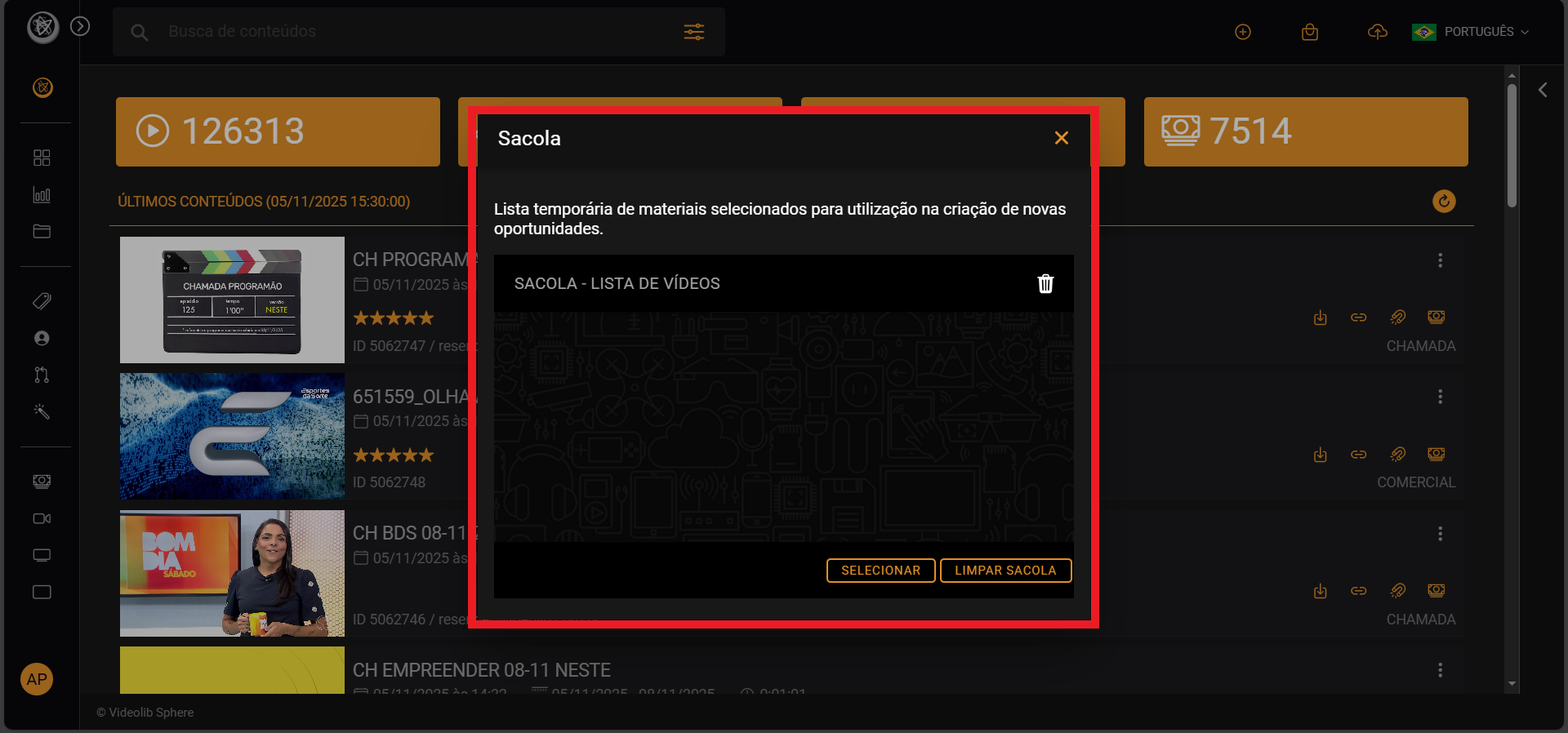
Opportunities Bag
Temporary list of selected materials for sending opportunities.
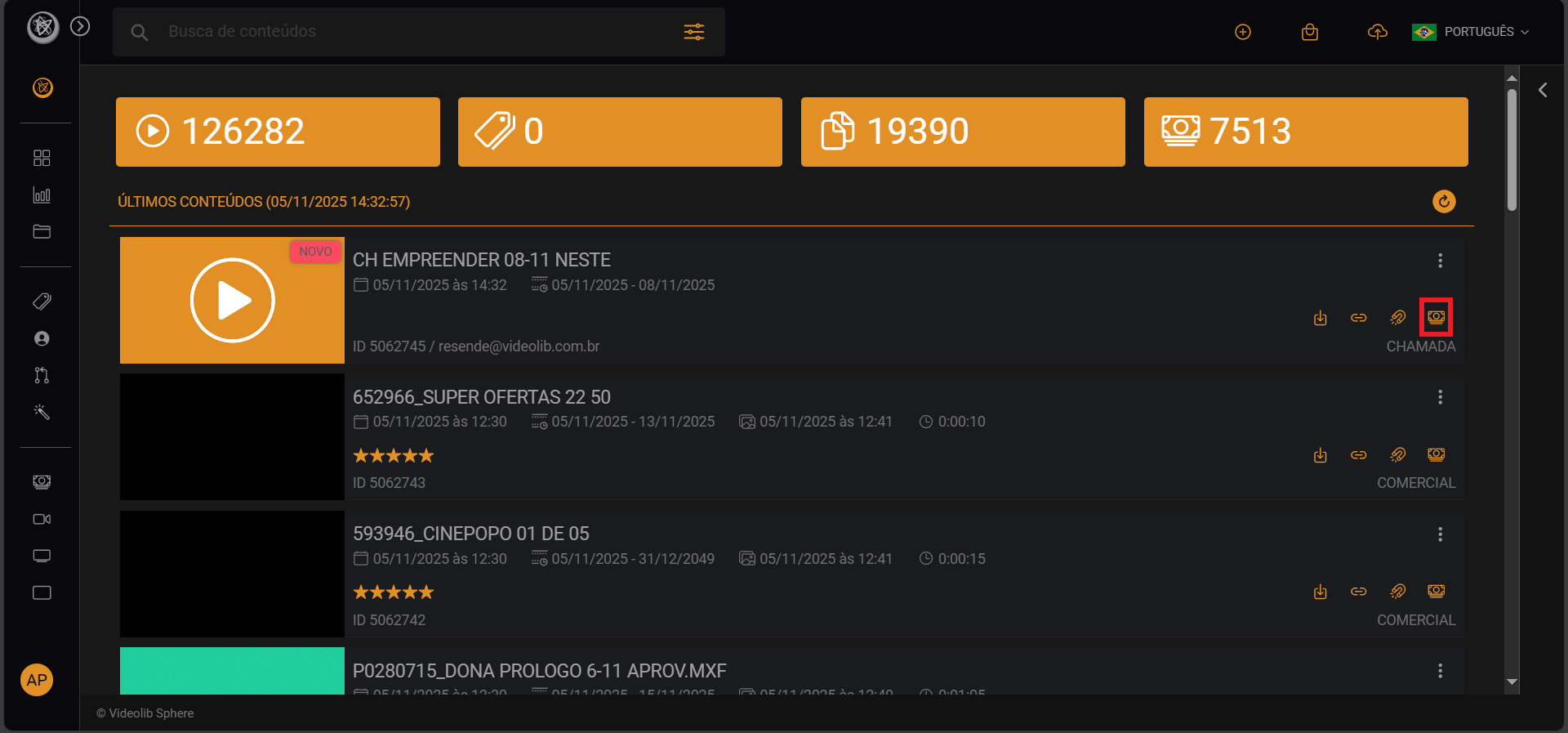
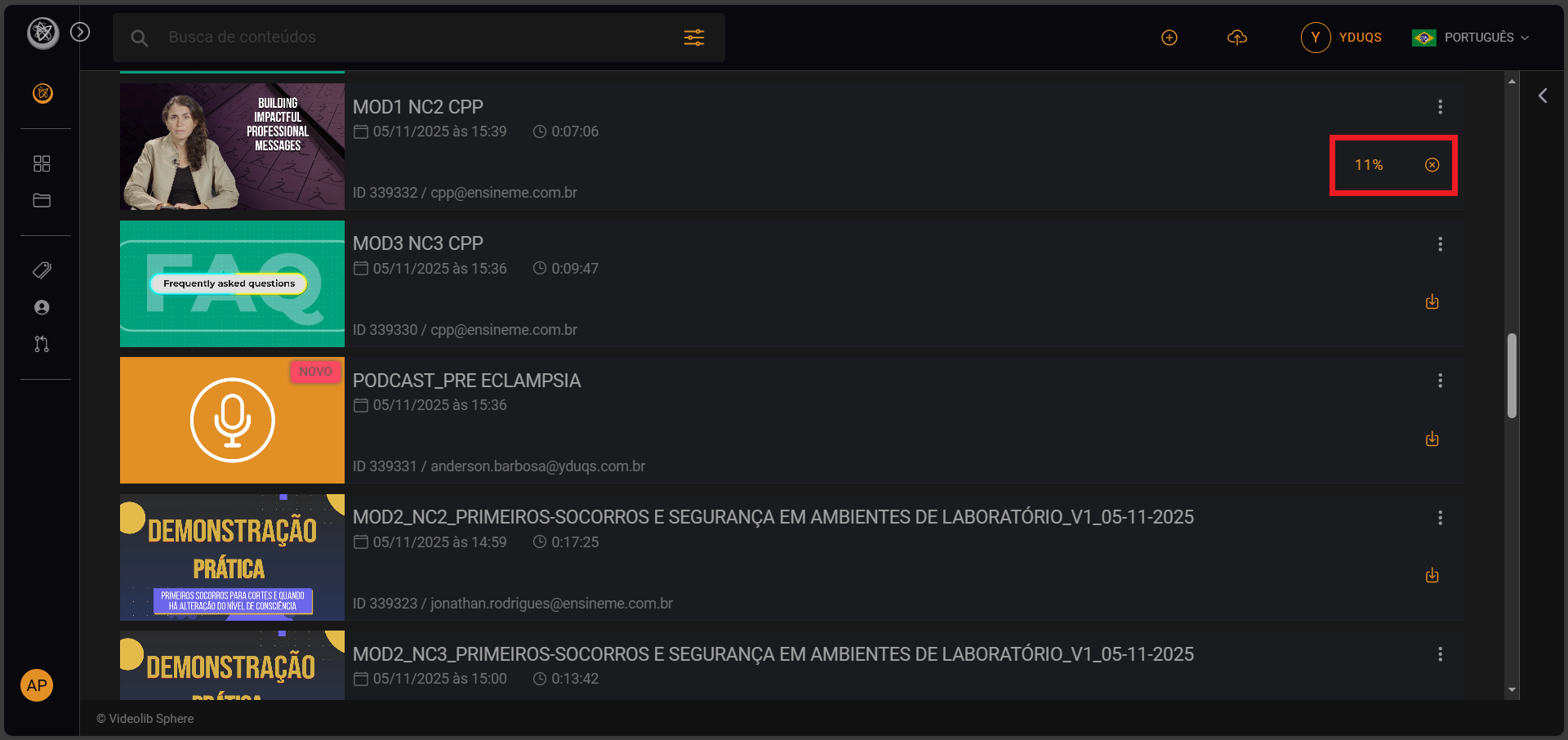
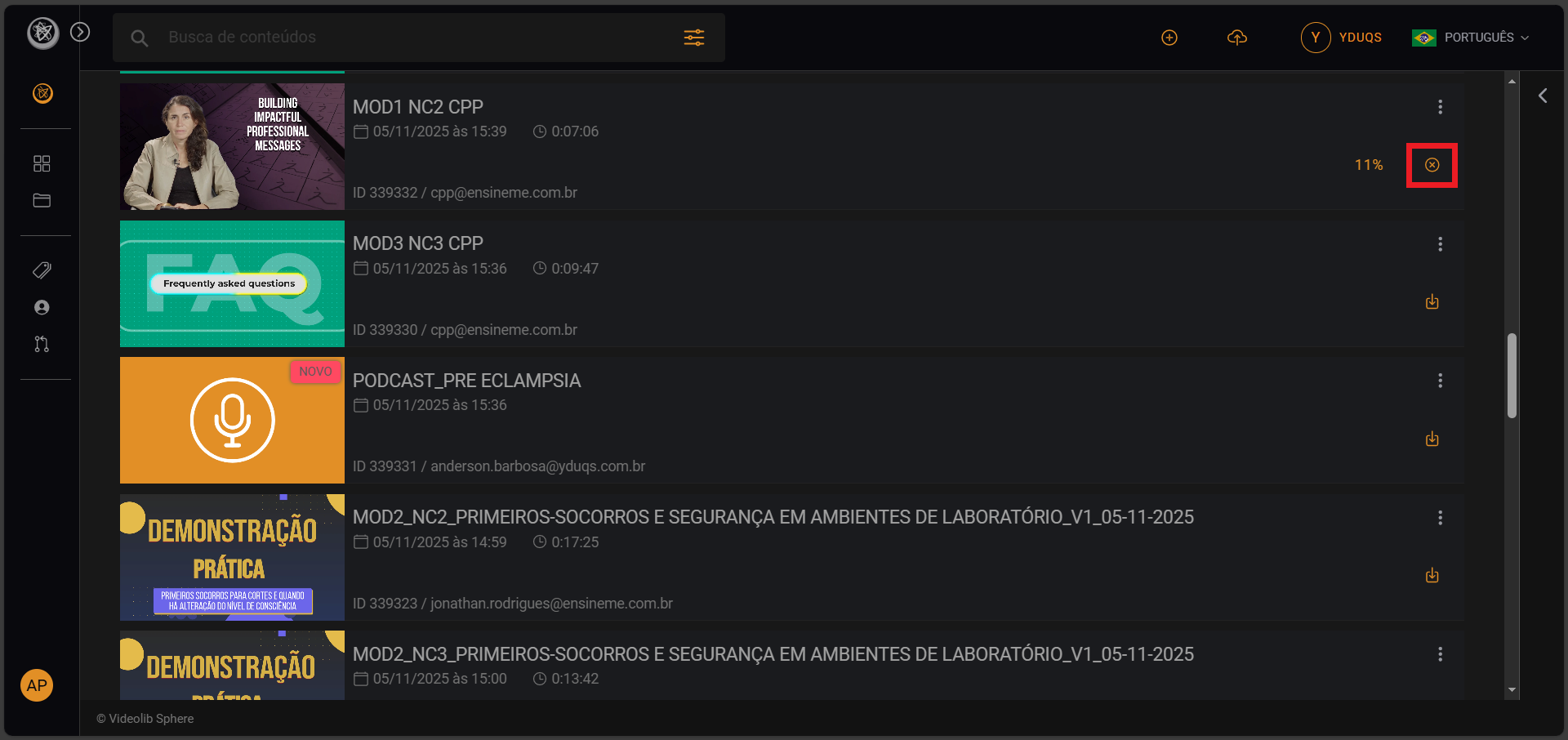
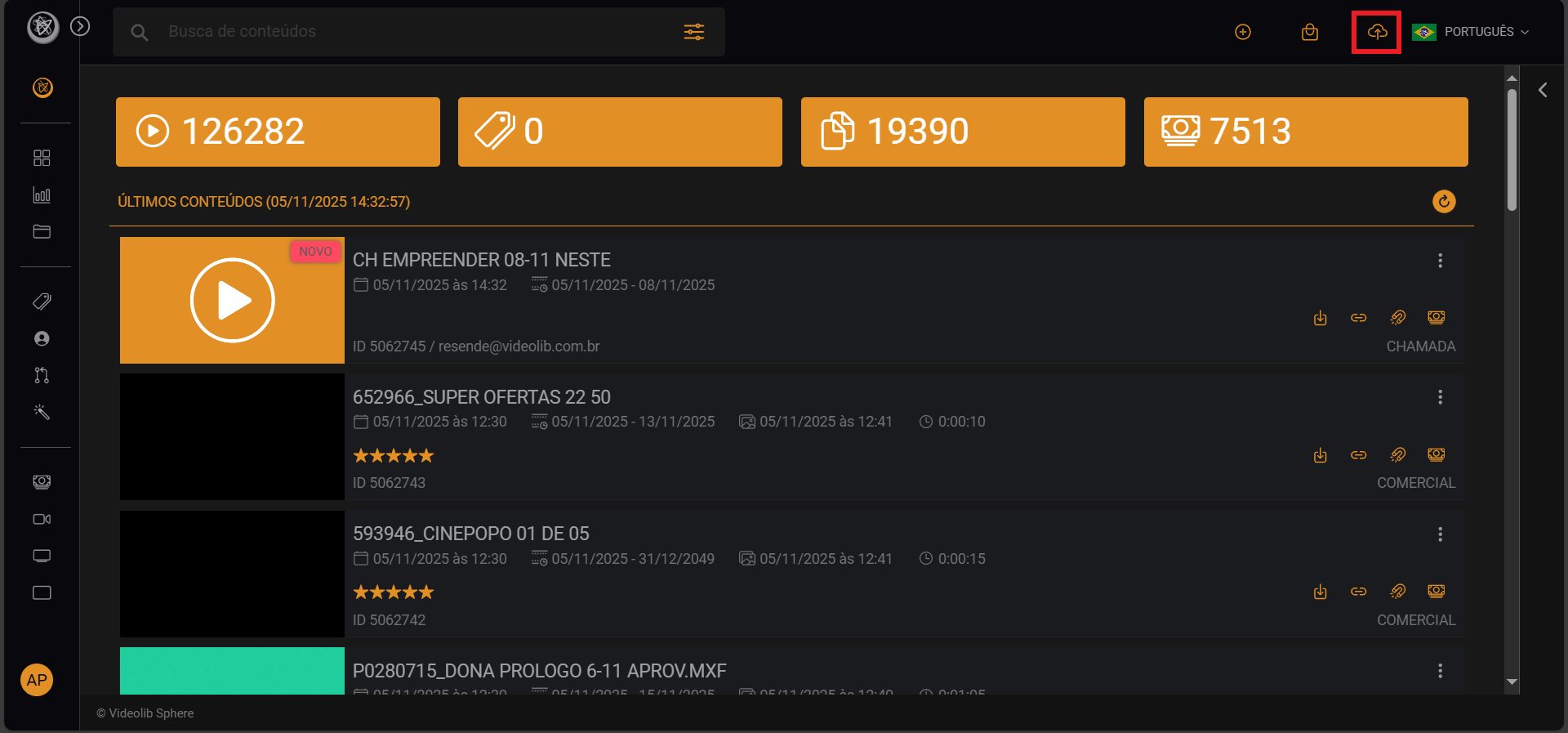
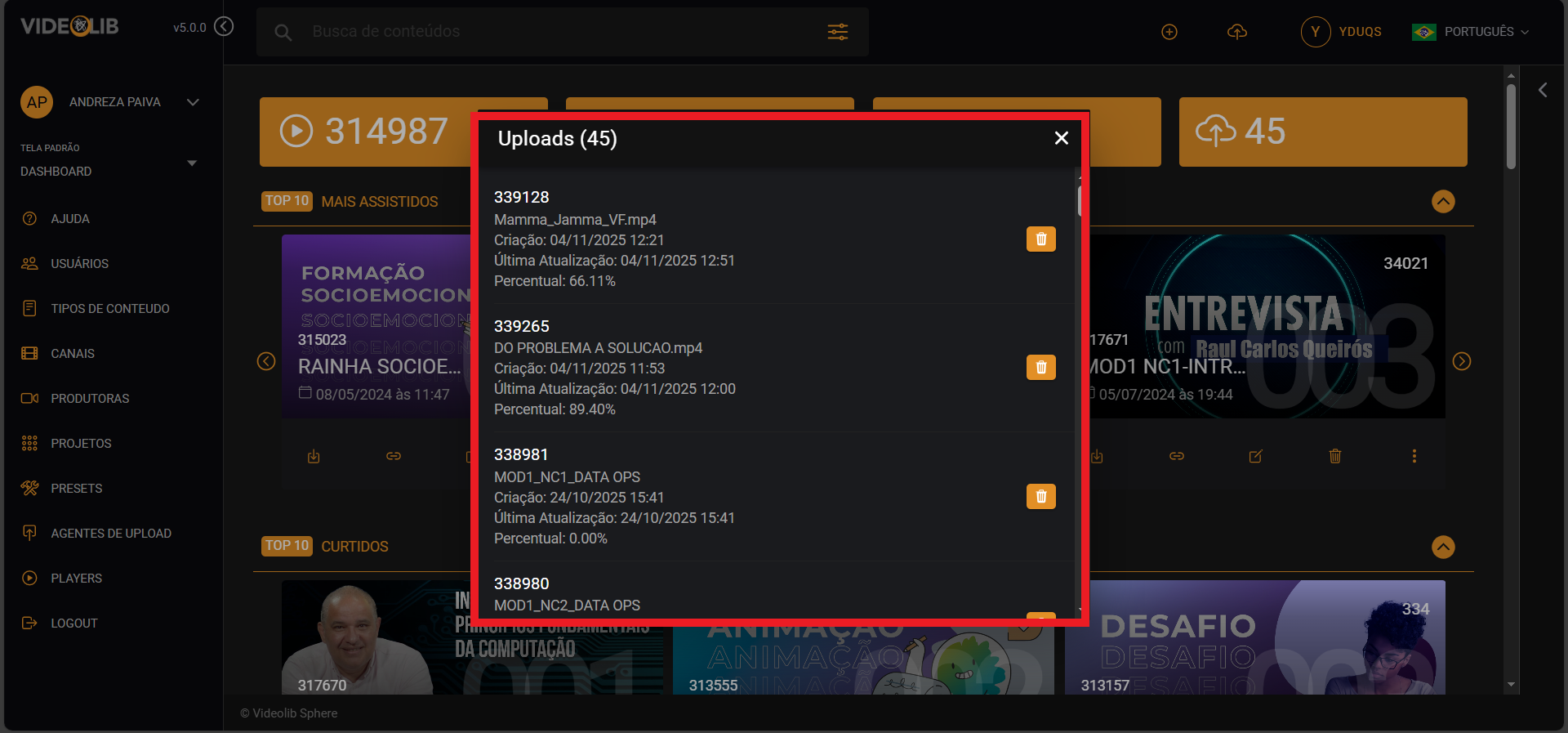
Upload Status
Track all active uploads.
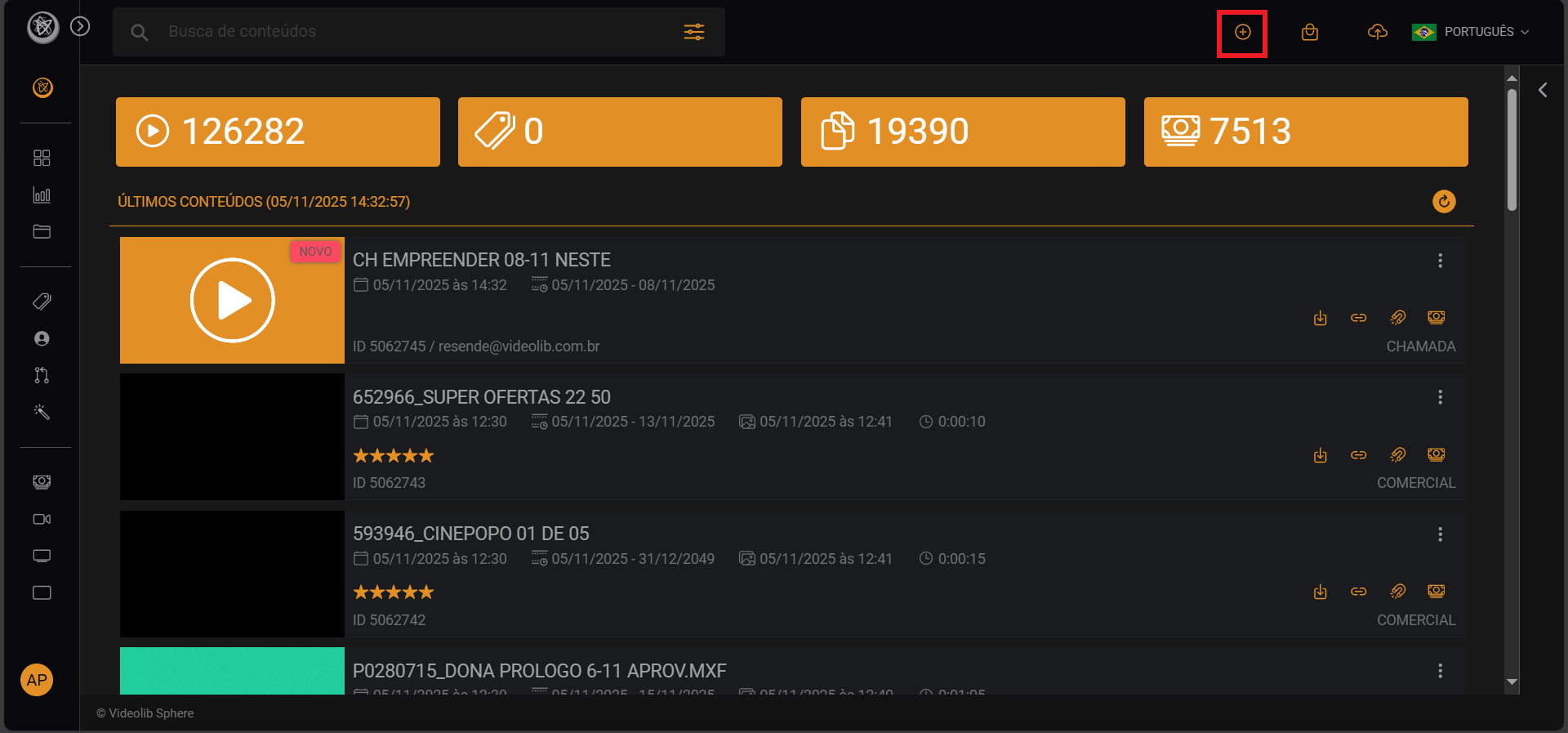
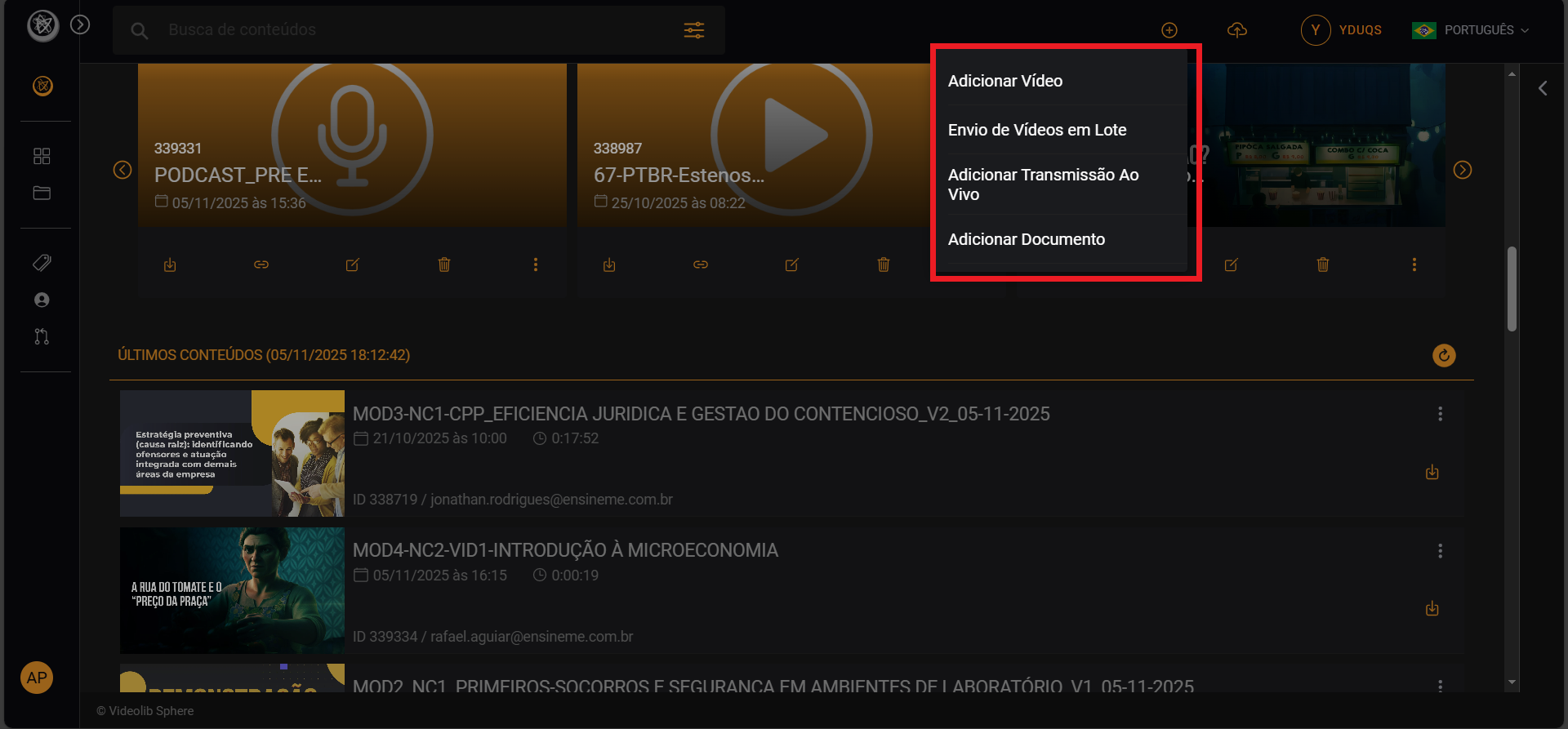
New Item
Create new content: Add Video, Bulk Upload, Add Live, or Add Document.
Profile
Access management features depending on permission level.
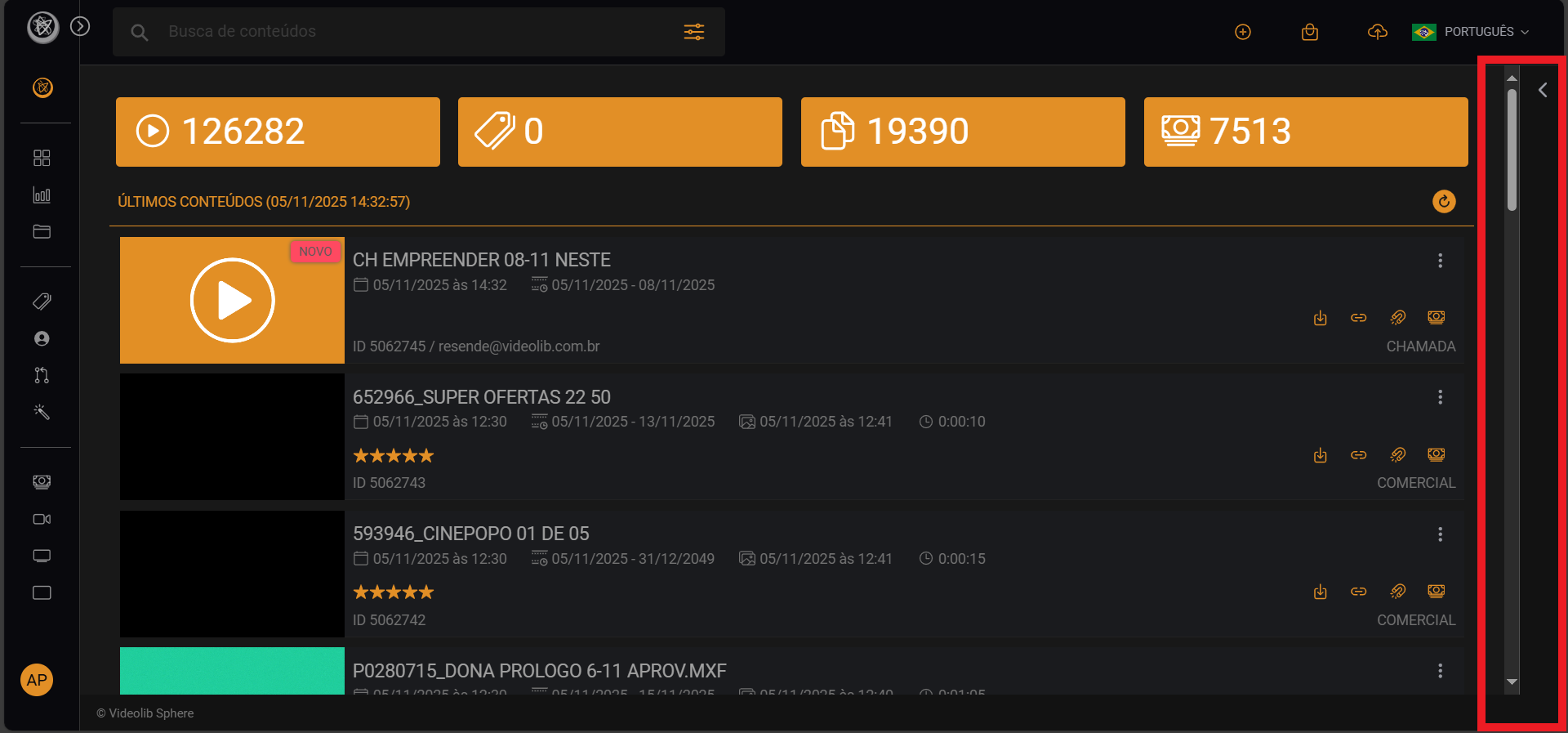
Sphere Assistant
Open the right-side panel to access Sphere AI.
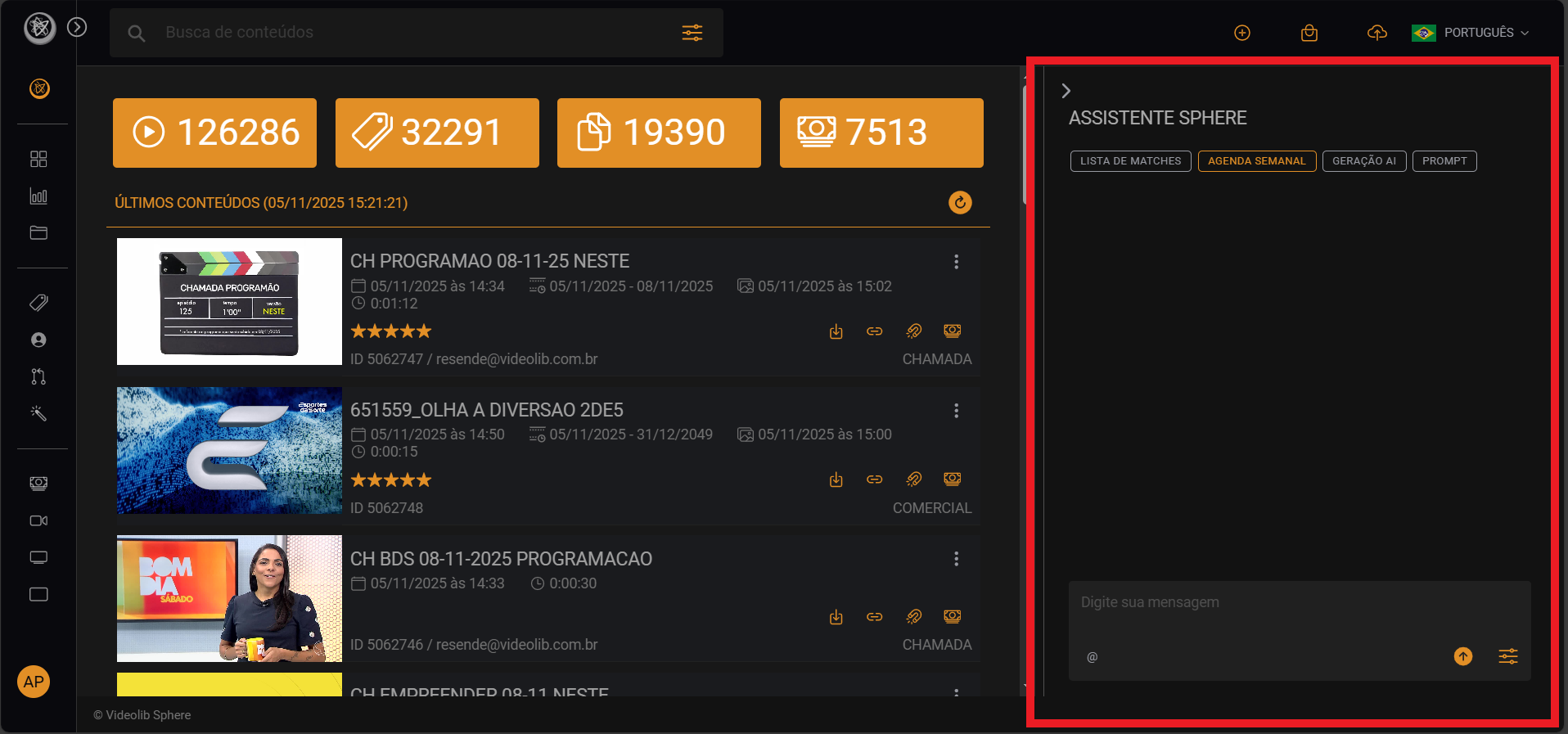
Sphere is content-based AI for deeper understanding, similarity generation, and data automation.
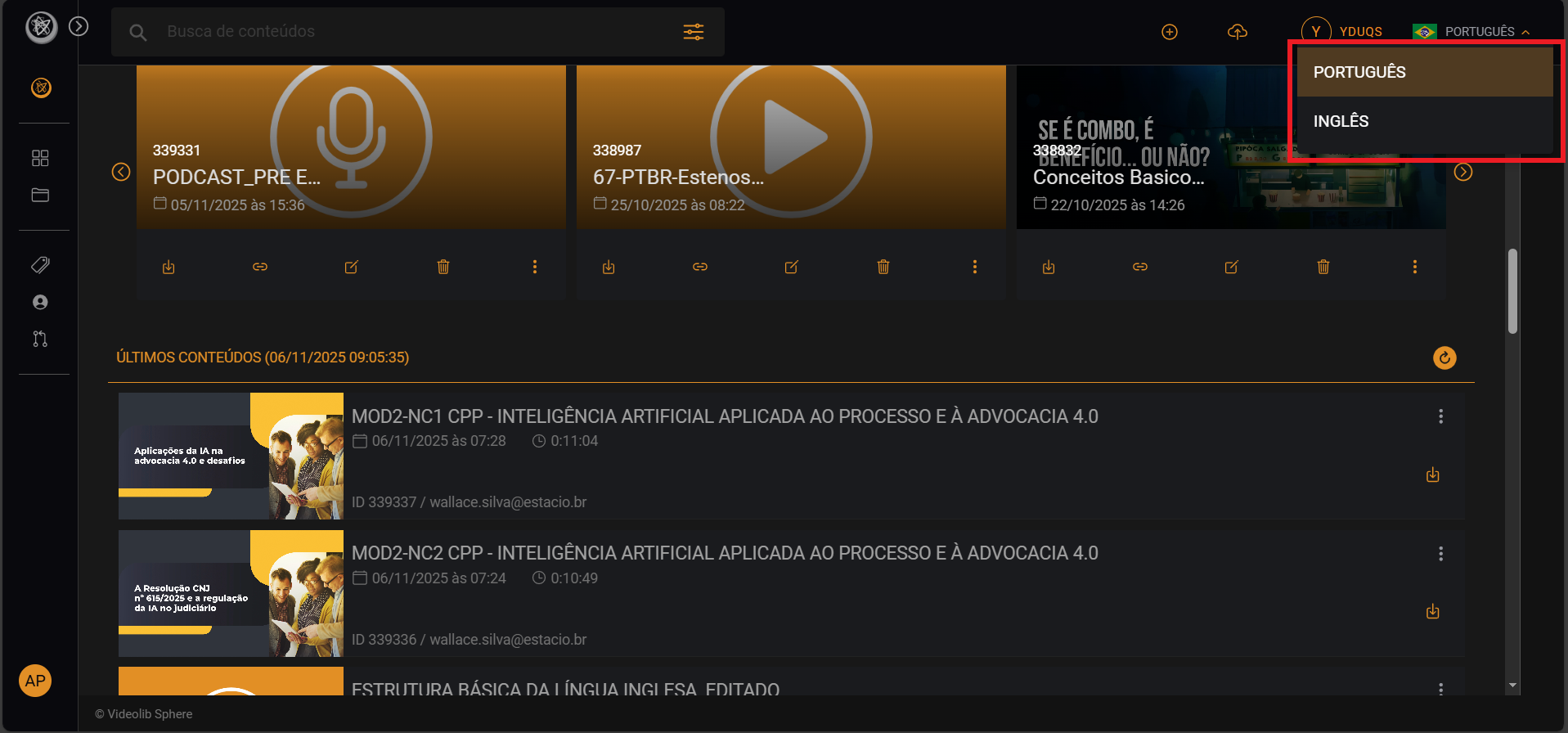
Language Settings
Click Language in the top-right corner and select your preferred language.