Menu - Content
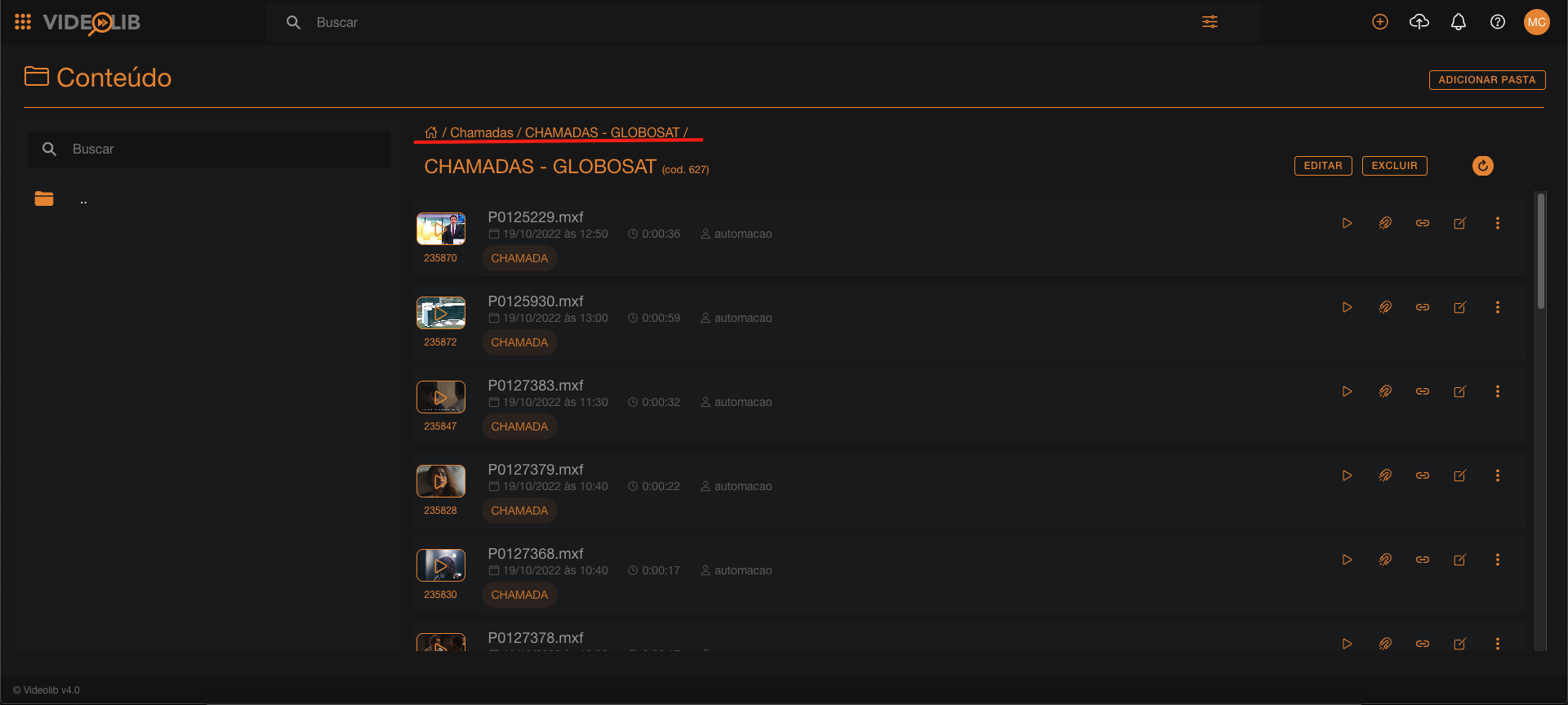
In Content, you can access most VideoLib video files and folders.
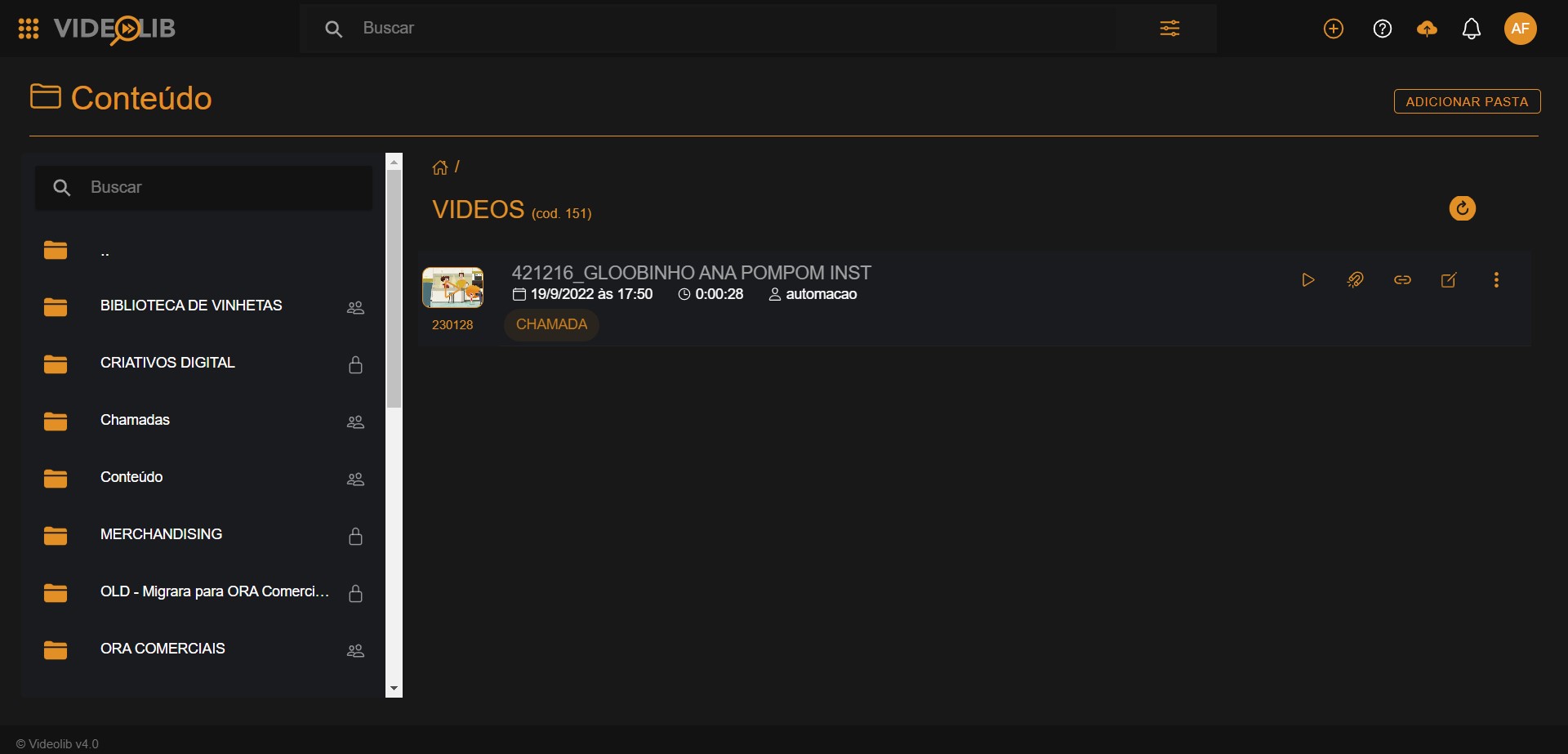
Folder Creation
Folders organize content and can also work as playlists.
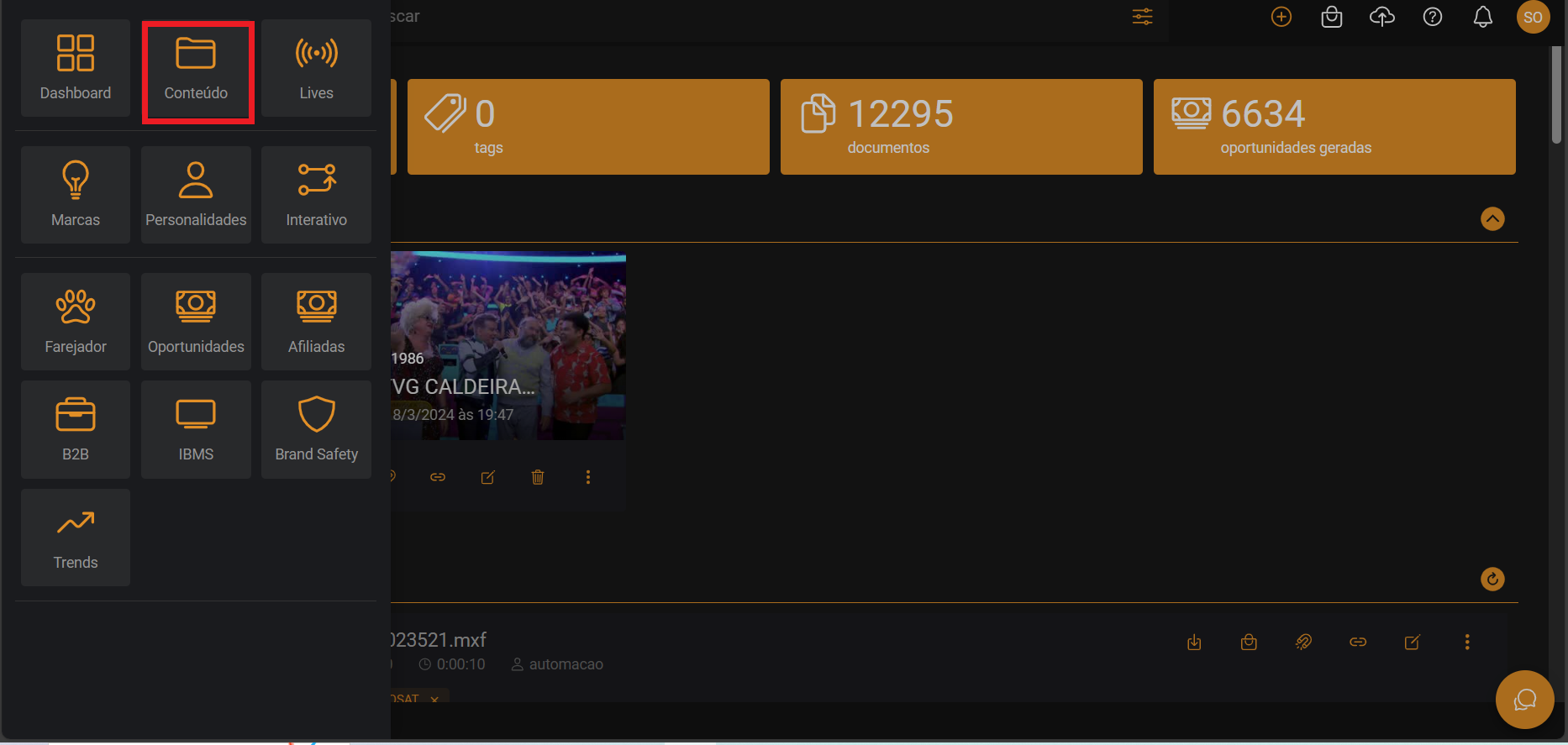
- Open side menu and go to Content.
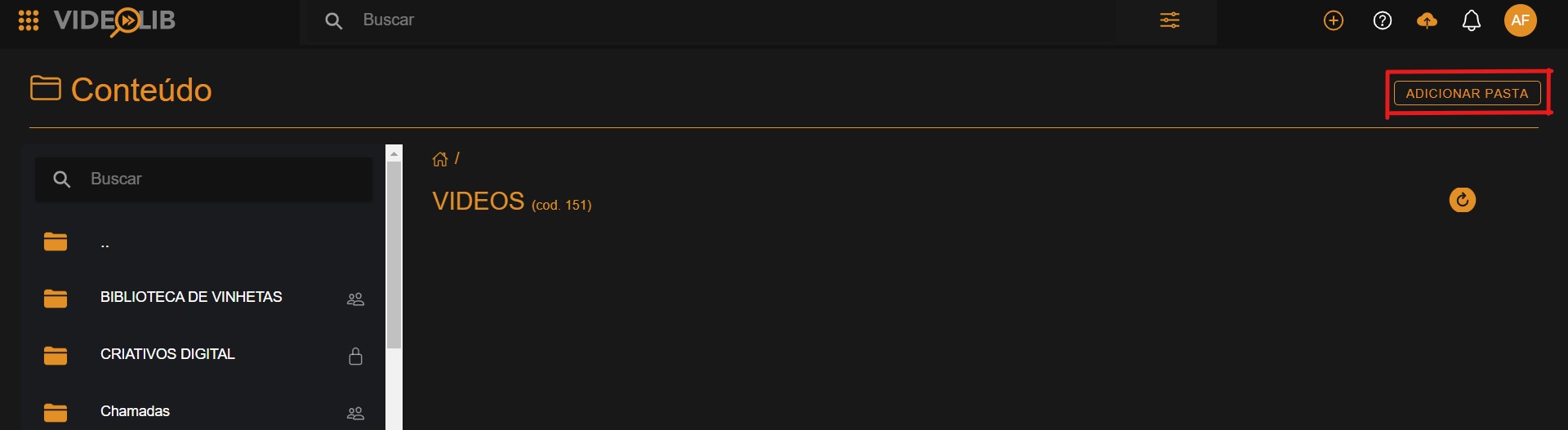
- Click "Add folder".
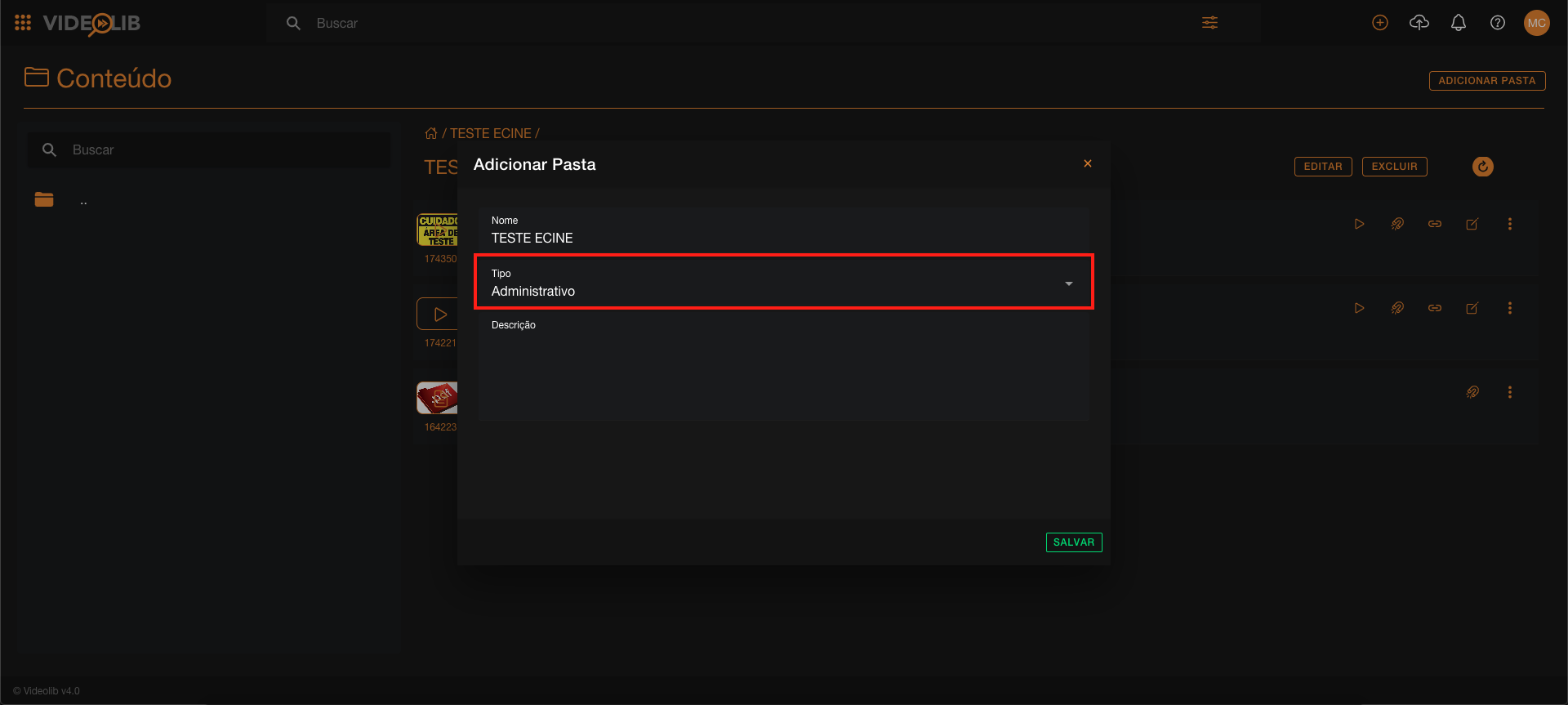
- Enter name and folder type.
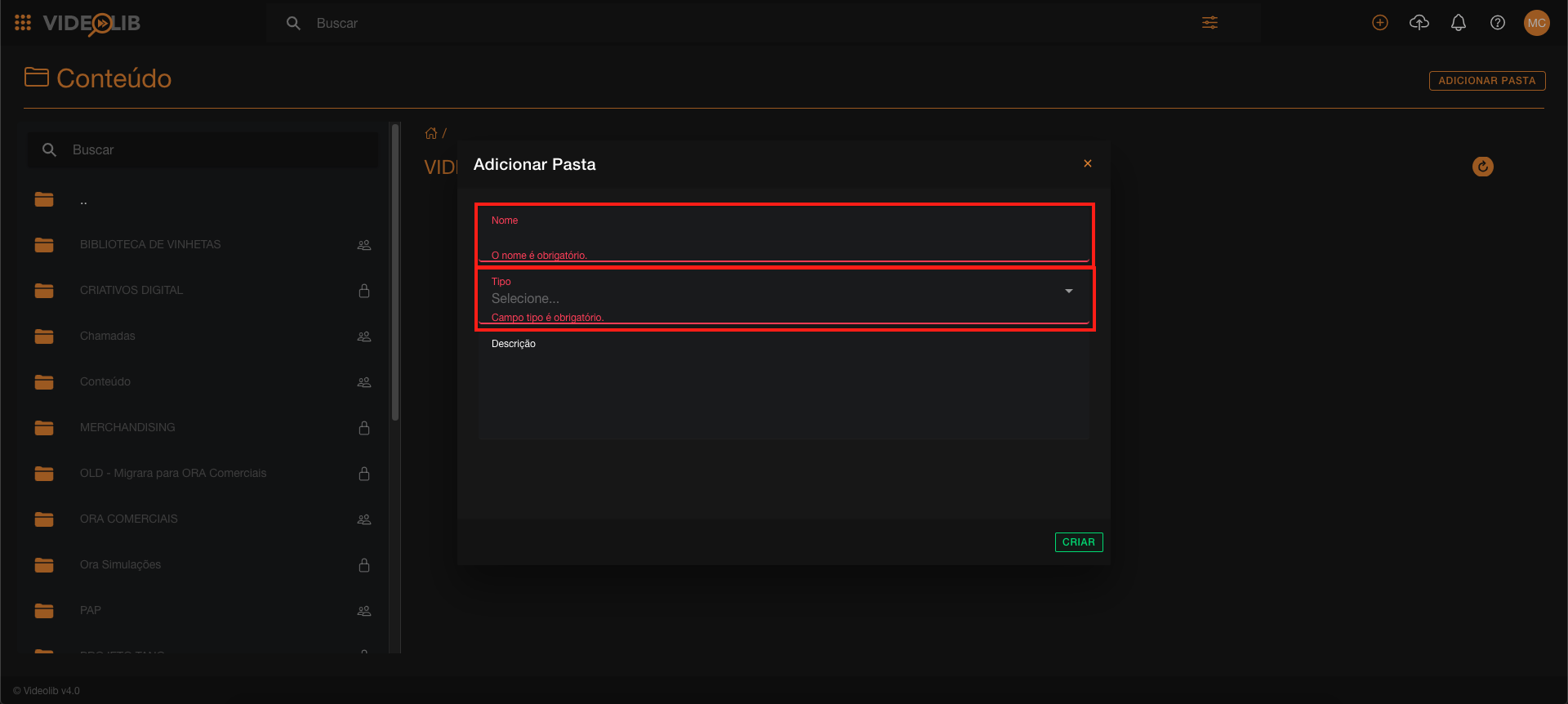
Folder types:
- Administrative
- Playlist
- Archive
Changing Folder Type
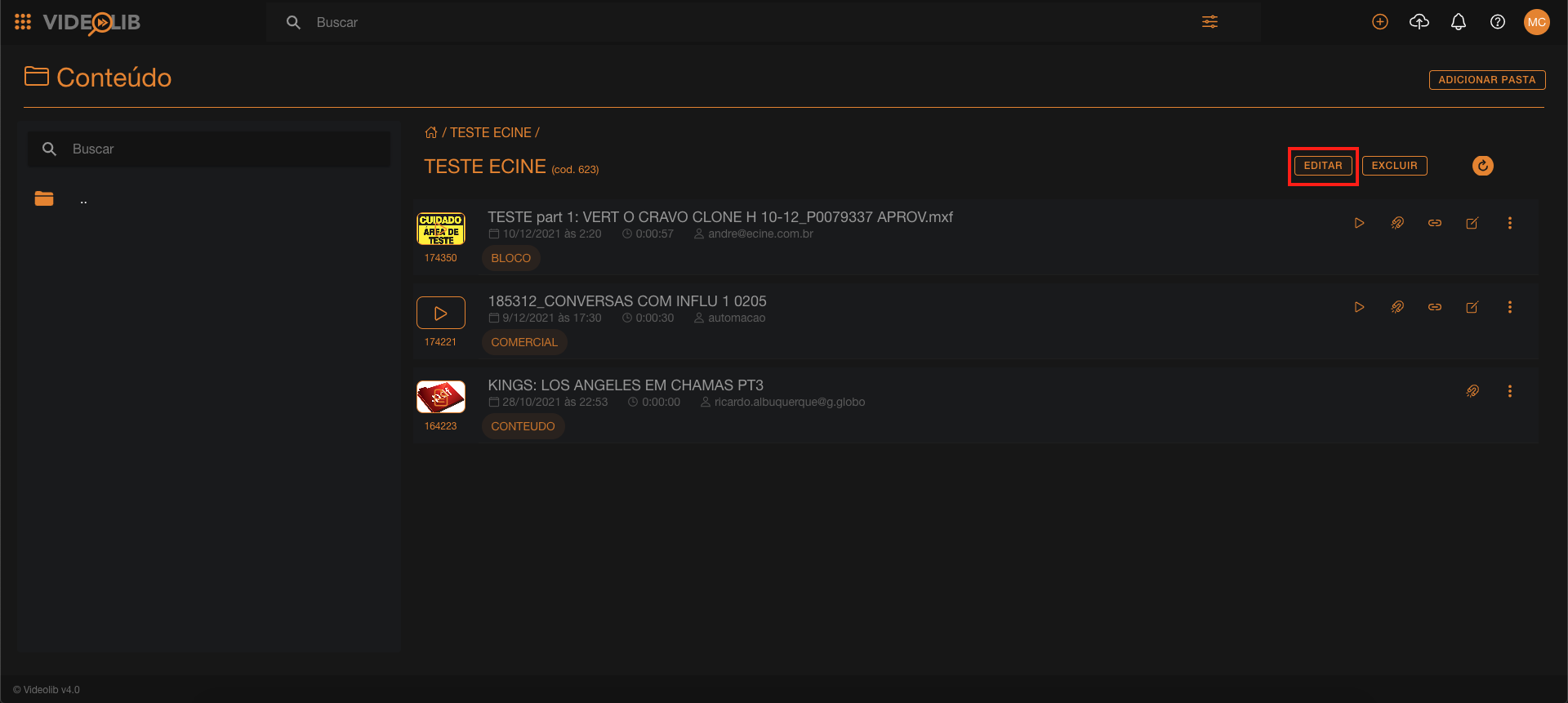
- Select folder.
- Click Edit.
- Open "Folder Types".
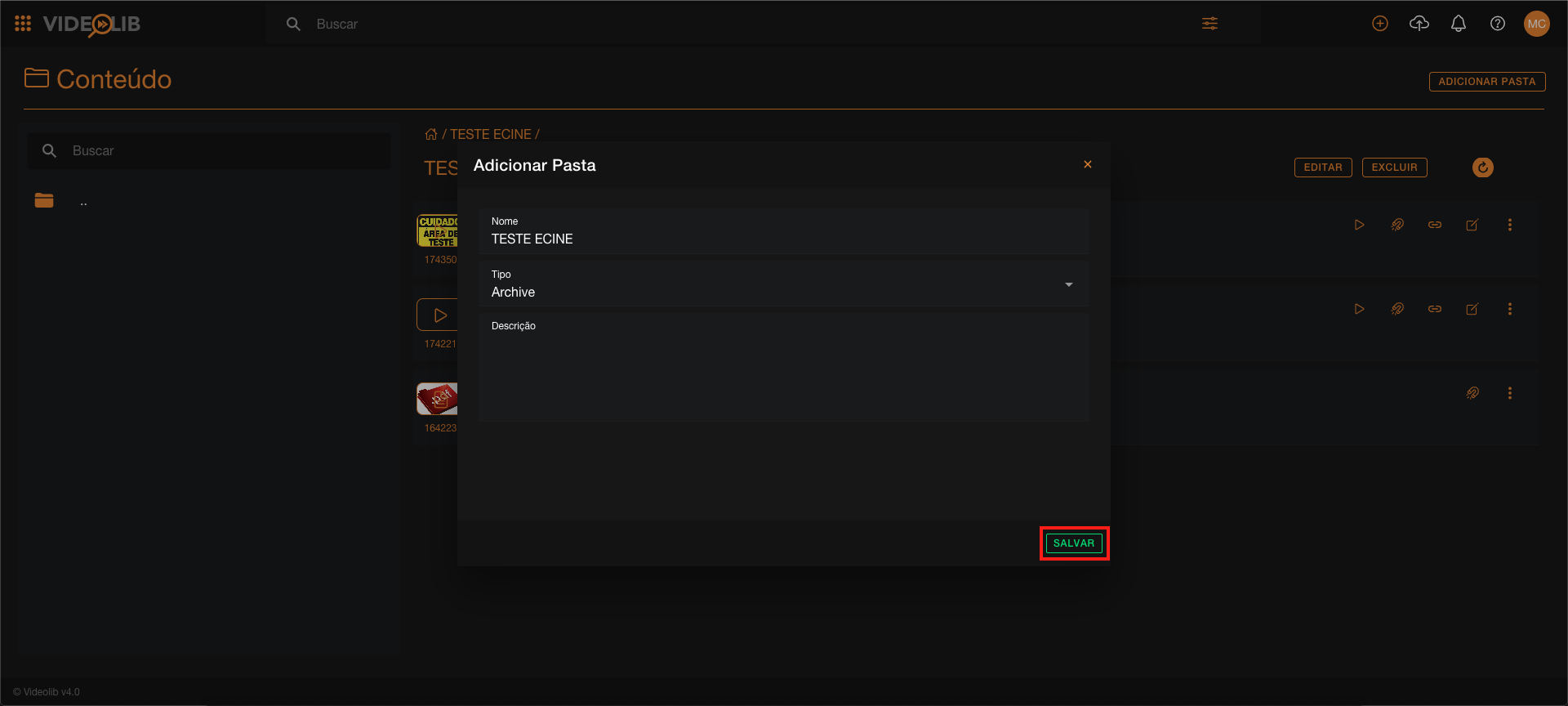
- Select type and Save.