Menu - Content
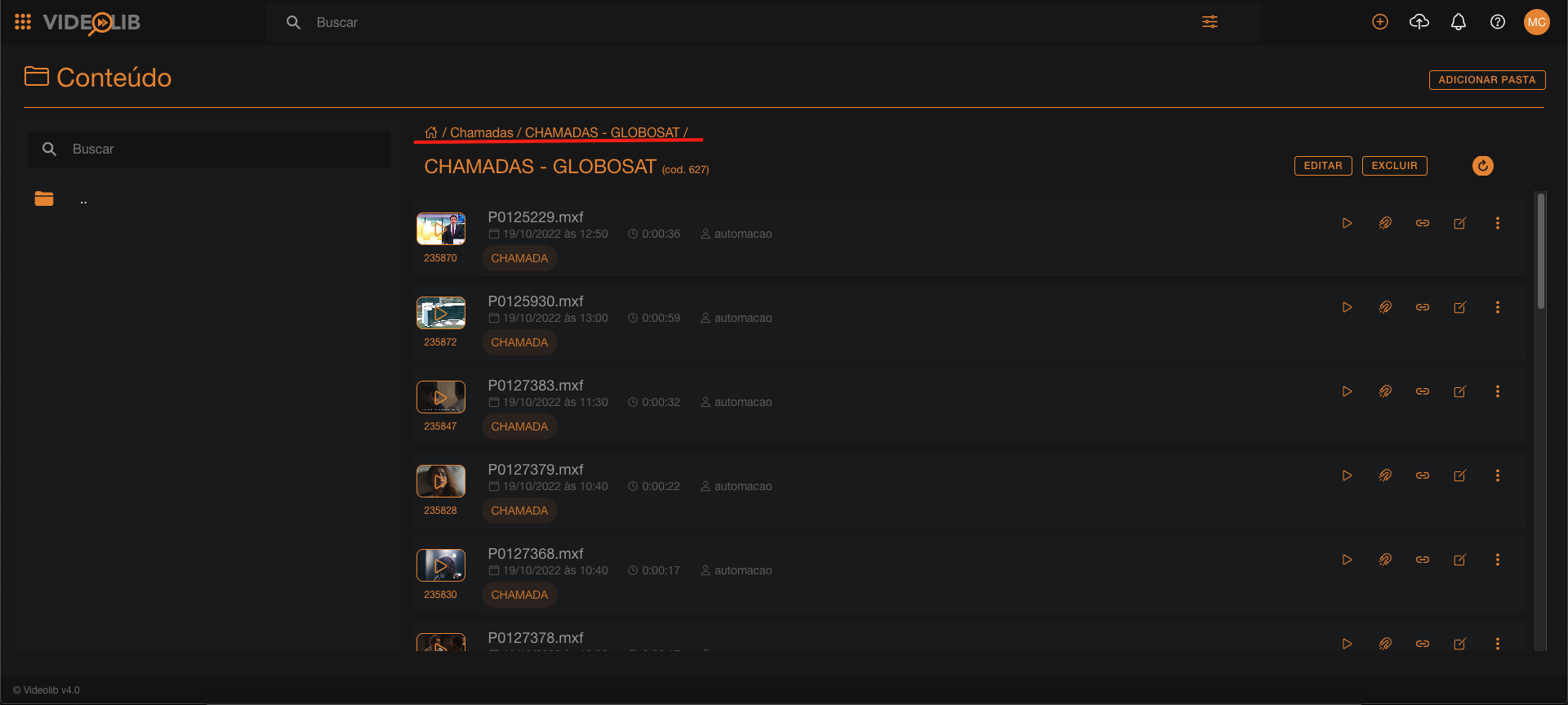
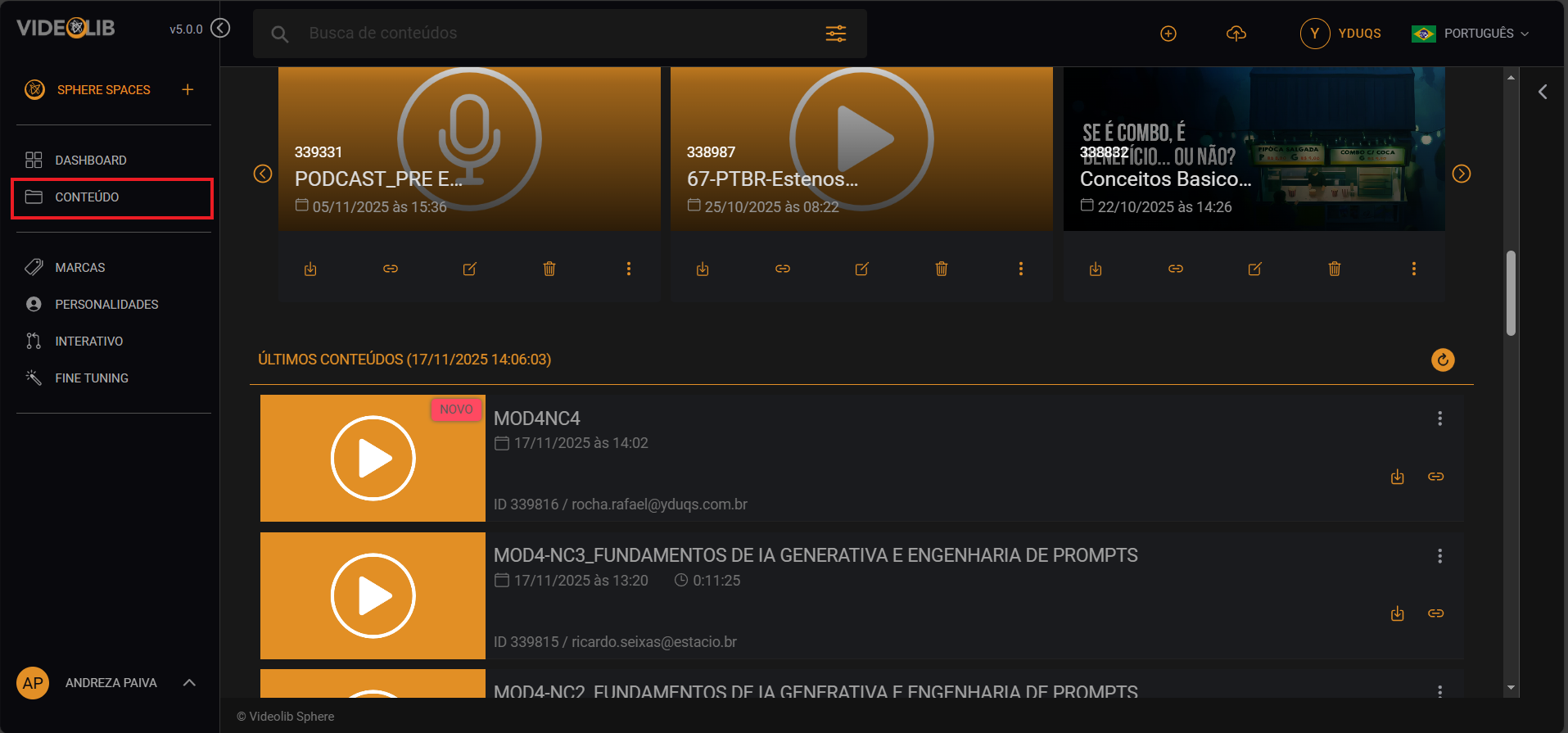
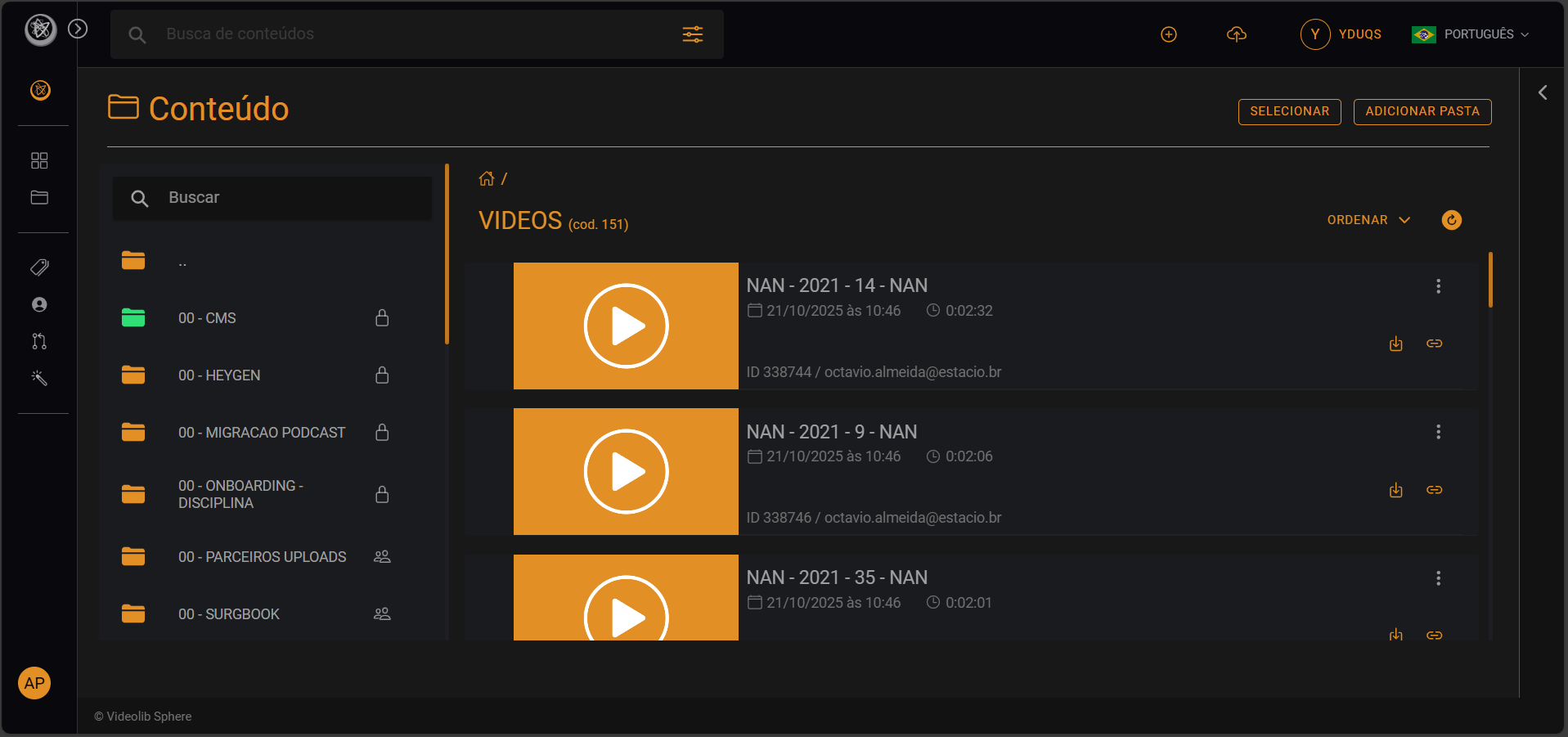
In Content, you can access most VideoLib files and folders available to your account.
Folder Creation (Add Folder)
Folders help organize content and can also work as playlists.
- From the dashboard, open the side menu and go to Content.
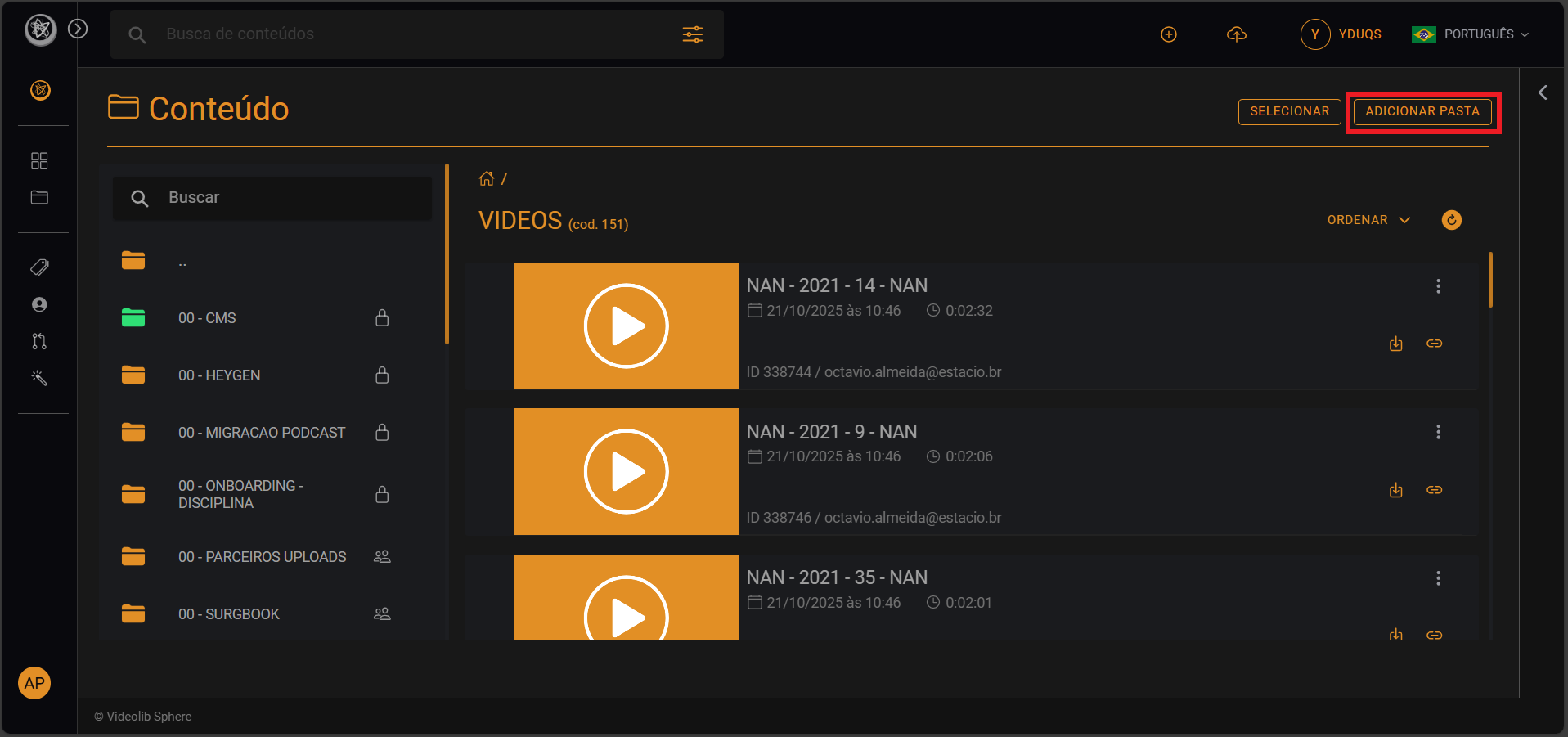
- Click "Add folder".
- Enter folder name and folder type.
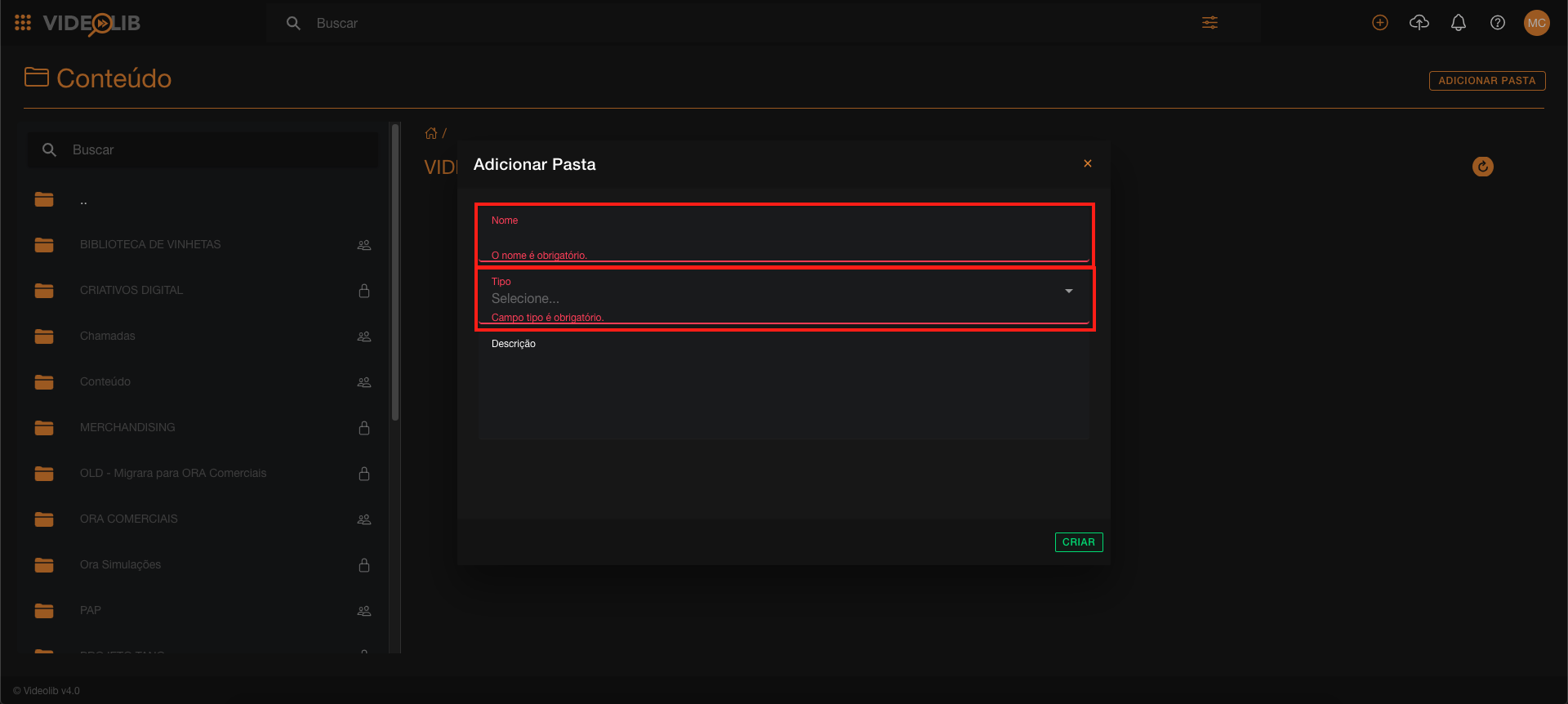
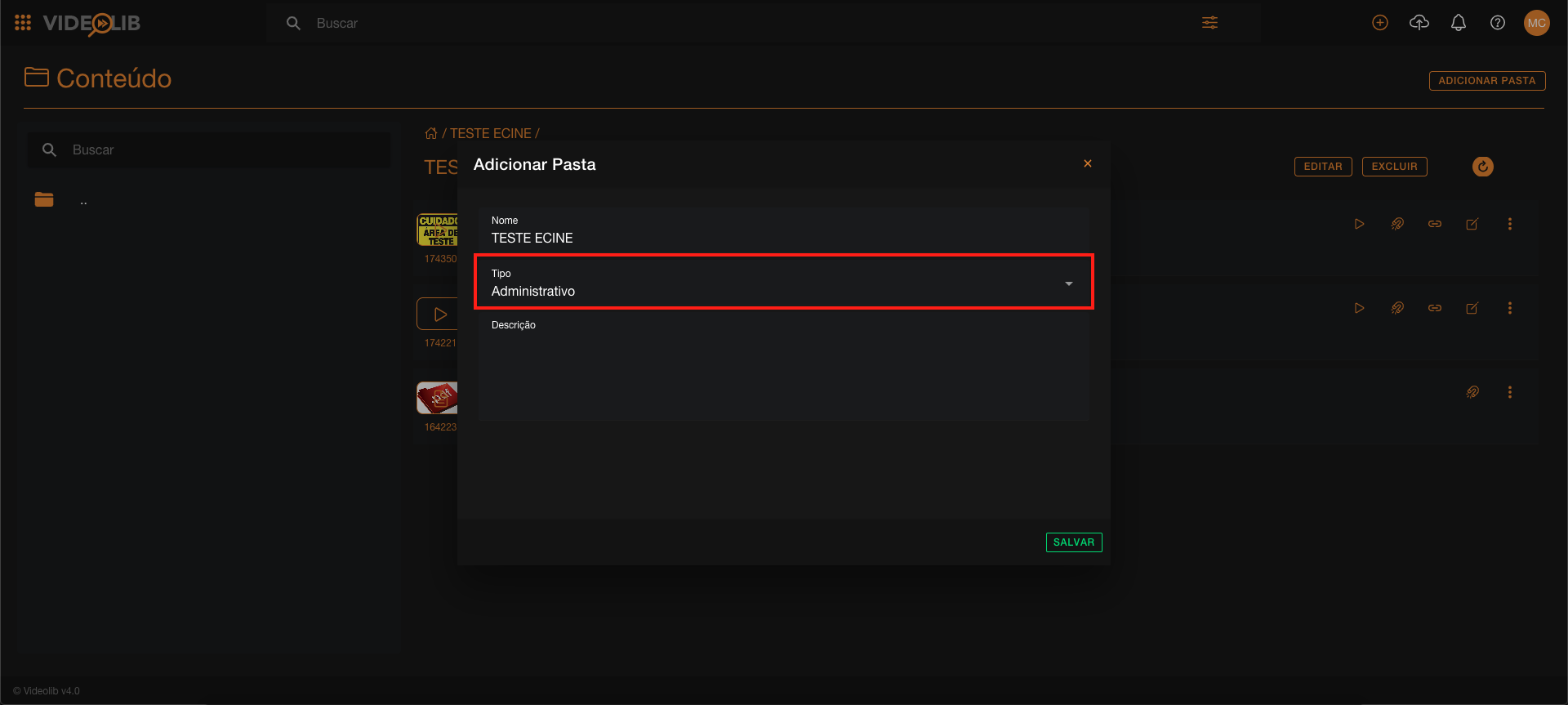
Folder types:
- Administrative
- Playlist
- Archive
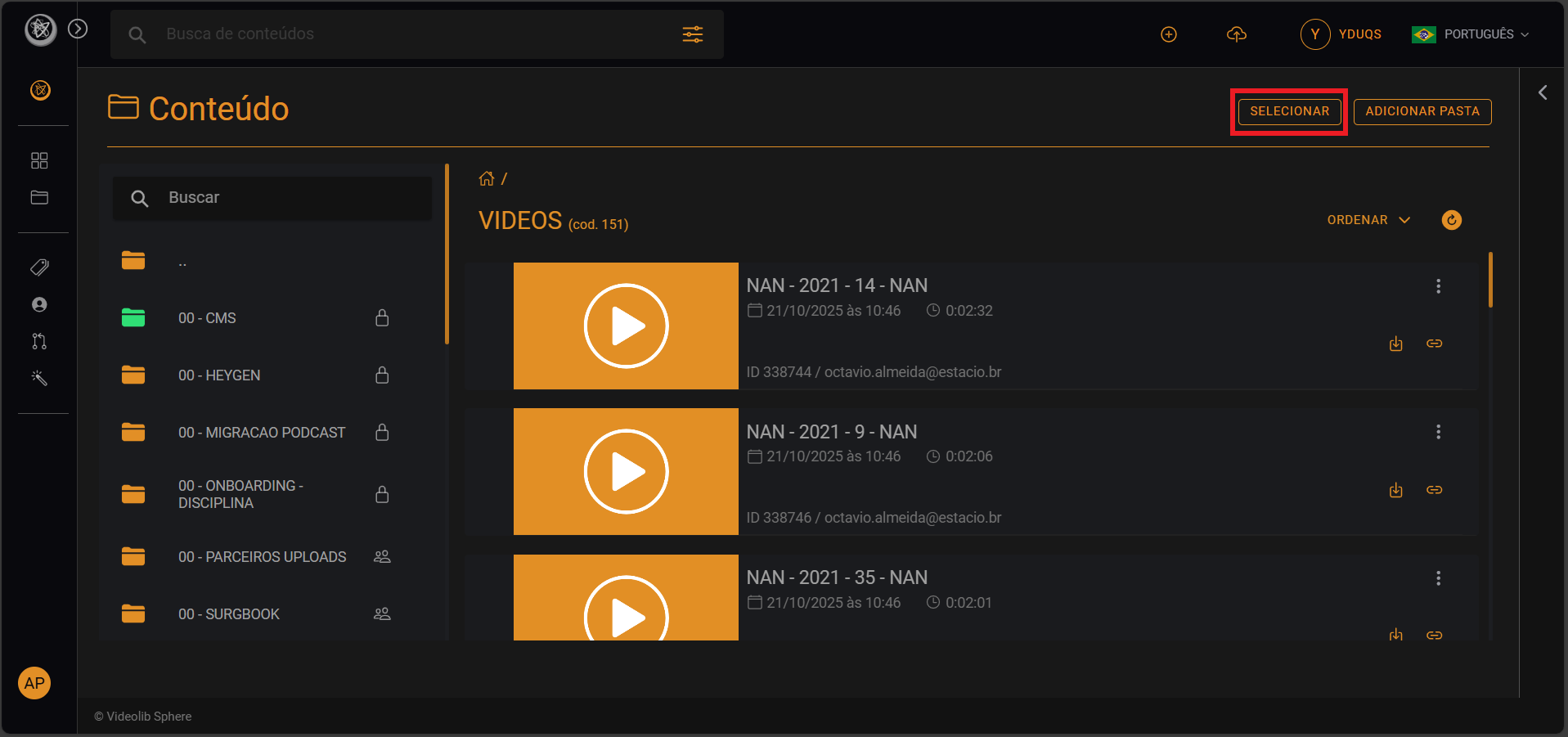
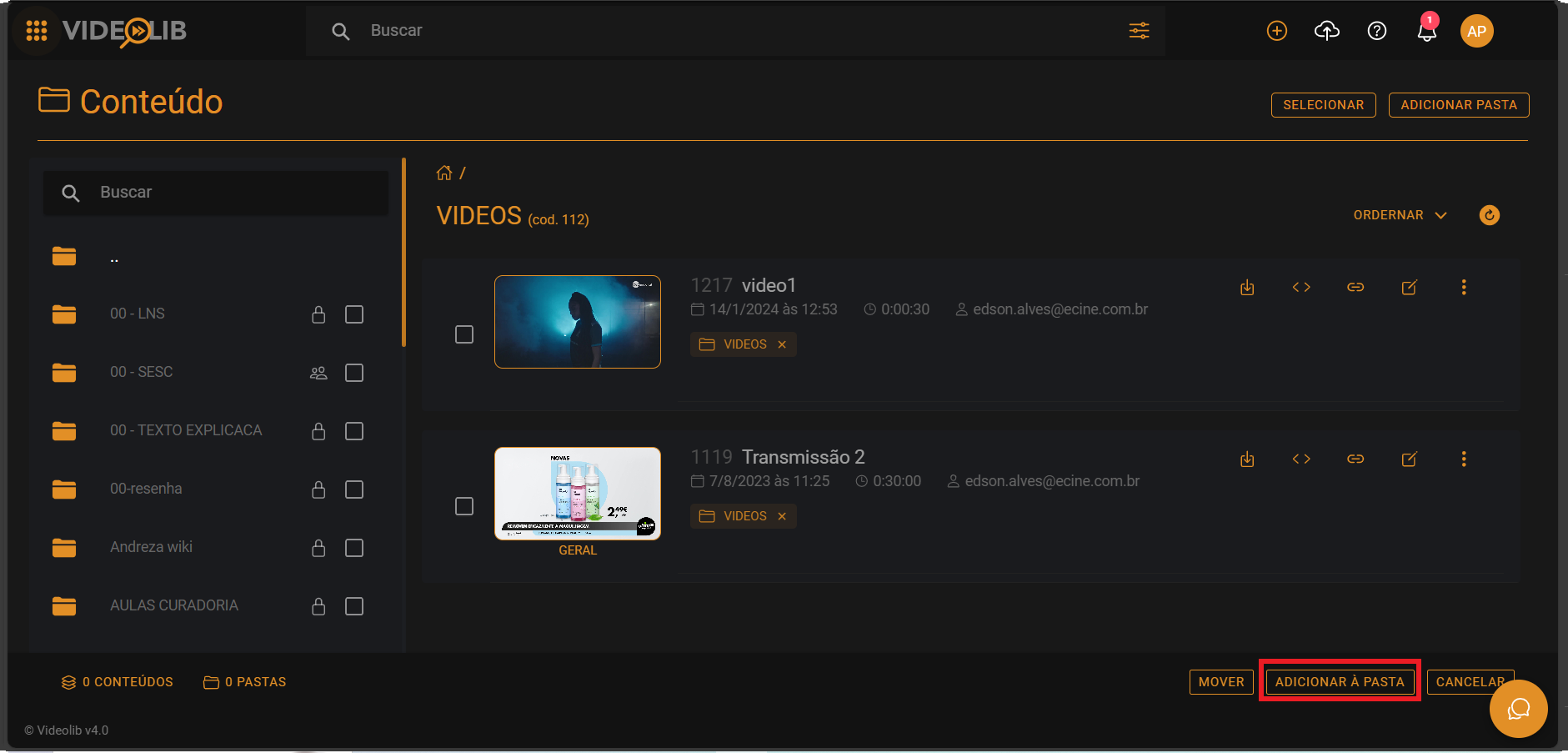
Select
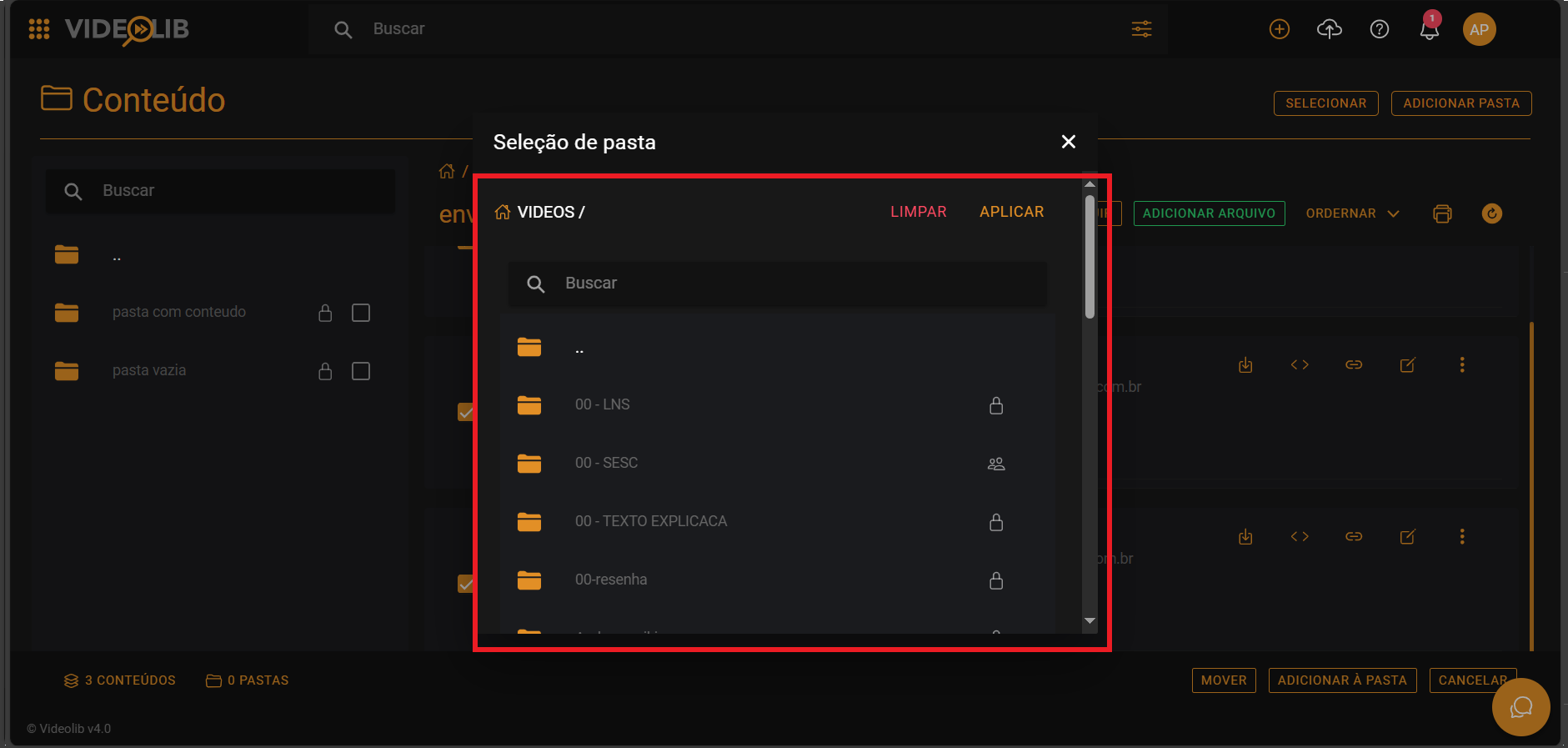
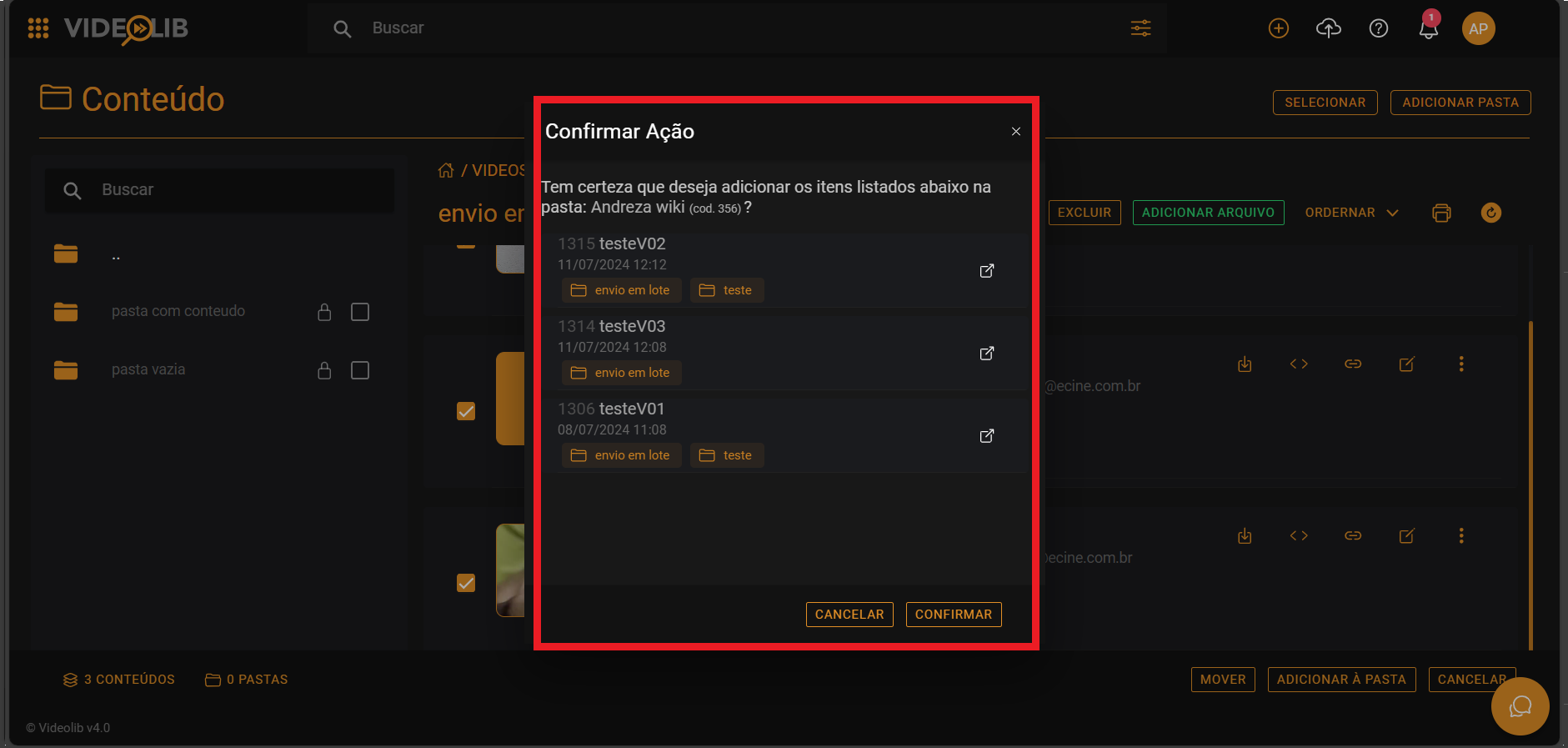
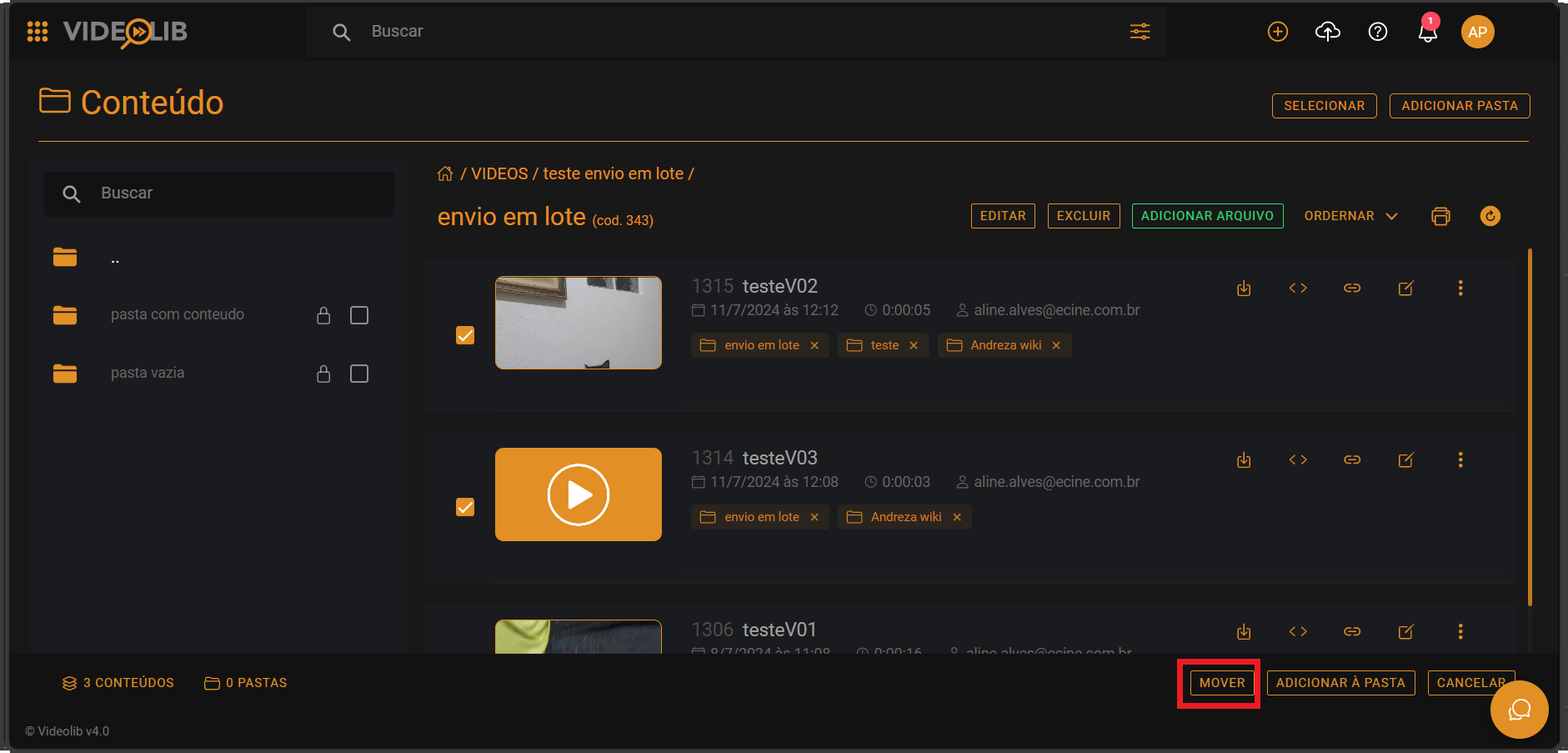
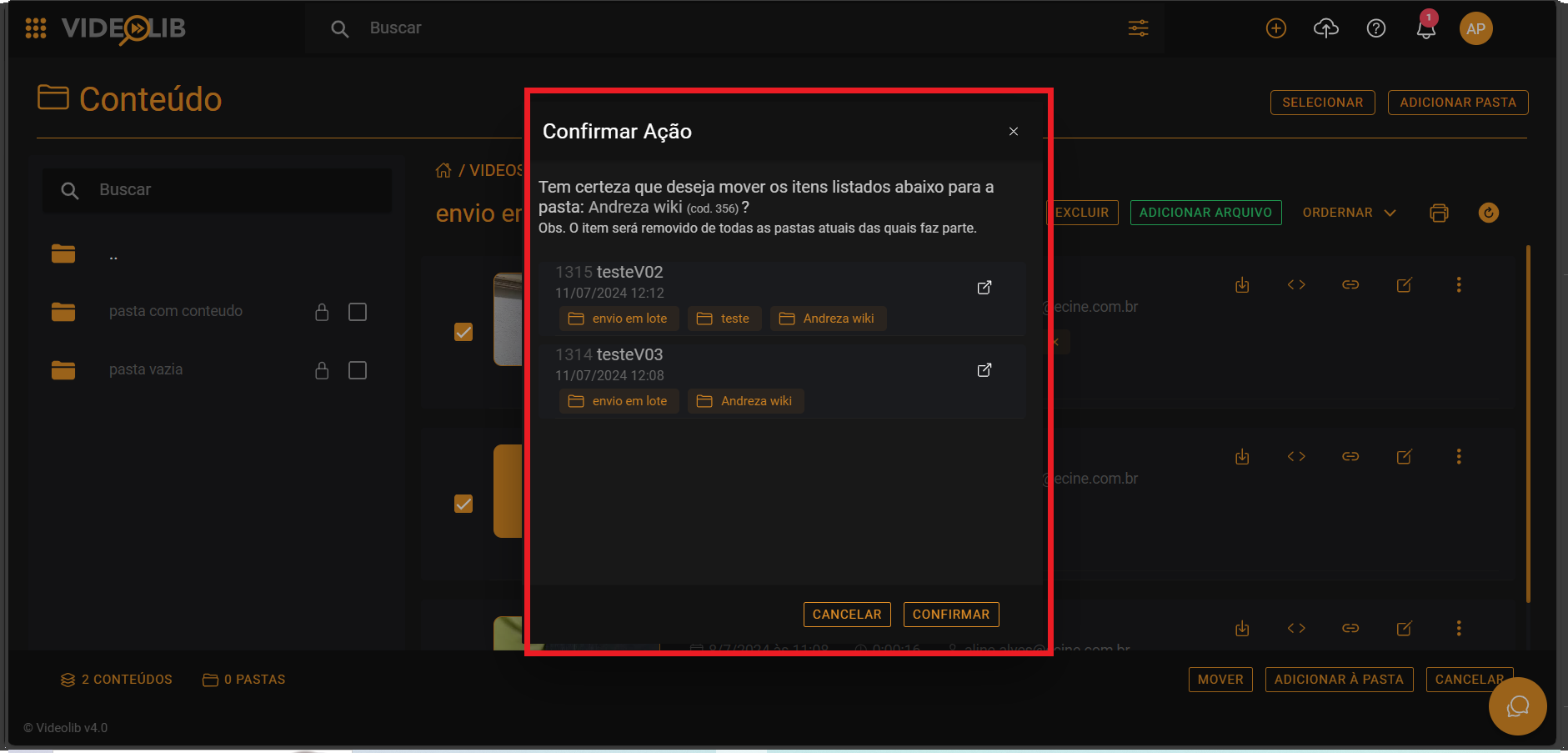
Use "Select" to pick files, videos, or folders.
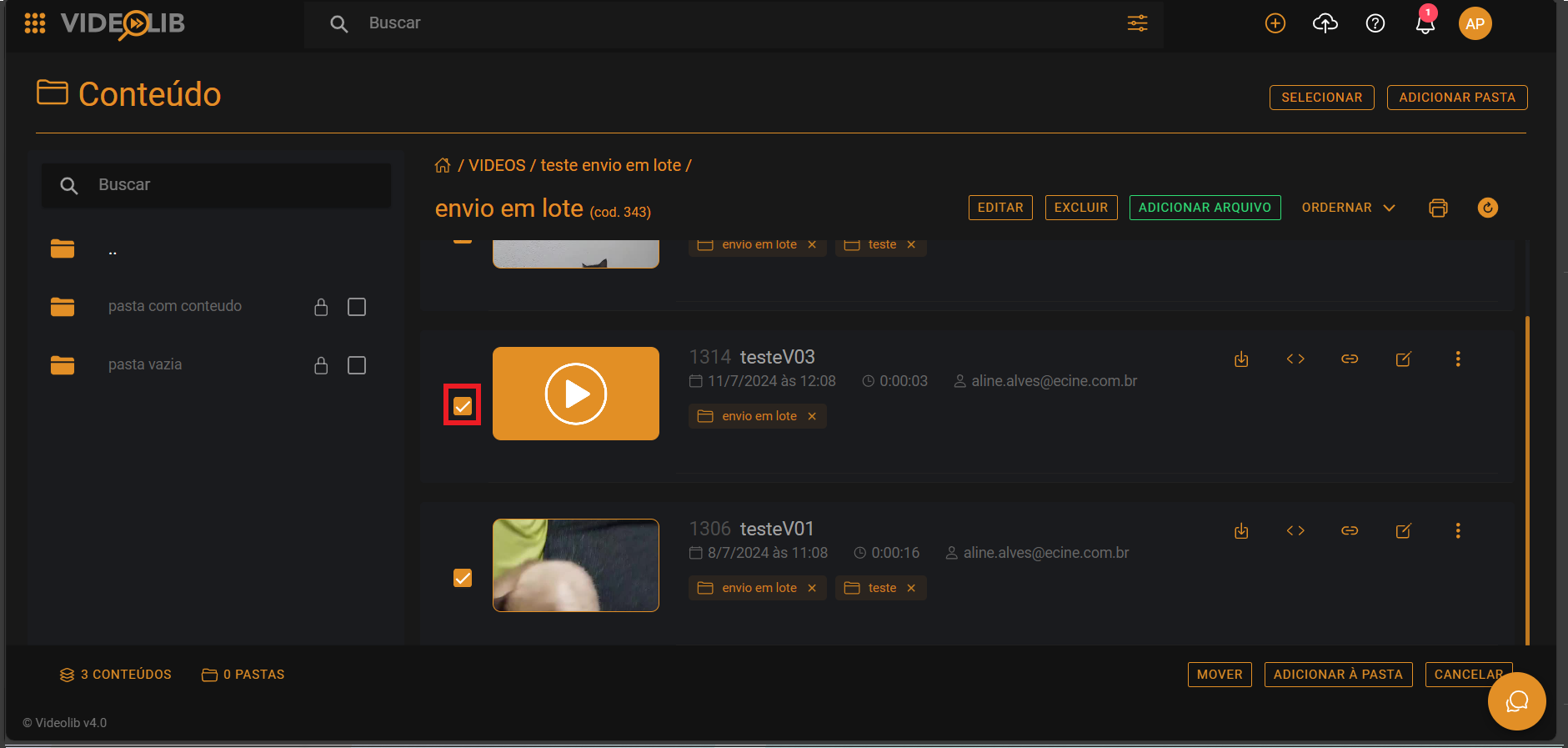
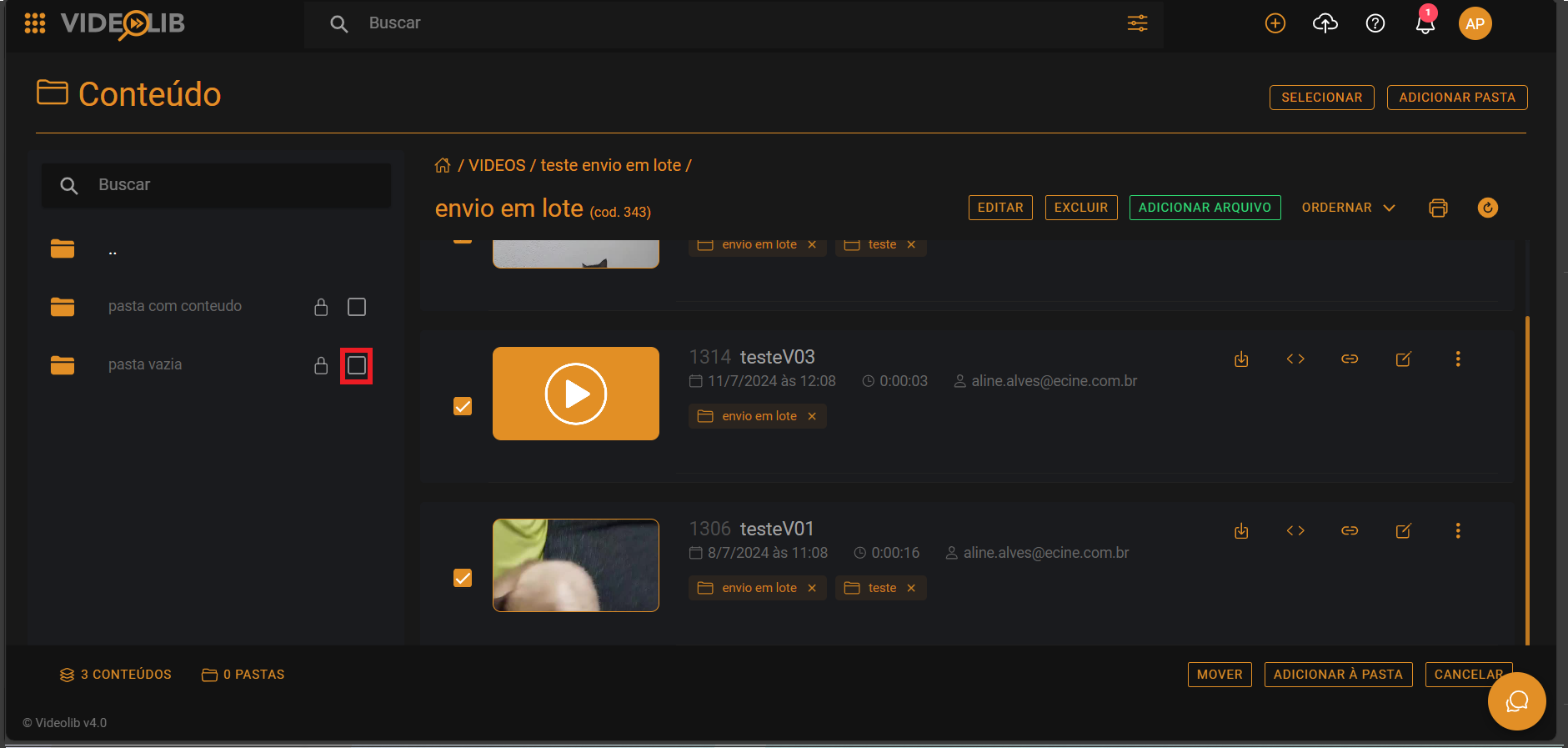
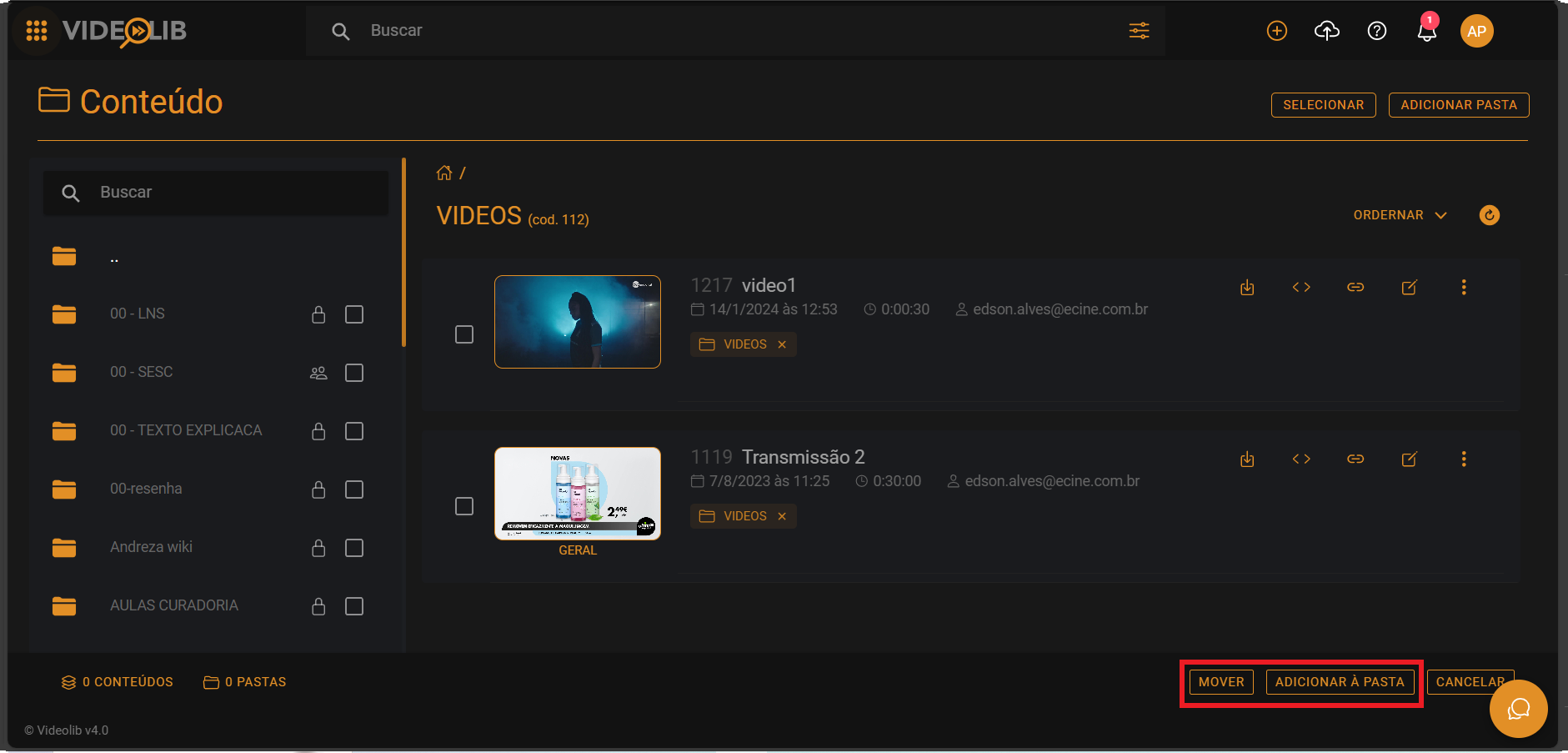
After selecting, choose "Add to folder" or "Move".
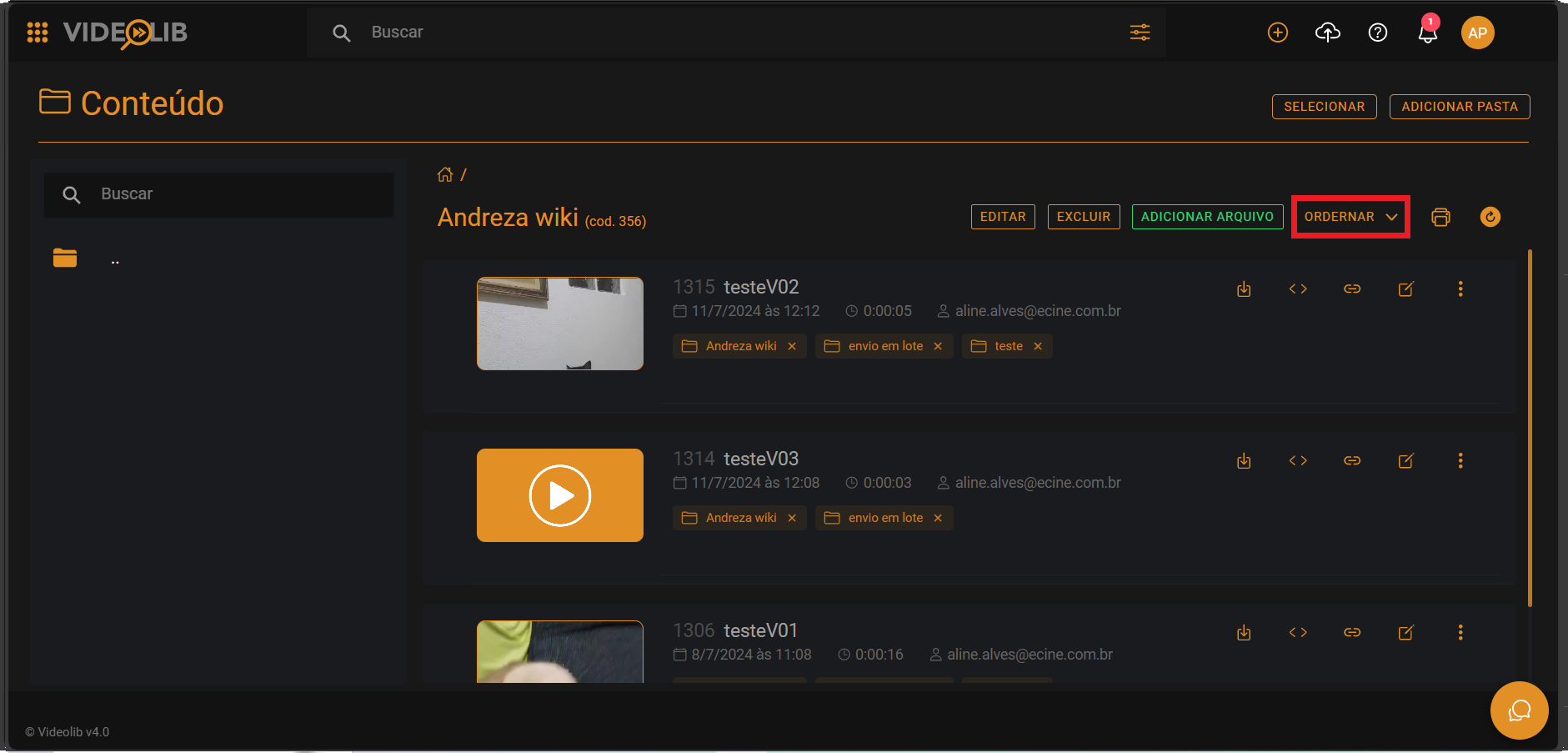
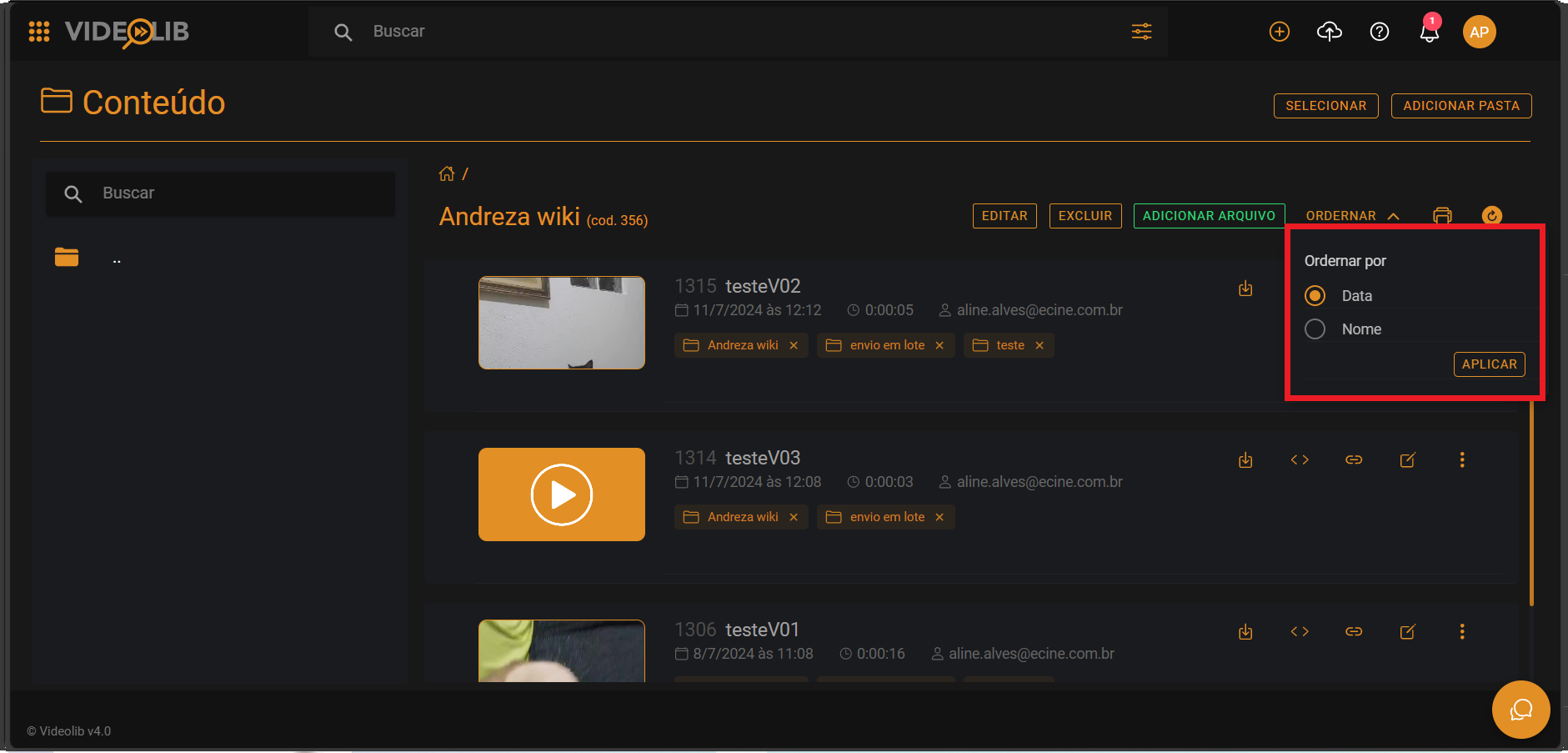
Sort
Sort videos in the folder by date or name.
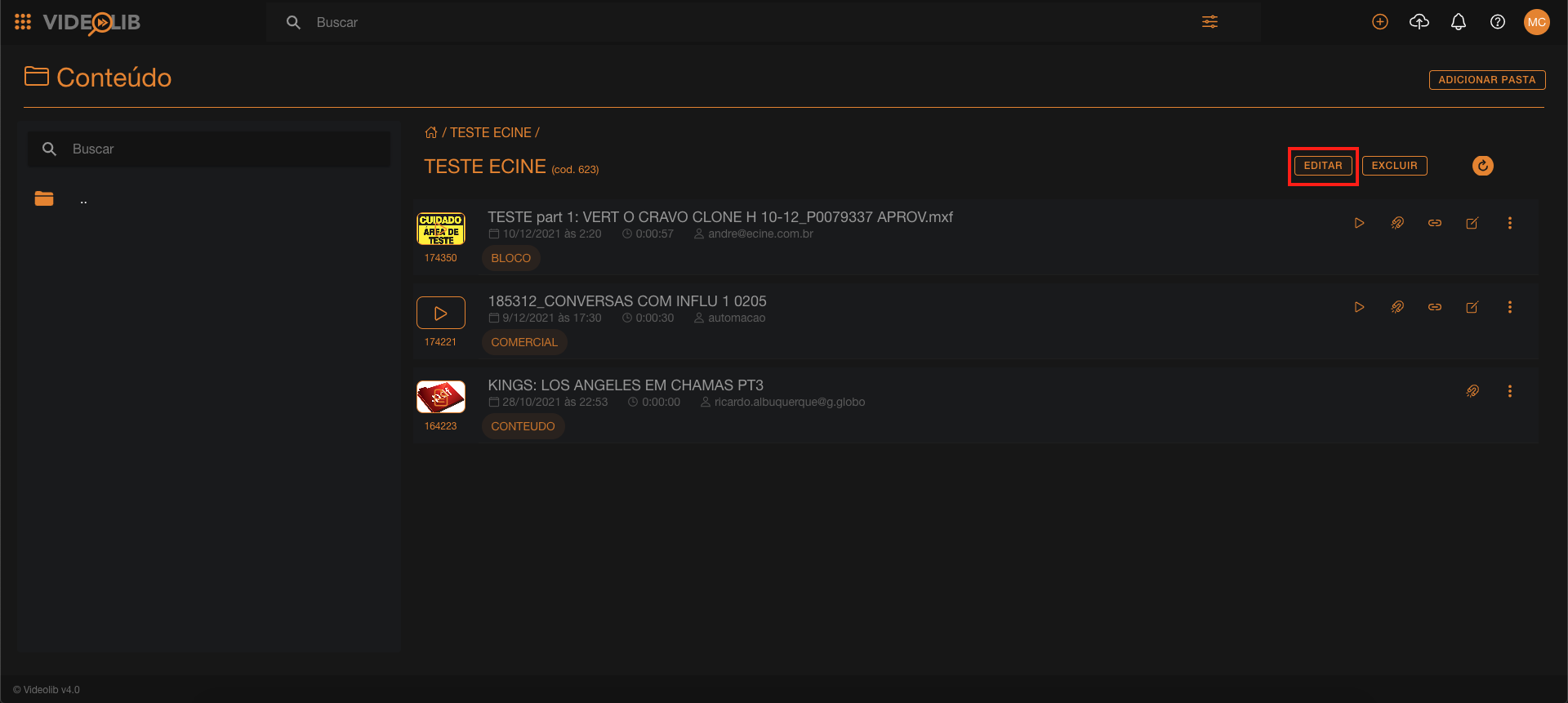
Changing Folder Type
- Select folder.
- Click Edit.
- Open "Folder Types".
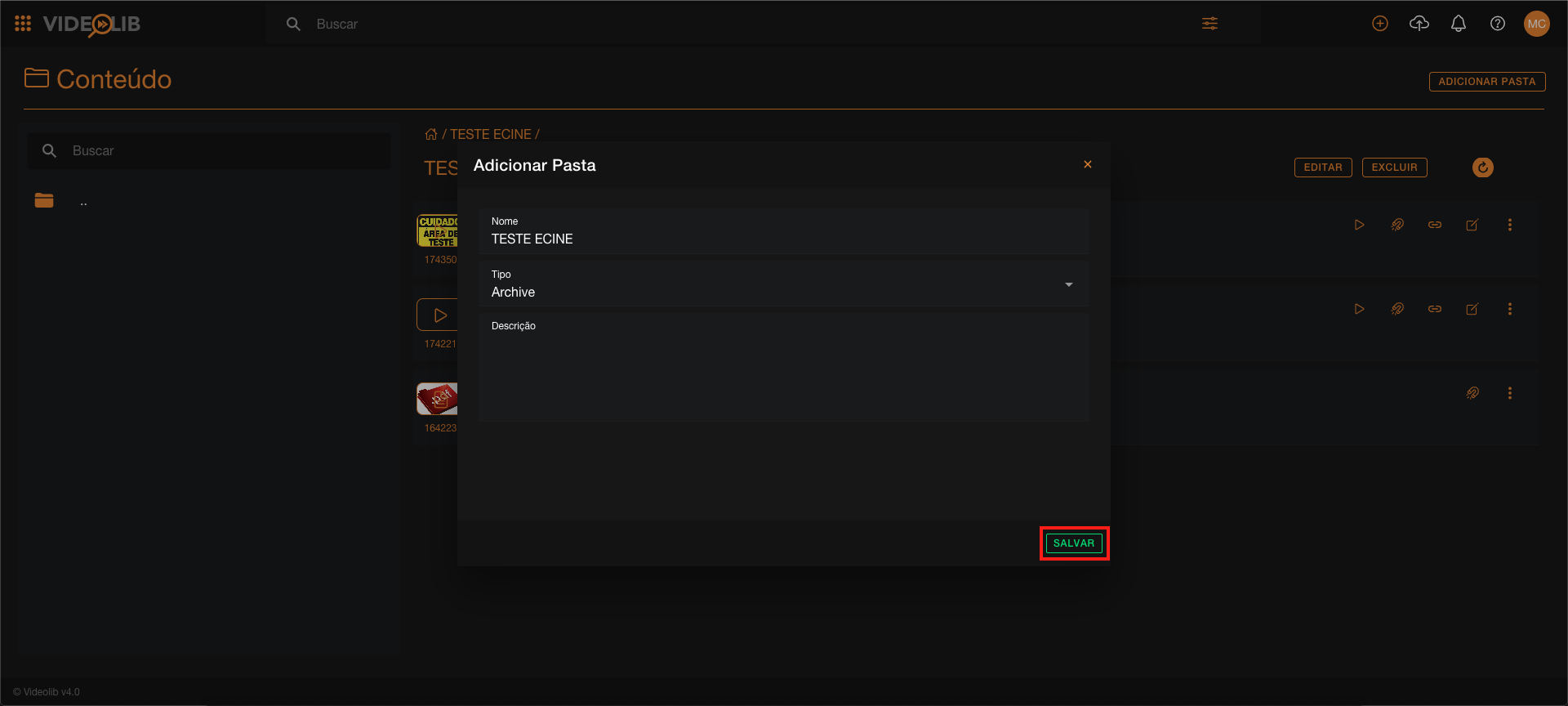
- Select type and Save.