VOD
VOD Concept
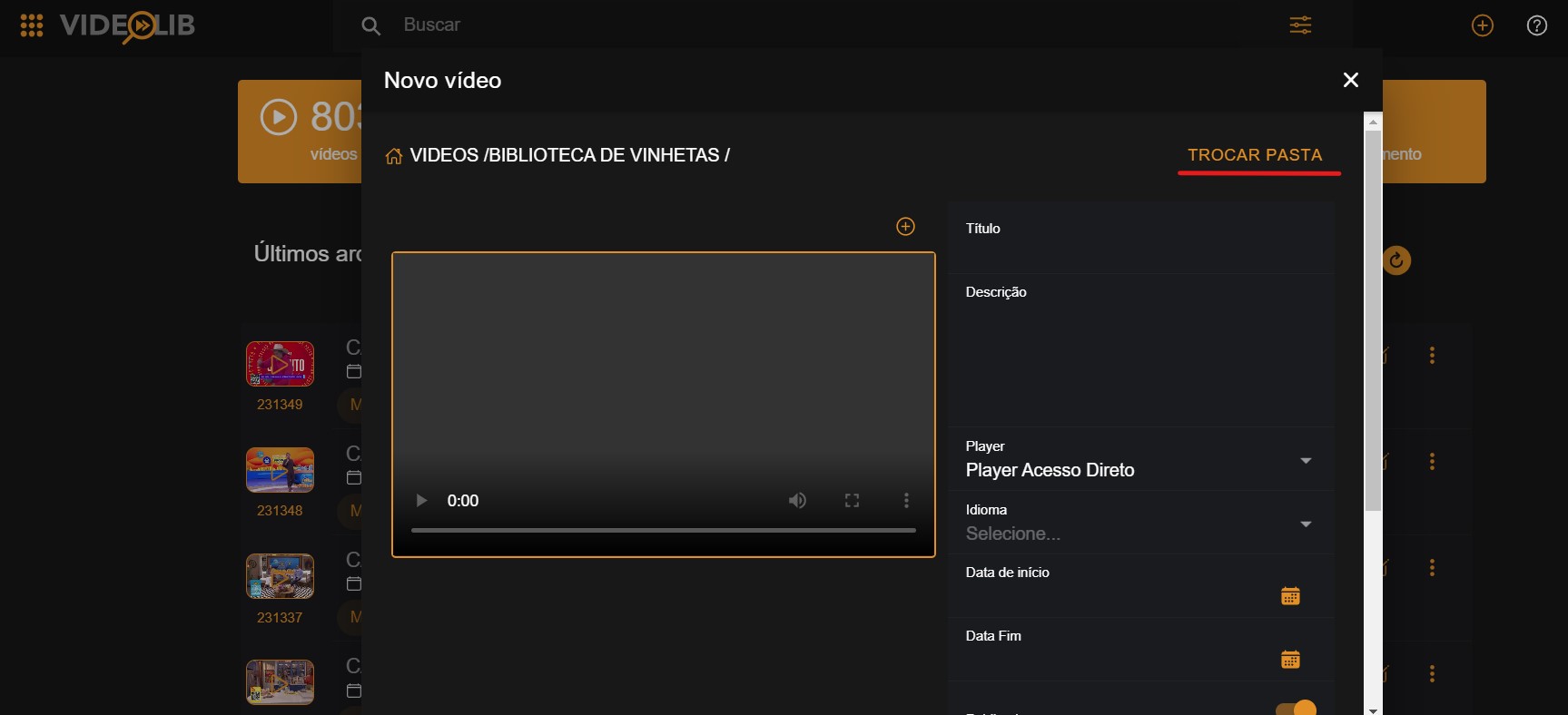
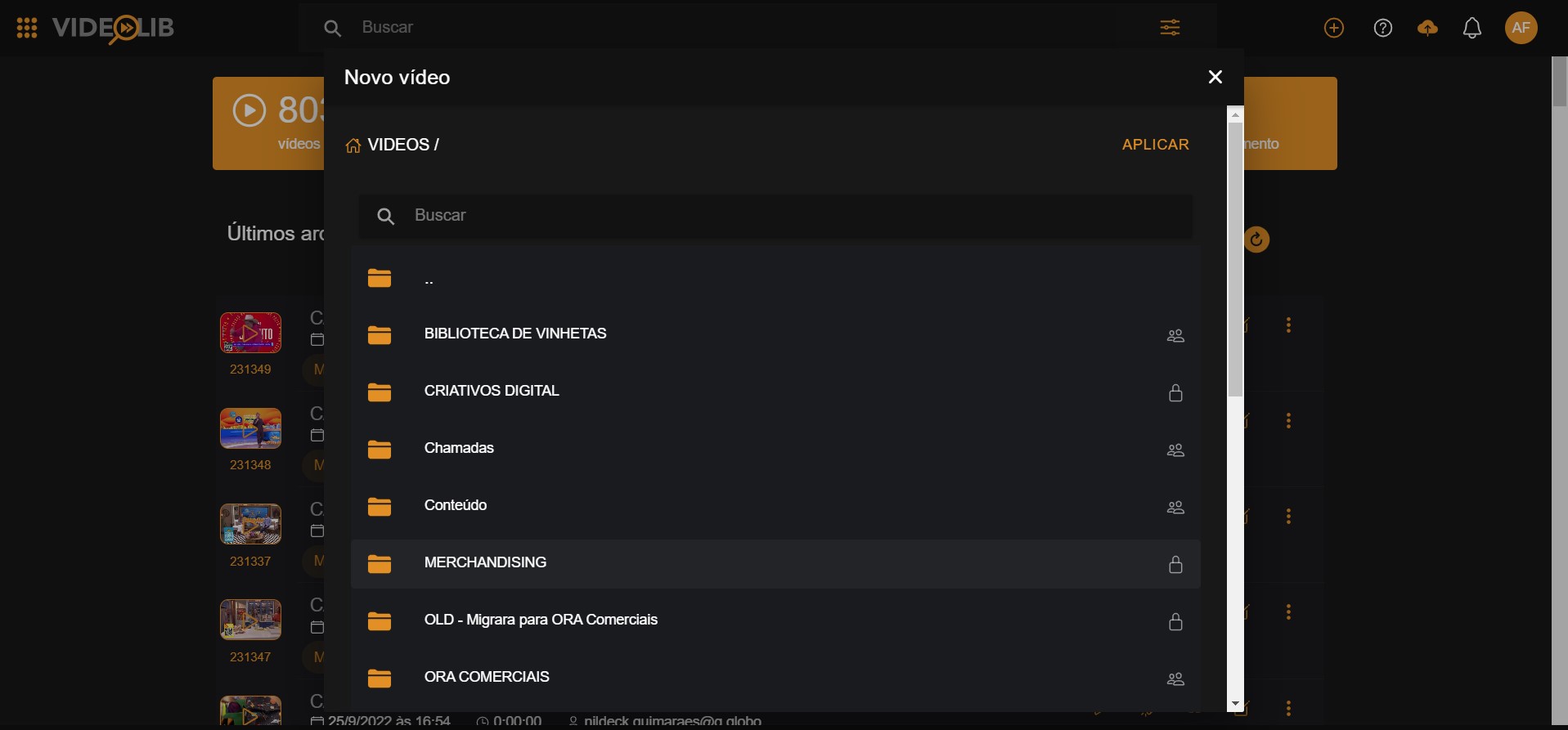
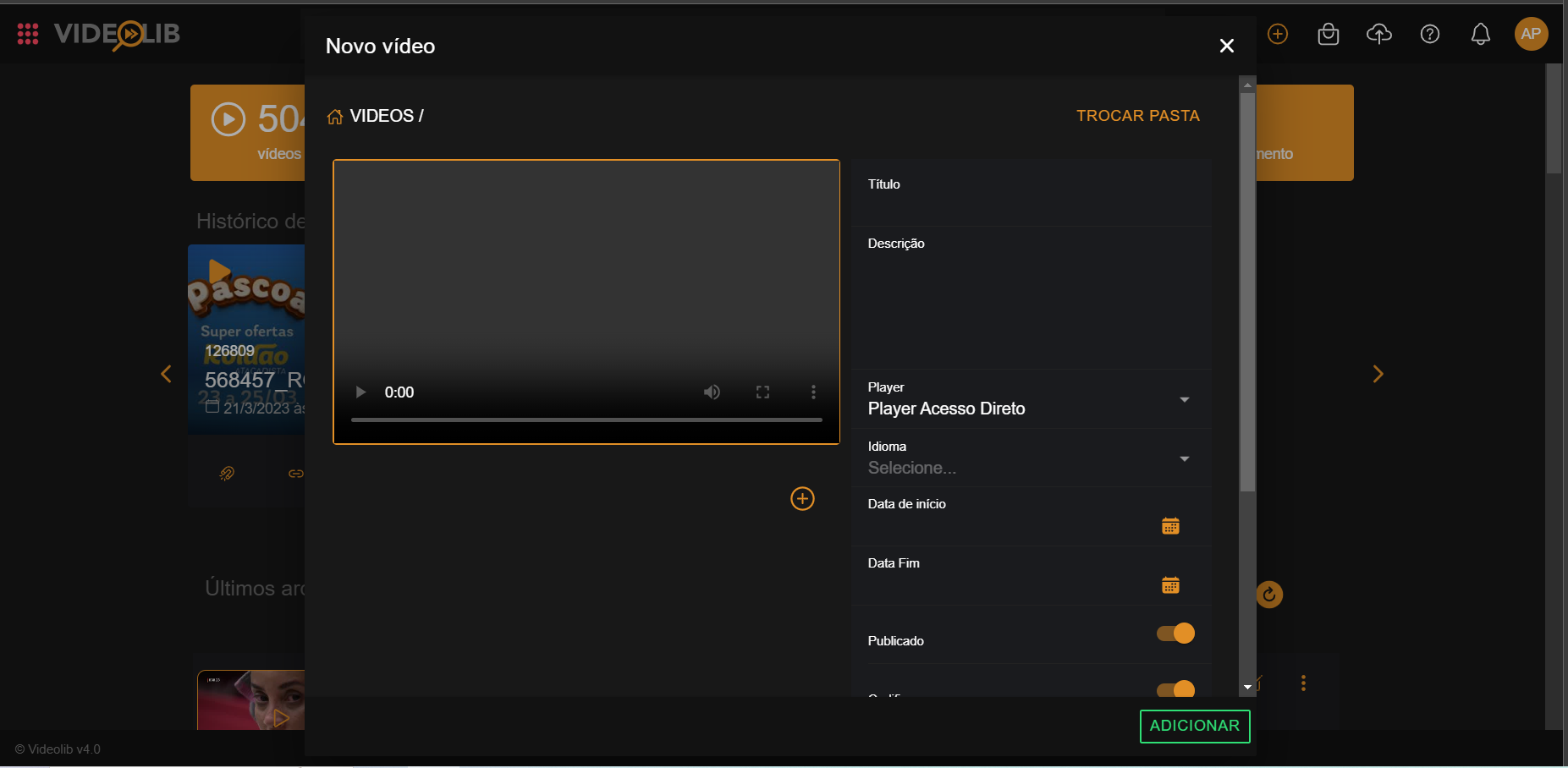
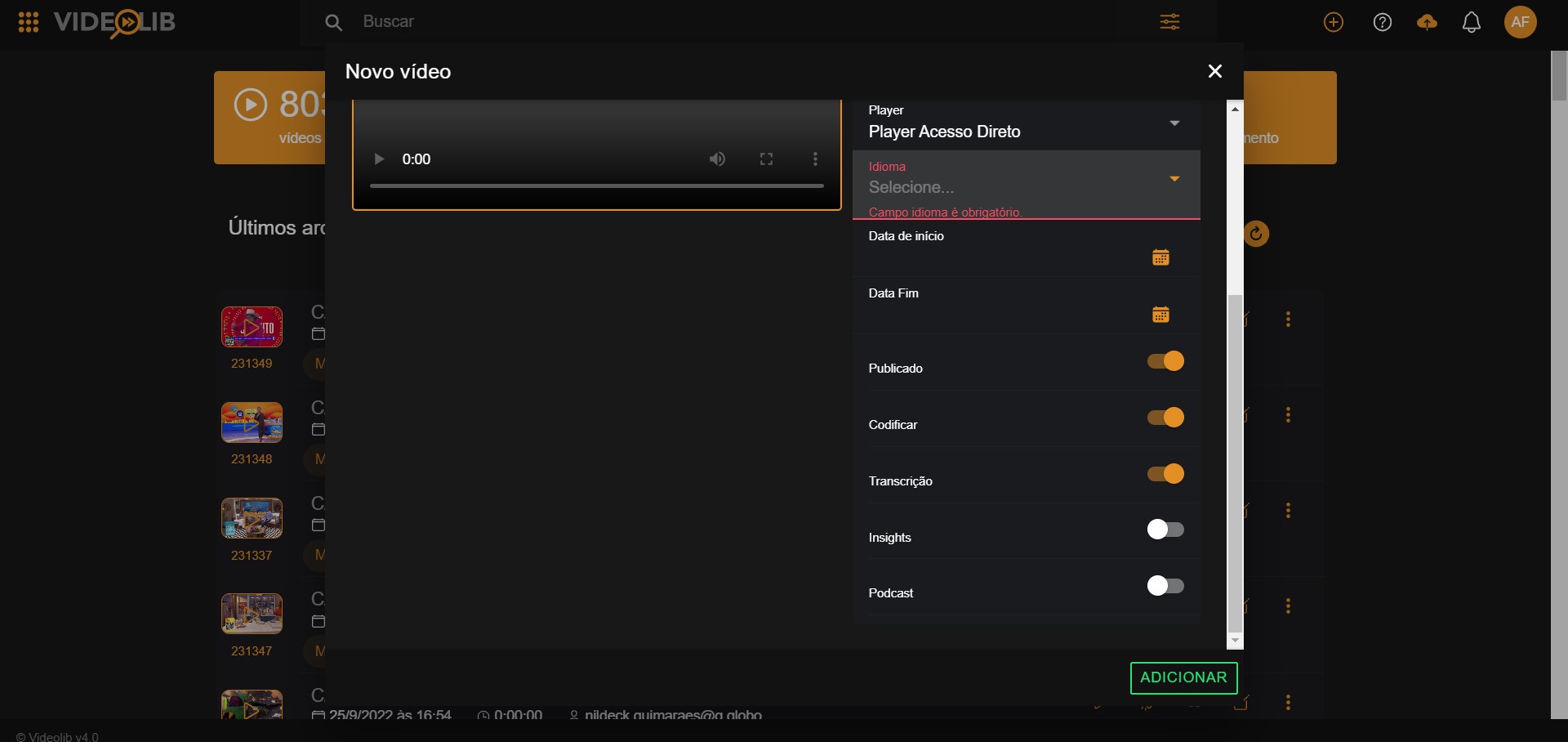
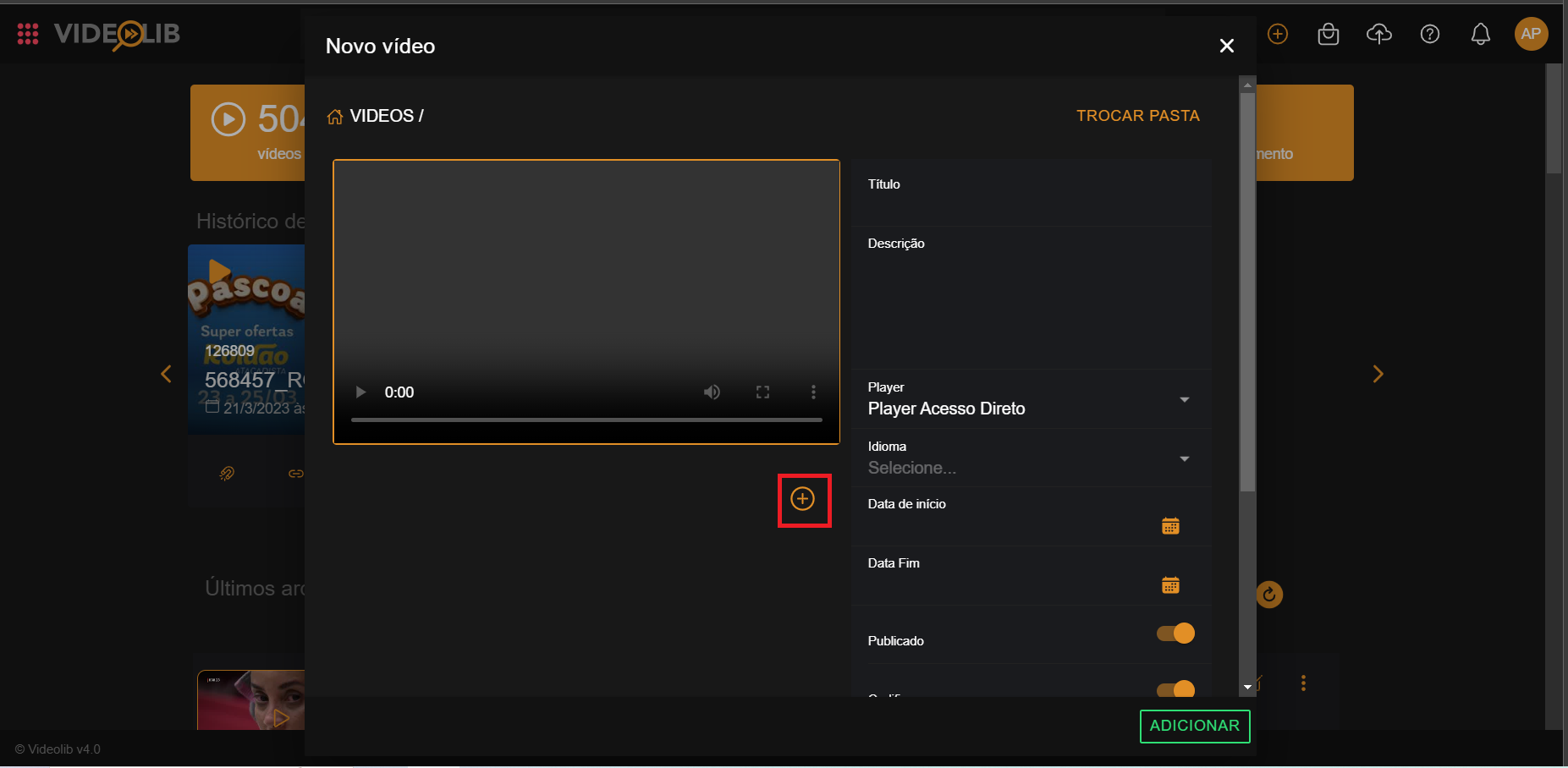
VOD enables users to store videos by uploading files or capturing already recorded content. While content is stored, it can be prepared for search and multi-platform distribution.
Content remains available for the period defined by platform managers, and users can add metadata.
Live videos generated by the platform are also automatically converted to on-demand videos.
The platform allows users to create new versions and choose output resolutions, from mobile formats up to 4K.

VOD Procedure
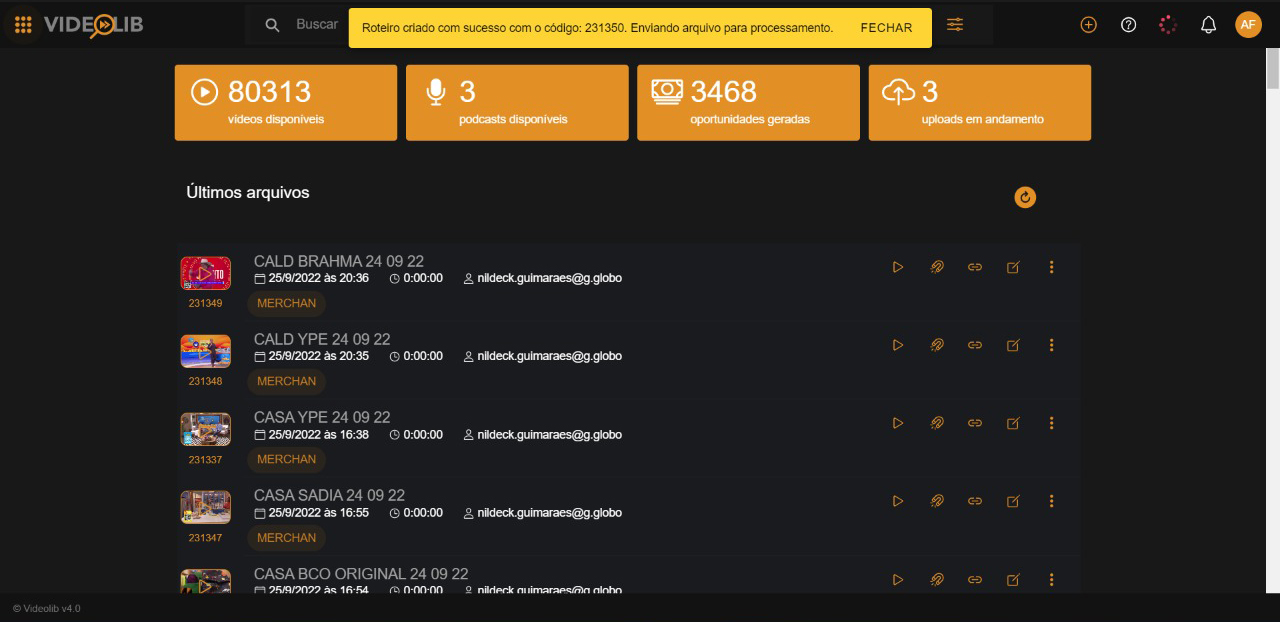
Script Creation
See the full flow in "First Steps".
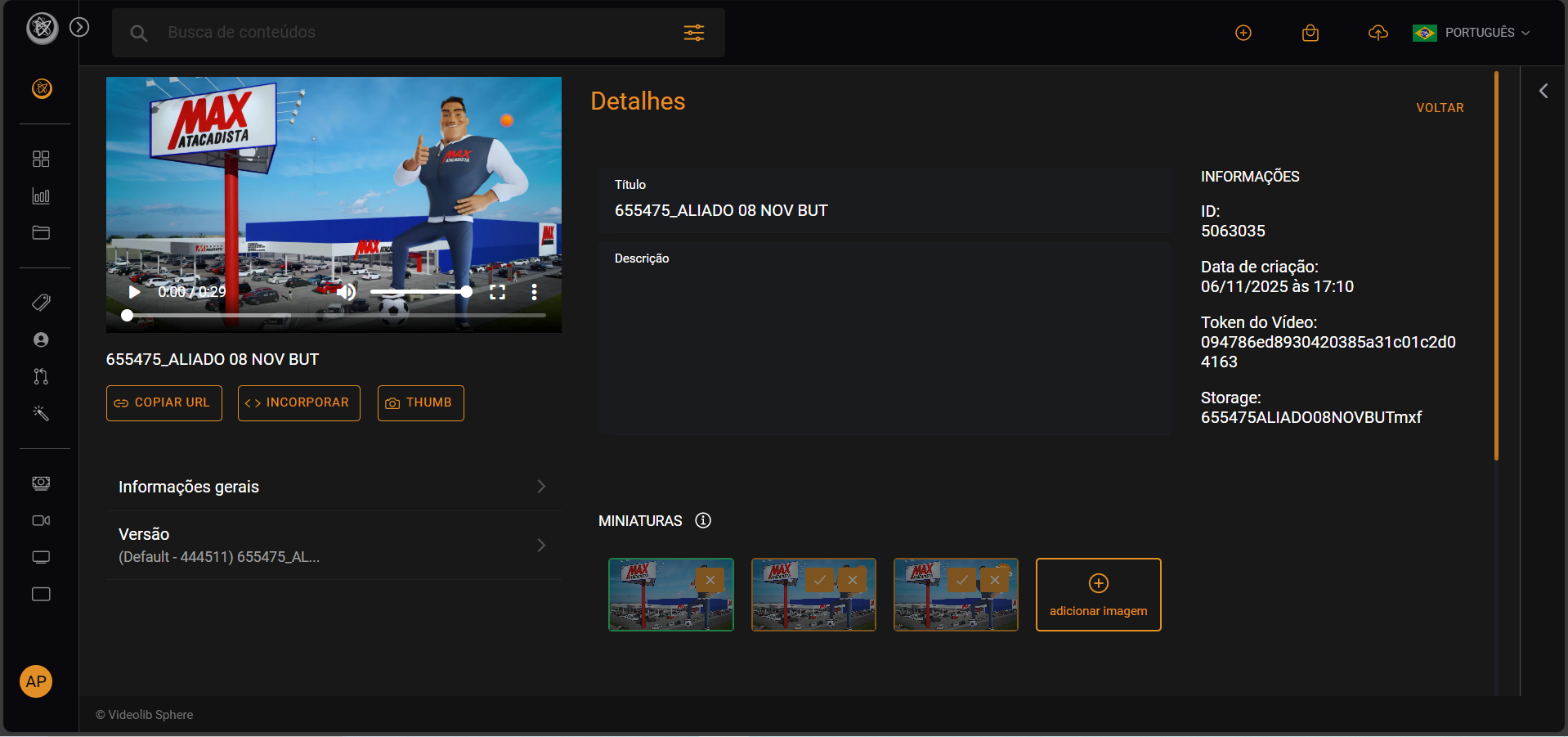
Metadata Editing
Managers can update content metadata, replace thumbnails, and create new versions.
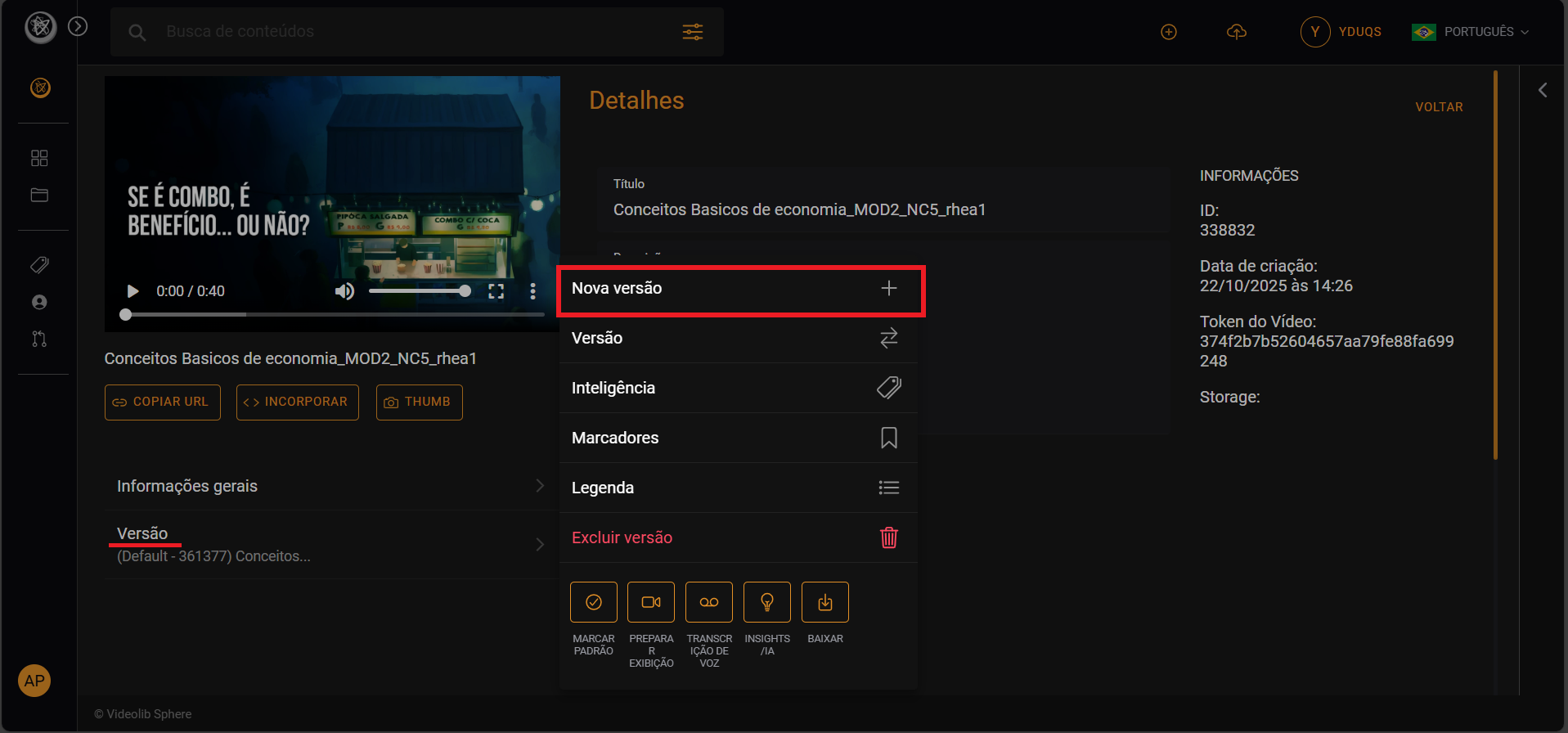
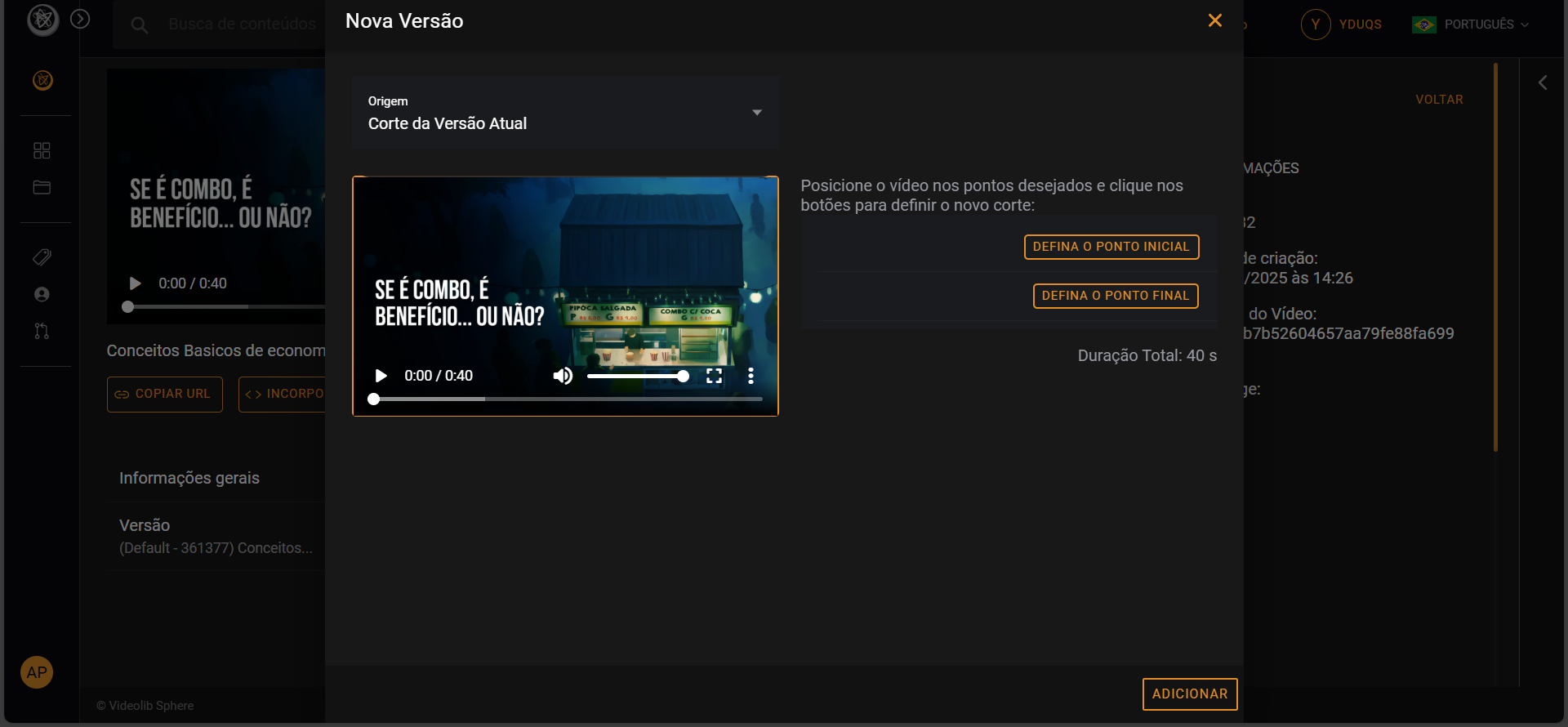
New Version
Create a new distribution version with lower resolution or time cuts.
Multibitrate
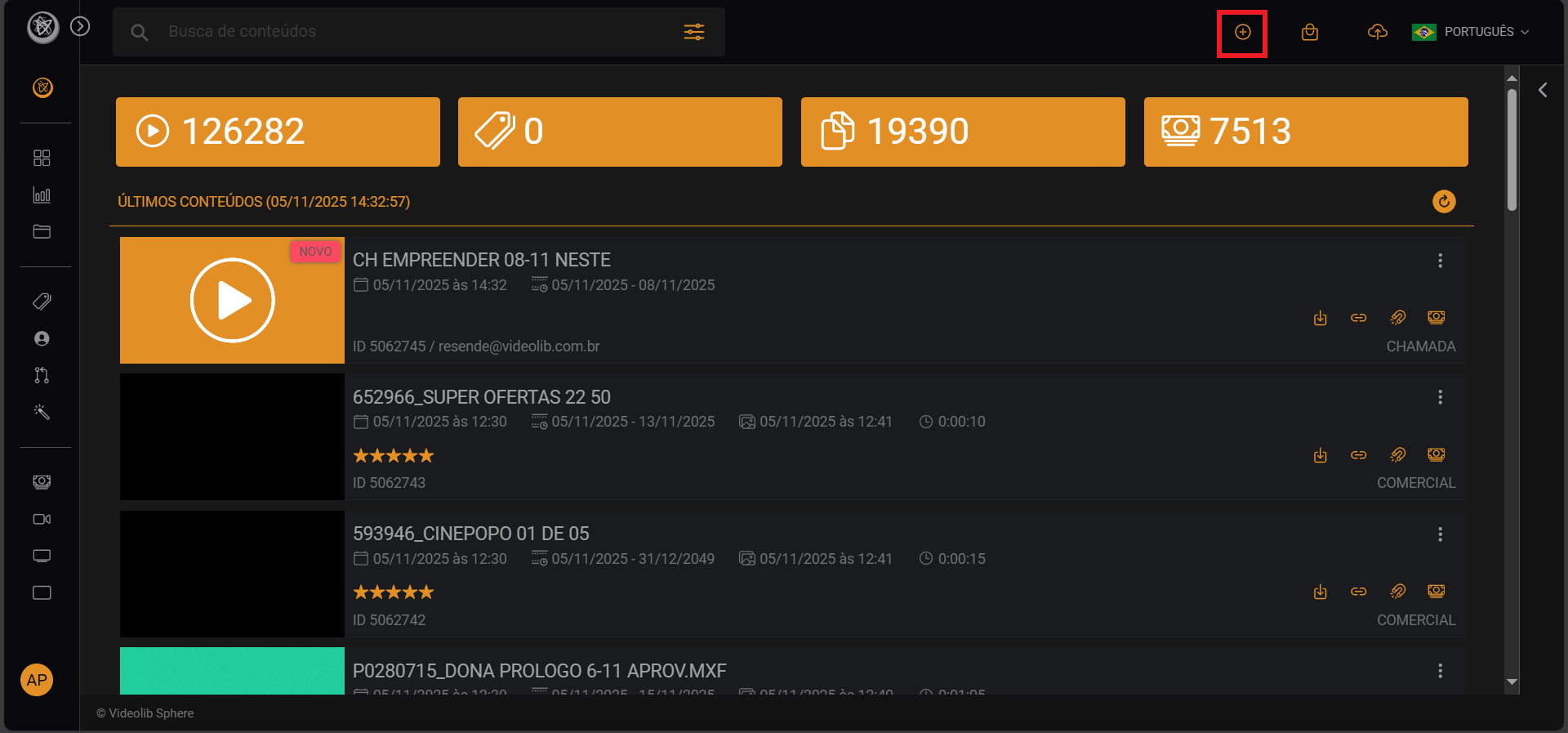
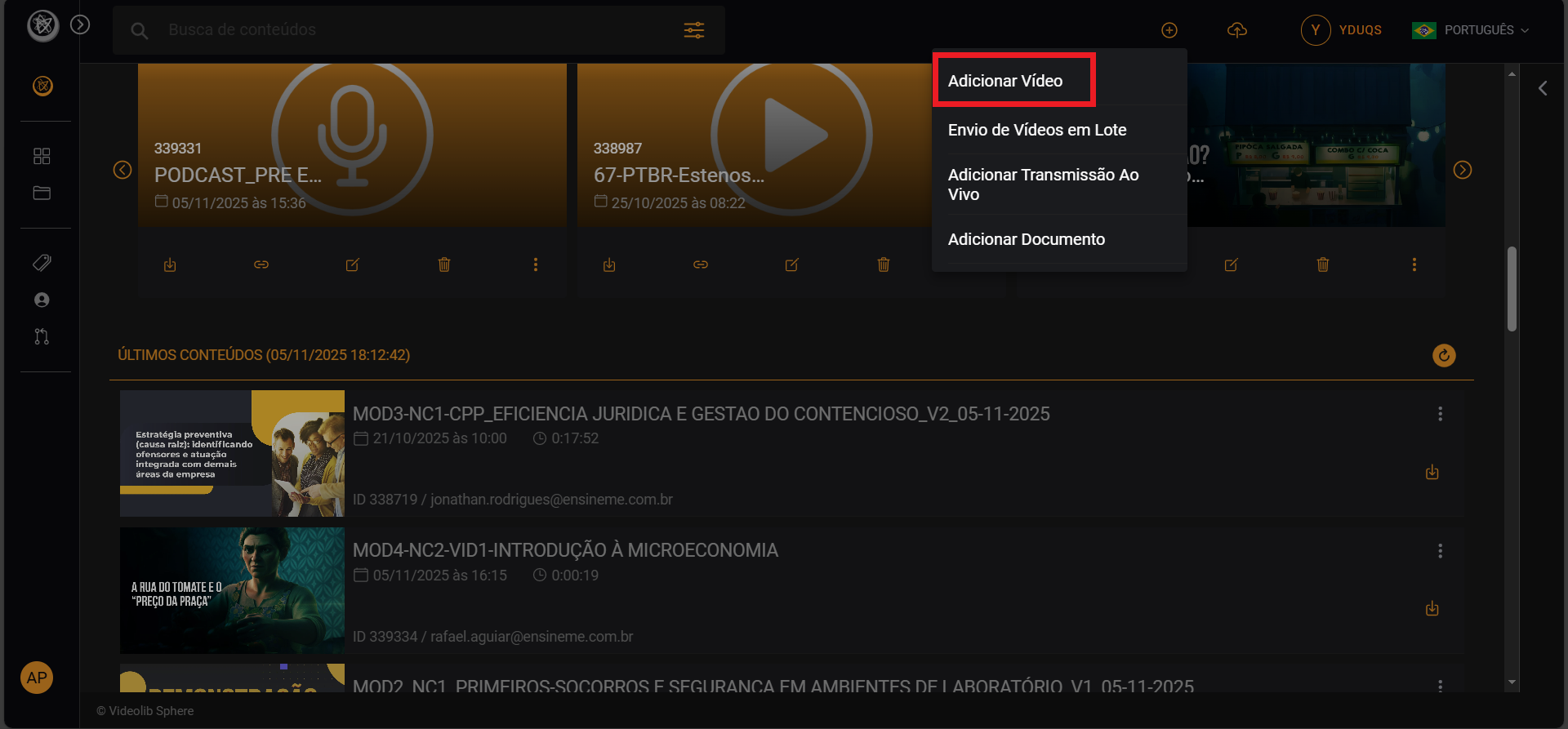
- Choose "Add Video" and then "Encode" to start encoding.
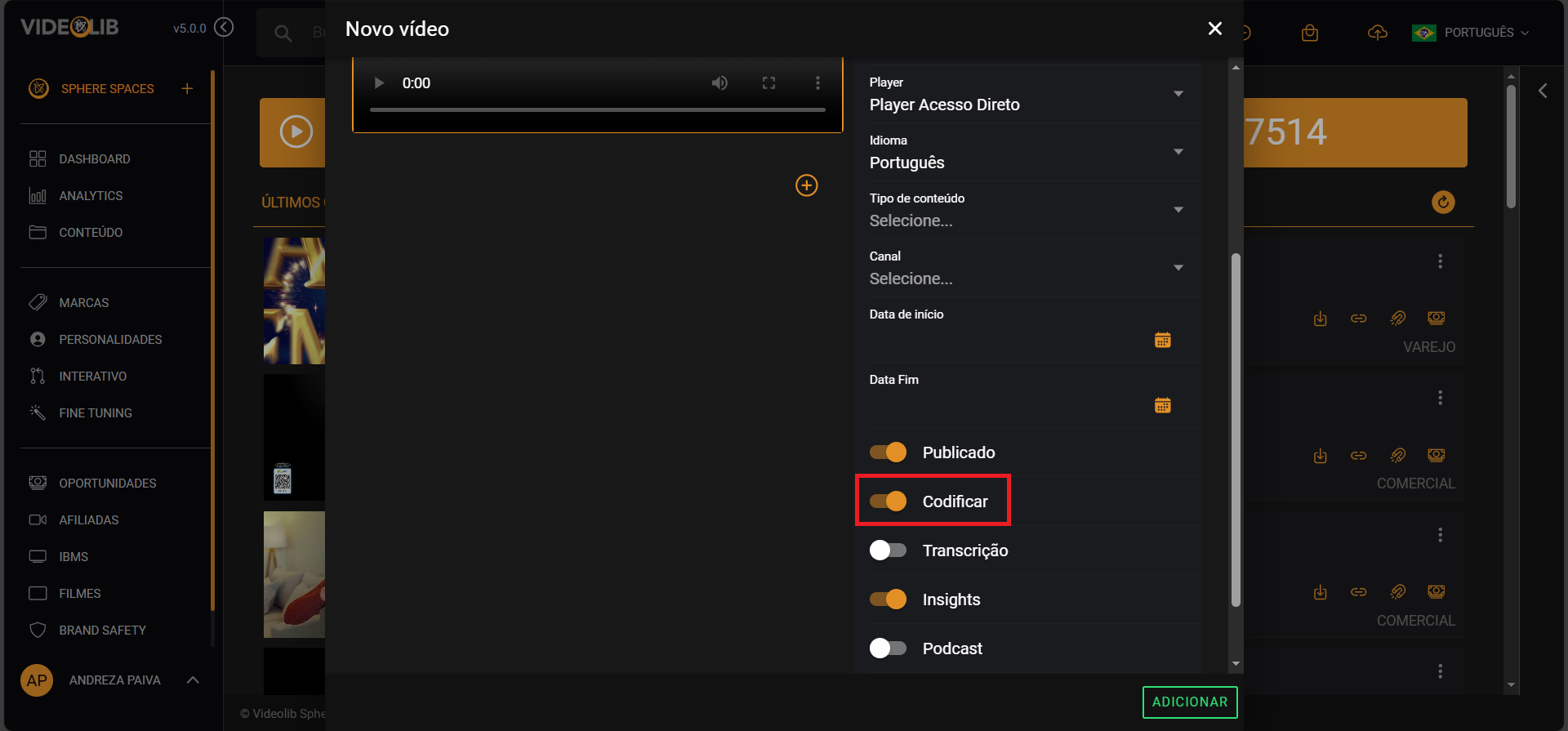
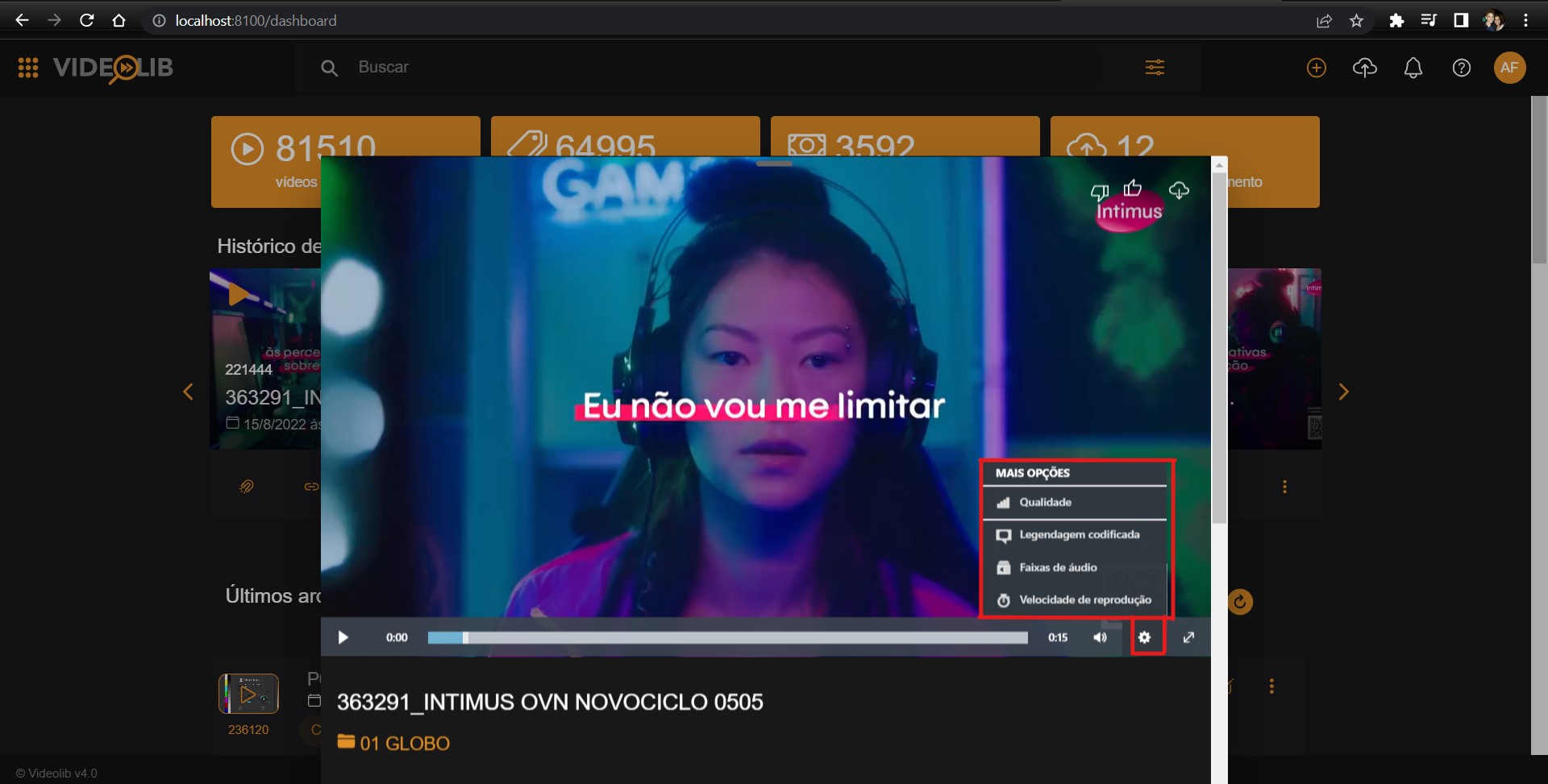
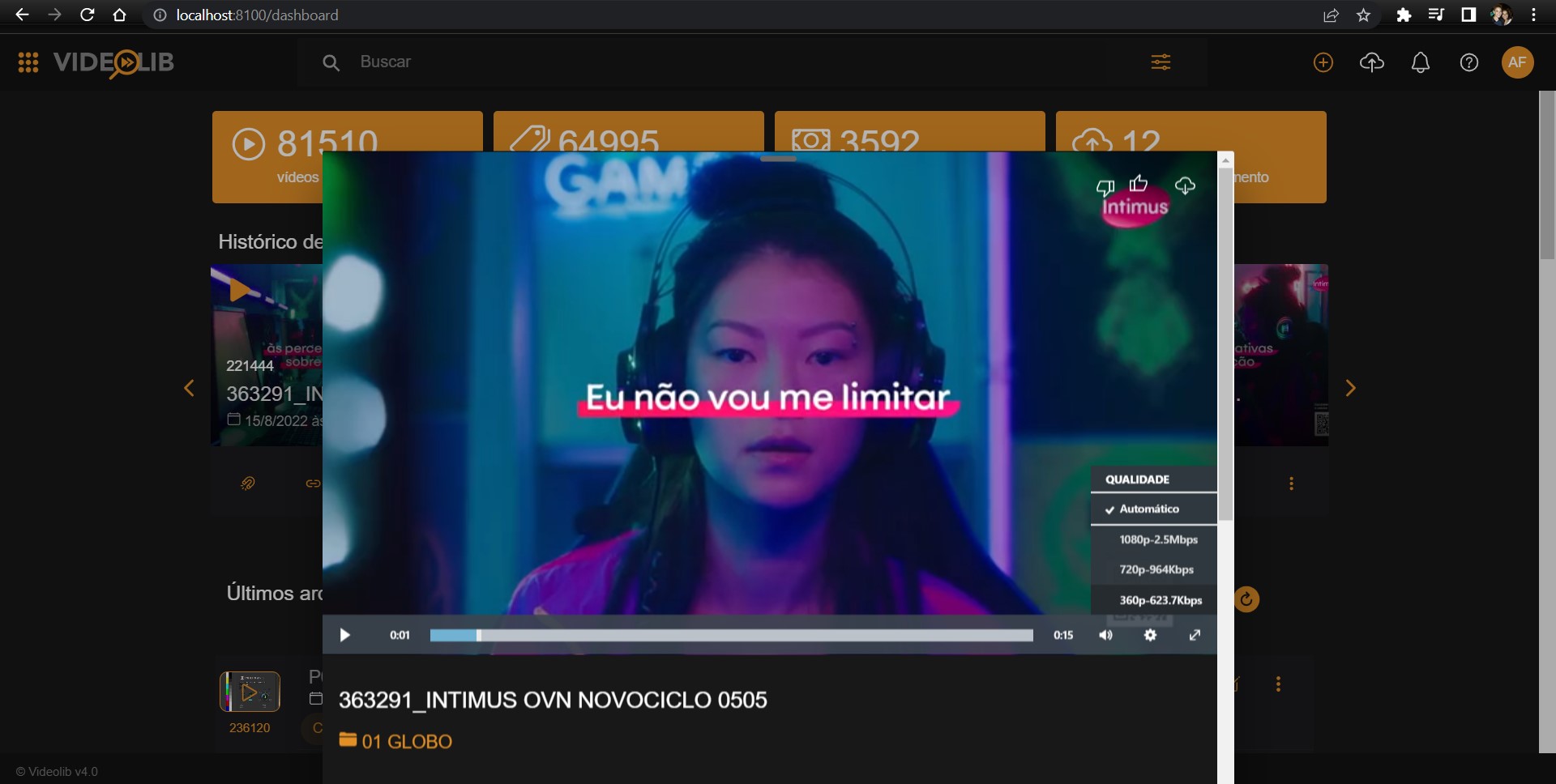
- The video is encoded for an intelligent multibitrate player.
Player Markers
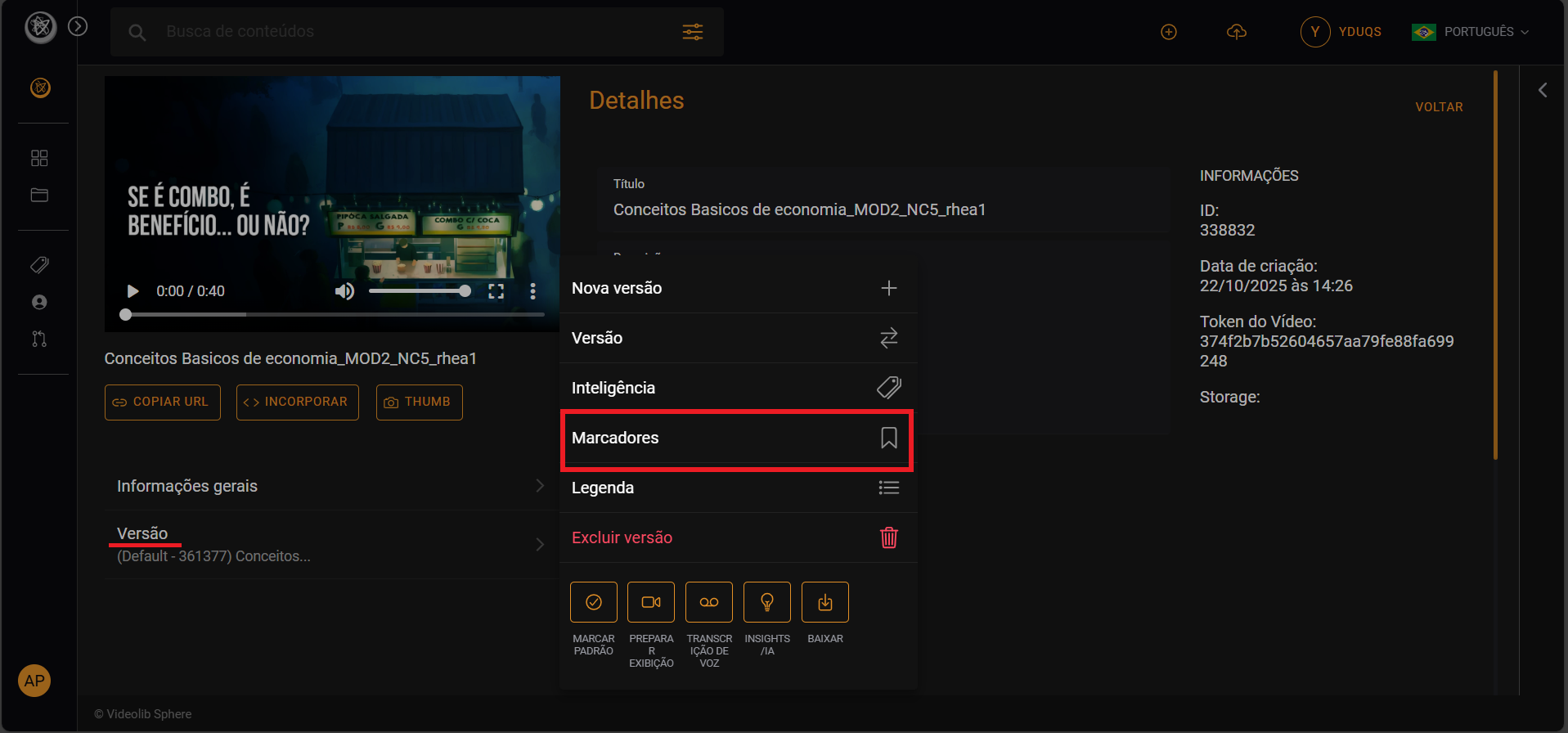
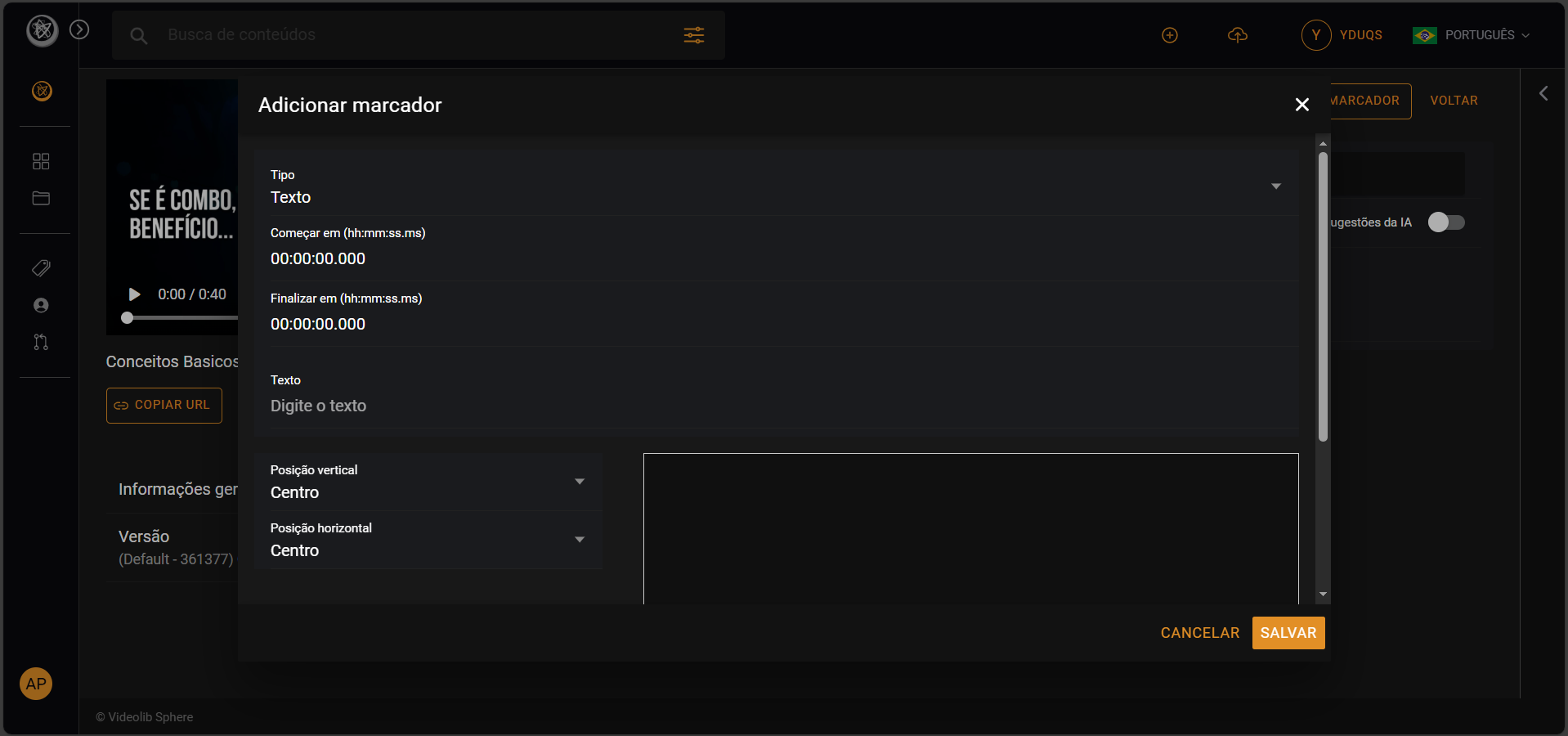
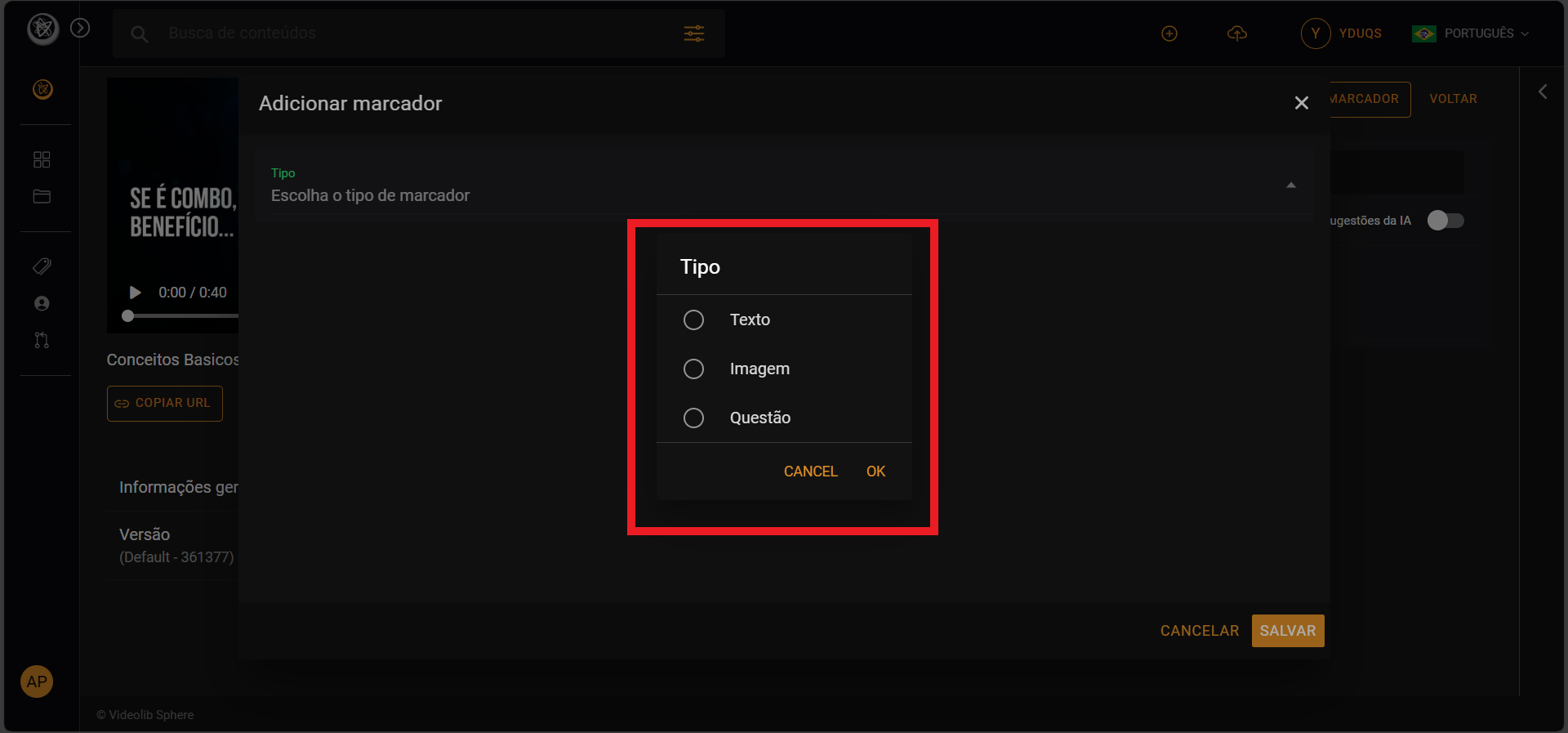
- Click "Add new marker".
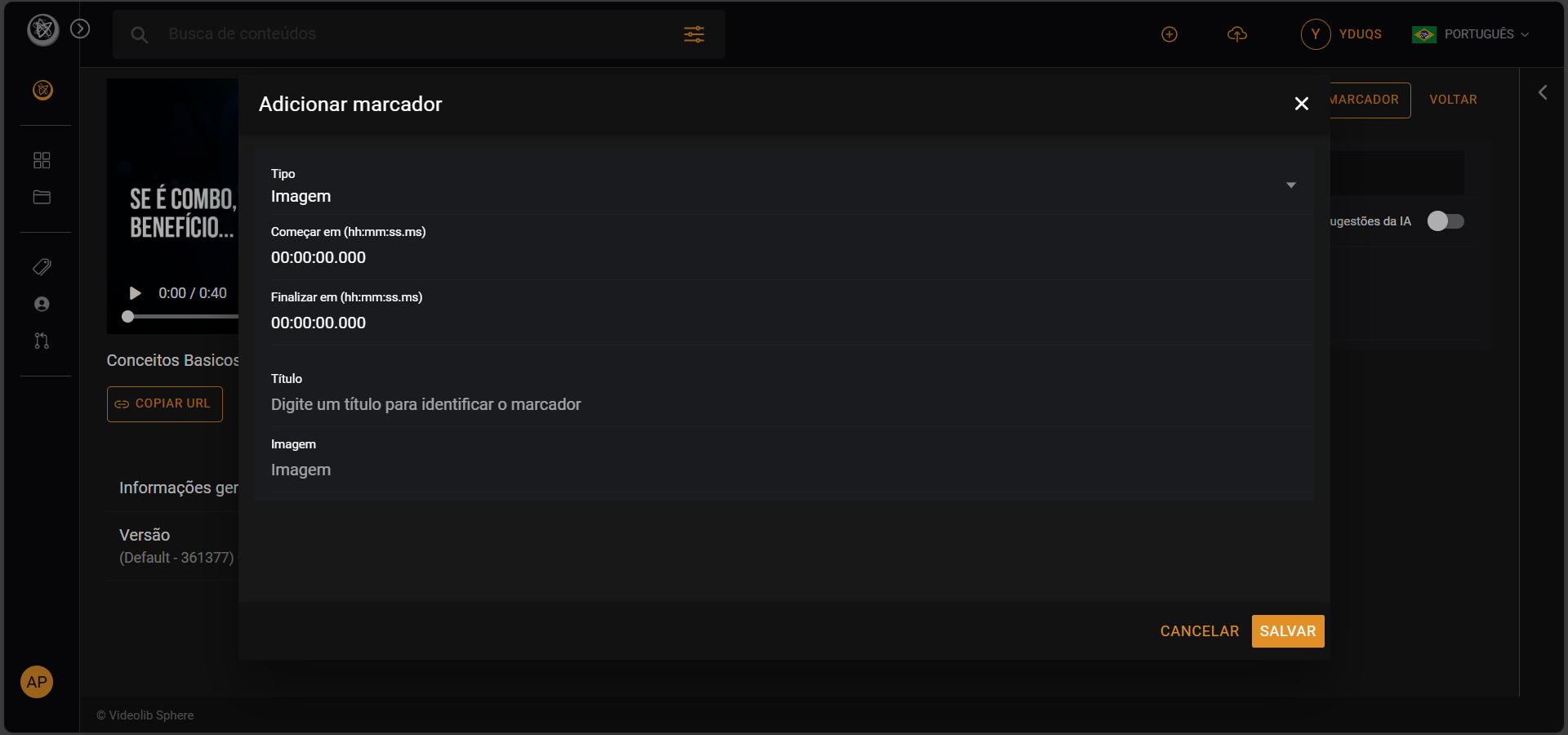
- Choose marker type: Text, Image, or Question.
- Fill in required fields and click Save.
Cognitive Analysis
- Face detection (personalities)
- Keyword detection
- Image analysis
- Topic analysis
Keyword Search
- Use search:
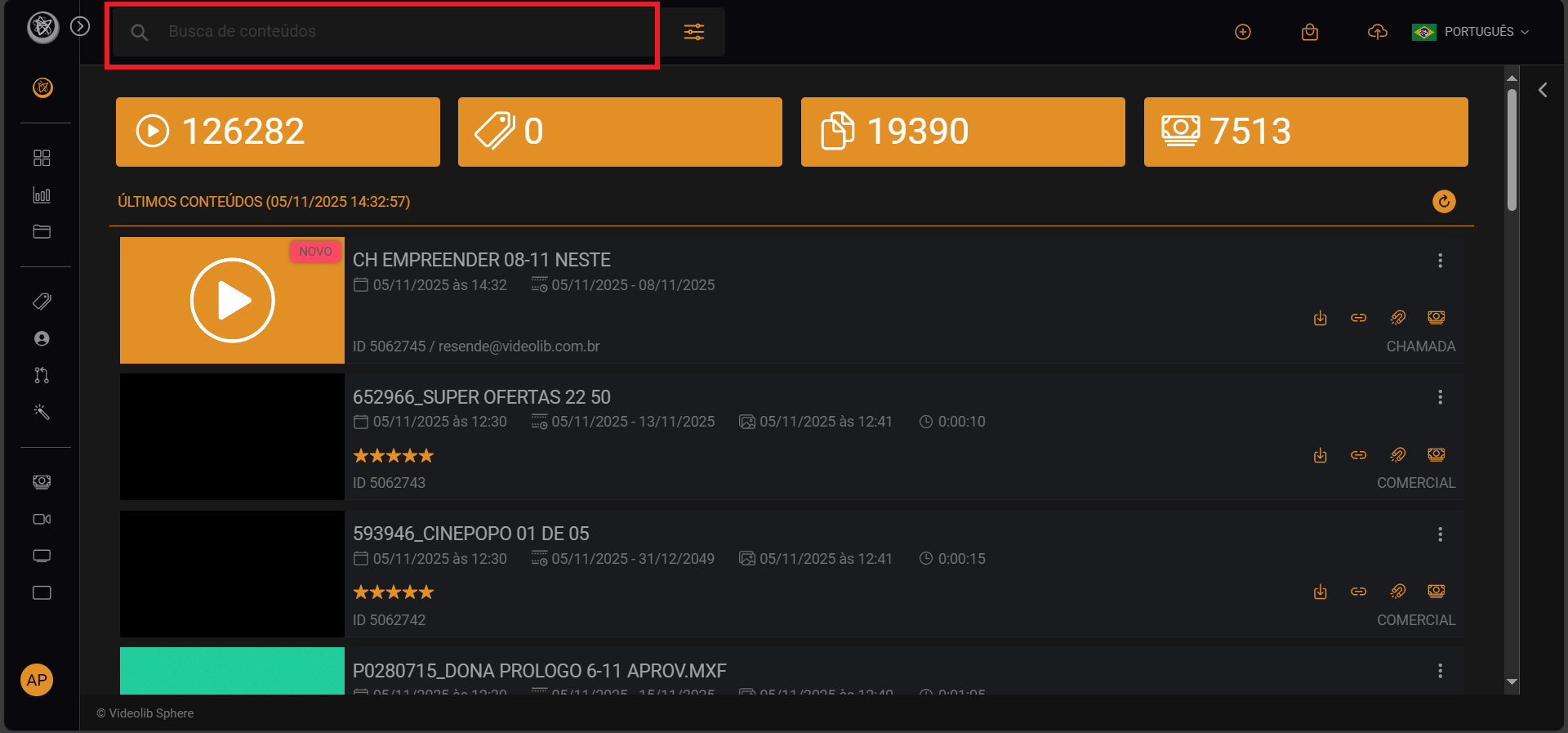
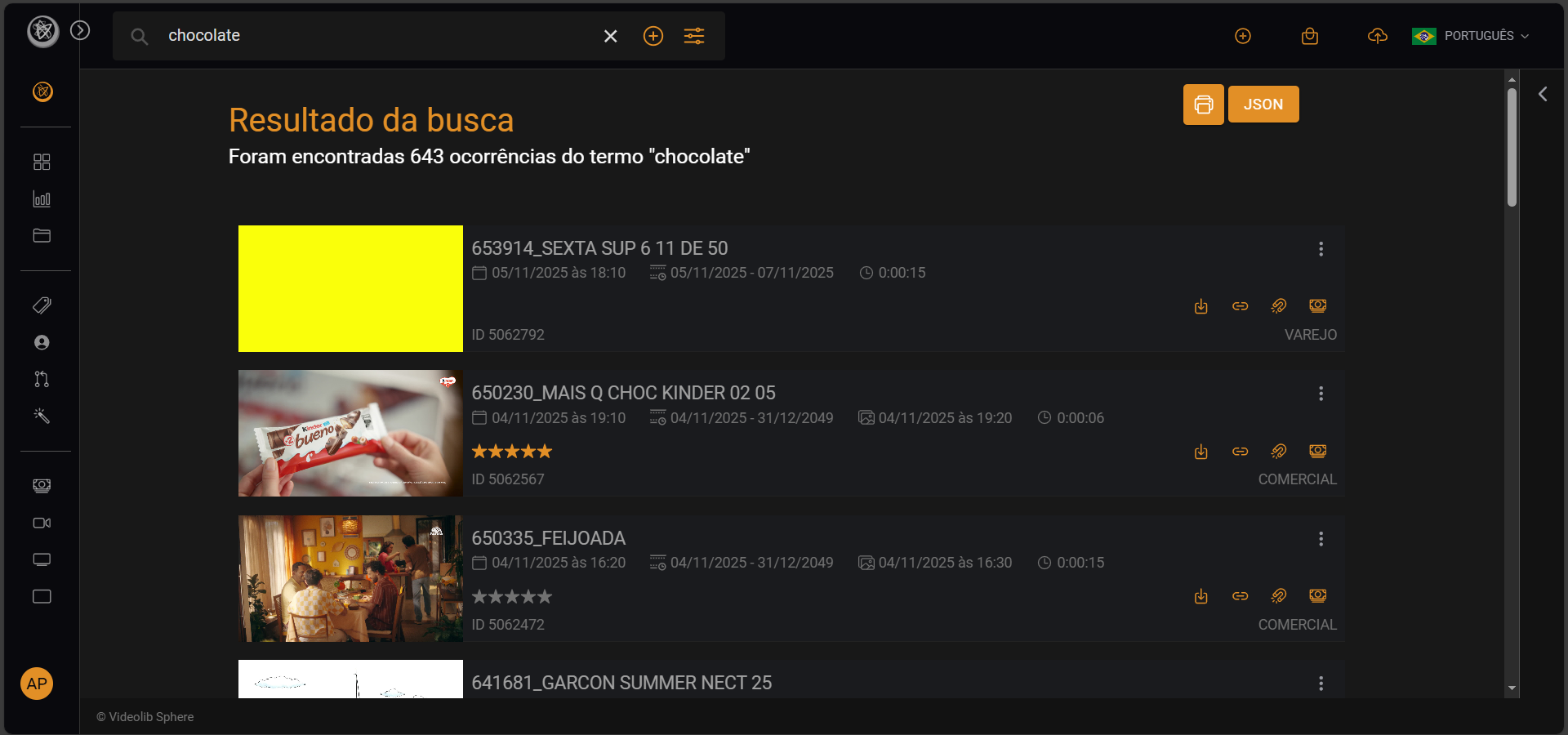
- Enter a keyword and press Enter to show results.